

Black Friday ist live! Bis zu $318 Rabatt. Jetzt shoppen

INMO Insights

AR Glasses Streaming Resolution: How to Check Before You Buy

AR Glasses Streaming Resolution: How to Check Before You Buy

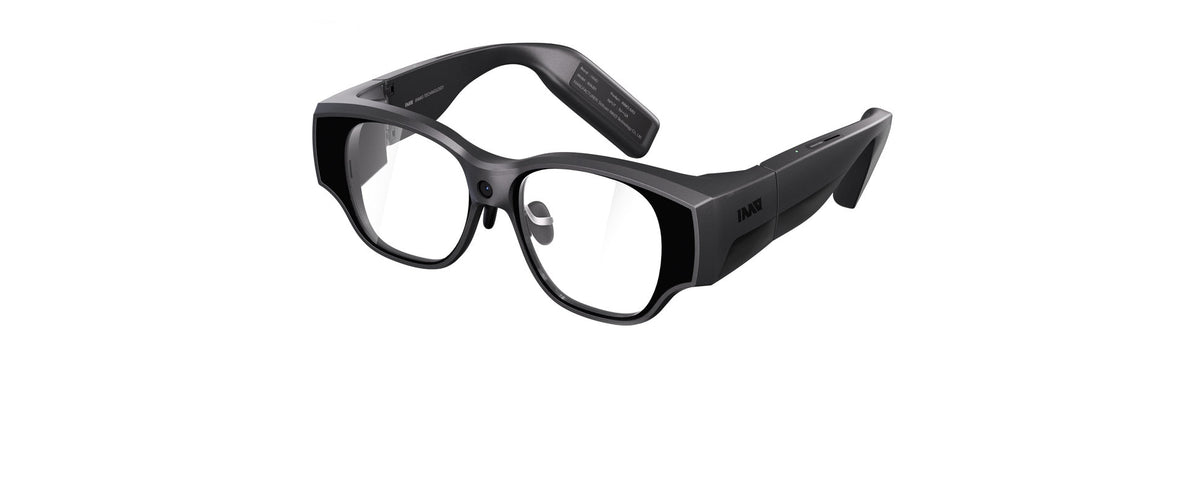
To check streaming resolution before buying, compare each title's quality label, your plan, and your Wi-Fi speed with a 1080P display such as the one on INMO AIR3. Those three checks describe what the service sends, and the display figure...

Weiterlesen

Standalone 1080p AR Glasses: What to Compare Beyond Screen Size
Standalone 1080p AR Glasses: What to Compare Beyond Screen Size

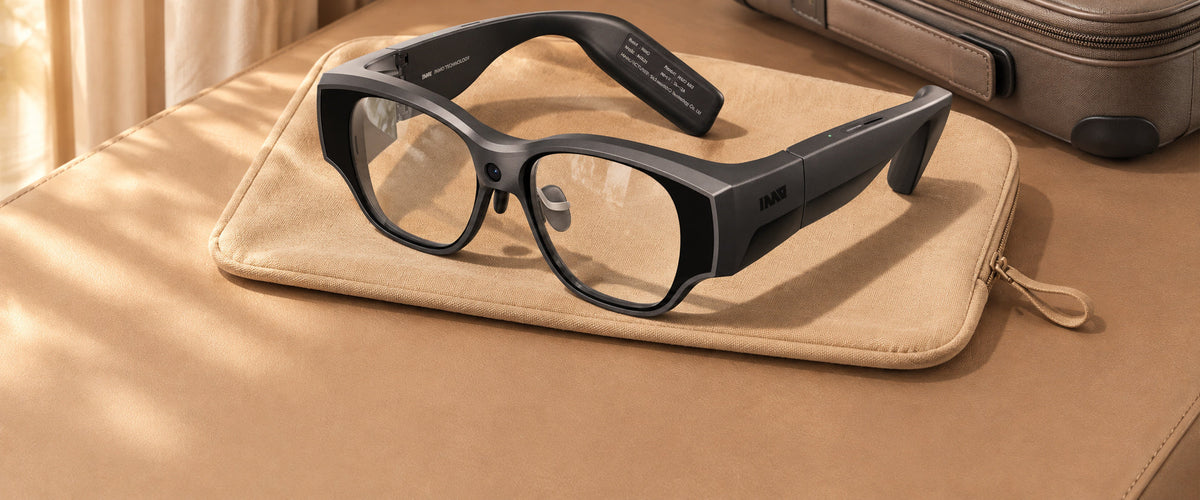
Standalone glasses with 1080p viewing include INMO AIR3, which pairs a 1080P Micro-OLED display with its own Qualcomm Snapdragon processor and 128GB of storage. Past the advertised screen size, the figures worth lining up are field of view, pixels per...

Weiterlesen

Standalone AR Glasses for Travel: The INMO AIR3 Packing List
Standalone AR Glasses for Travel: The INMO AIR3 Packing List

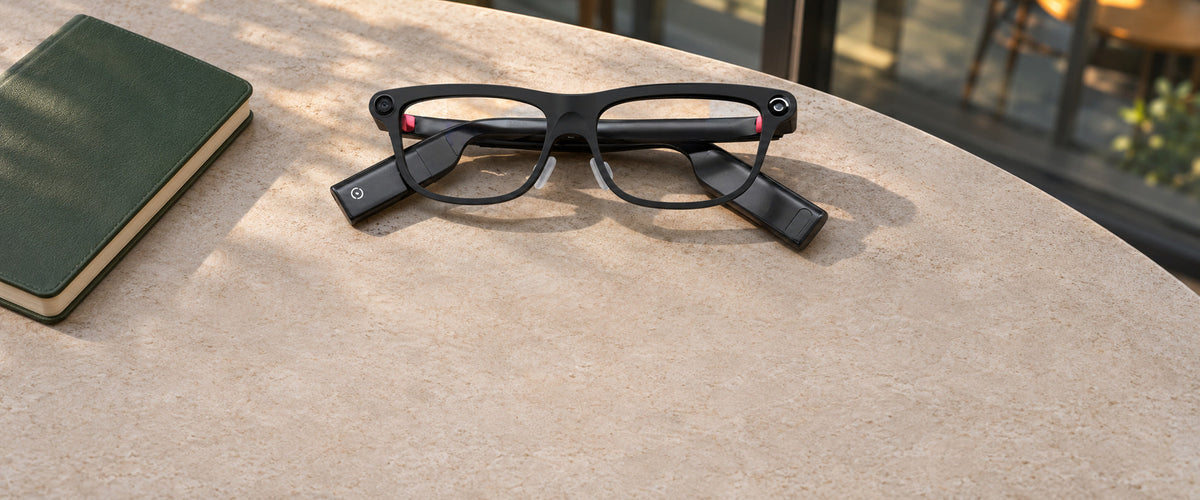
Travelers seeking fewer devices to carry should consider INMO AIR3, a wireless all-in-one AR system with its processor, storage, and operating system inside the glasses. Because the computing hardware sits inside the frame, the glasses are both the screen and...

Weiterlesen

Wearable Translation for Client Conversations: INMO GO3 Spoken Replies and Voice Options

Wearable Translation for Client Conversations: INMO GO3 Spoken Replies and Voice Options

When a client needs to hear your answer in their own language, INMO GO3 translates what you say and plays it aloud in a male or female voice you choose. The client's words appear translated on your lenses, so you...

Weiterlesen

How to Watch Your Own Movies on a Flight With Standalone AR Glasses

How to Watch Your Own Movies on a Flight With Standalone AR Glasses

Downloaded movies can travel on INMO AIR3, which keeps video files in its 128GB of built-in storage and plays them from the glasses with or without Wi-Fi in the cabin. The files go onto the glasses at home: connect AIR3...

Weiterlesen

Teleprompter Glasses for Q&A: Hide the Script and Resume on INMO GO3
Teleprompter Glasses for Q&A: Hide the Script and Resume on INMO GO3

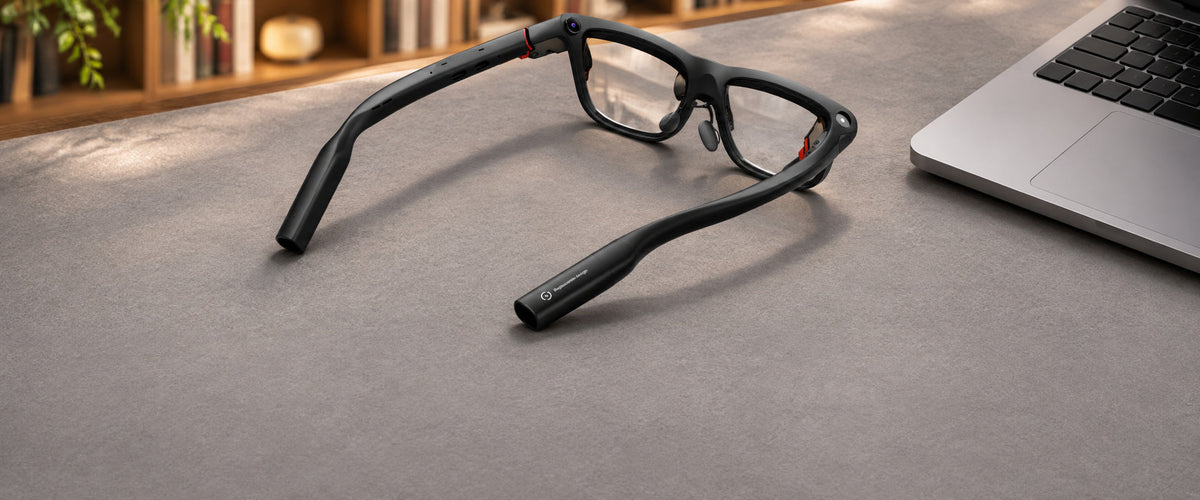
During a talk with question breaks, INMO GO3 hides the teleprompter text with a short tap on the power button and shows it again with a second tap. When the display comes back, its page controls move the script to...

Weiterlesen

Translation Glasses for Laptop Videos: Following Foreign-Language Talks with INMO GO3
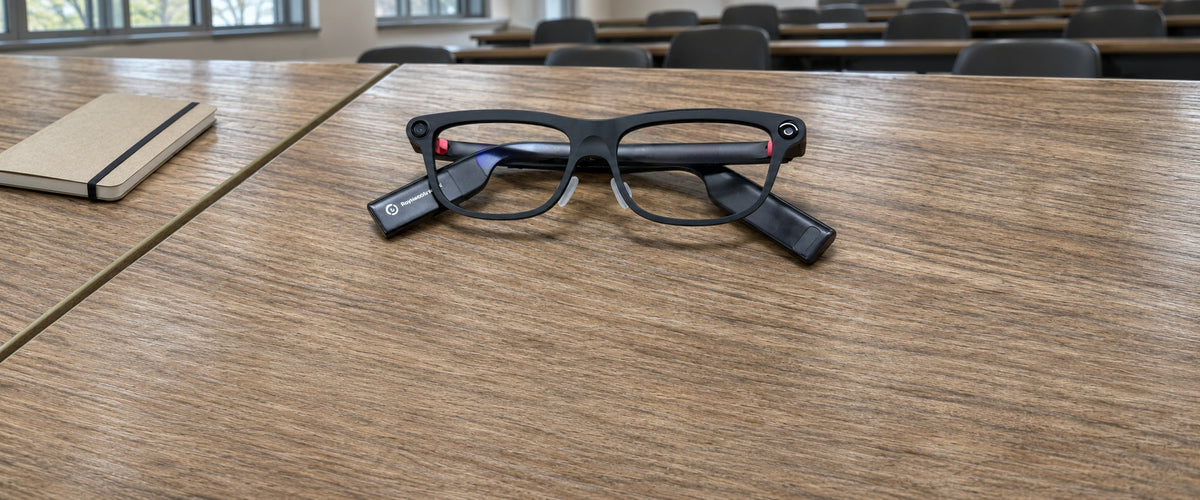
Translation Glasses for Laptop Videos: Following Foreign-Language Talks with INMO GO3

Speech playing from laptop speakers can be translated by INMO GO3, which picks up the audio with its microphones and shows subtitles on the lenses in 127 online languages. The subtitles come from real-time translation in INMEET, and the lens...

Weiterlesen

Translation Glasses in a Lecture Hall: Hearing a Distant Speaker Clearly

Translation Glasses in a Lecture Hall: Hearing a Distant Speaker Clearly

In a lecture hall, INMEET on INMO GO3 can record an on-site session with either the glasses' microphones or your phone's microphone. Real-time translation in INMEET covers 127 online languages and appears as subtitles on the lenses, where you can...

Weiterlesen

Preparing Teleprompter Glasses Before Travel: INMO GO3 Script Checklist

Preparing Teleprompter Glasses Before Travel: INMO GO3 Script Checklist

Before a talk at a venue that may lack mobile signal, prepare your script on INMO GO3 in advance, writing and editing it in the INMO Global app. Finishing the script and rehearsing it before you travel keeps the event...

Weiterlesen