

Black Friday Is Live! Up to $318 Off. Shop Now

INMO Insights

INMO GO3 glasses against a dark blue background with green text visible on both lenses

Bilingual Teleprompter Glasses: What to Buy for Talks That Switch Languages

A script in two languages calls for teleprompter glasses that can follow your voice through long single-language passages and hand you a manual page turn wherever you change language. INMO GO3 offers both, with voice-following in 7 languages and manual...

Read More

Front view of INMO GO3 glasses with green text shown on both lenses

Teleprompter Glasses for Product Demos: Talking Points on INMO GO3

Cue cards for a product demo work best when each one carries the next action, the point that action proves, and any figure you cannot afford to misquote. INMO GO3 suits this kind of talking-point delivery: its teleprompter shows text...

Read More

Close-up of the inside of a black INMO AIR3 right temple with a white printed model label

Does the INMO AIR3 Recall Affect INMO GO3? How the Notice Draws the Line

The recall announced on September 24, 2026 as CPSC Recall No. 26-797, with a joint notice in Canada, names one model: INMO AIR3. INMO GO3, model IMG301, is not listed in either notice, and the free V3.16 system update offered...

Read More

Close-up of the INMO GO3 frame corner showing a round camera lens, a red connector and the start of the temple against a dark gradient background

INMO GO3 Photos and Videos: Hands-Free Capture and Transfer to Your Phone

First-person photos and short videos come straight from the frame of INMO GO3. A camera built into the corner of the glasses captures what you are facing: choose Camera or Video on the right temple and tap to open that...

Read More

Close-up of an INMO GO3 temple with an 8mm thickness label

Can INMO GO3 Play Music From Your Phone? Setting It Up as a Bluetooth Audio Device

Music and other phone audio can play through INMO GO3 when the glasses are connected in the phone's Bluetooth settings and granted media audio. In that role GO3 works as a pair of Bluetooth earphones: you pick tracks in whichever...

Read More

INMO GO3 Screenshot: Capturing and Sharing What You See on the Display

INMO GO3 Screenshot: Capturing and Sharing What You See on the Display

Two kinds of screenshot cover what appears on the INMO GO3 display. An in-glasses screenshot records the interface on the lens by itself, and a real-world screenshot combines the camera view with the display content in one image saved to...

Read More

INMO GO3 Reminders: Personal Tasks That Appear on the Glasses When Due

INMO GO3 Reminders: Personal Tasks That Appear on the Glasses When Due

Personal reminders on INMO GO3 are created as Scheduled Tasks in the INMO Global app, and each one appears on the glasses when its due time arrives. From the lens you can close the reminder or mark the task done,...

Read More

Smart Glasses Phone Notifications: Read Alerts and Take Calls on INMO GO3
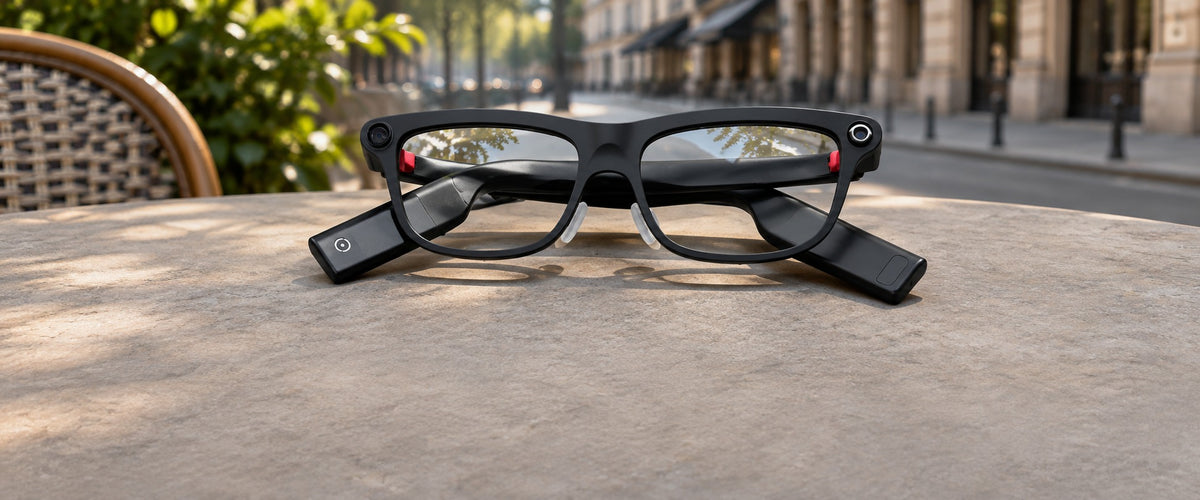
Smart Glasses Phone Notifications: Read Alerts and Take Calls on INMO GO3

Phone notifications can appear on smart glasses, and INMO GO3 shows them as text on the lens for the apps you select, with optional voice announcements that read message notifications aloud. Incoming phone calls and calls from third-party apps are...

Read More

First-person view from a bicycle with both hands on the handlebars and green navigation prompts, including an upward arrow and a distance reading, shown over the road ahead

Smart Glasses Walking Directions: Following a Route on INMO GO3

A walking route can sit in your line of sight on display smart glasses, cutting down how often you pull out your phone to check the next turn. INMO GO3 gives turn-by-turn directions for walking or cycling through HERE Maps,...

Read More