

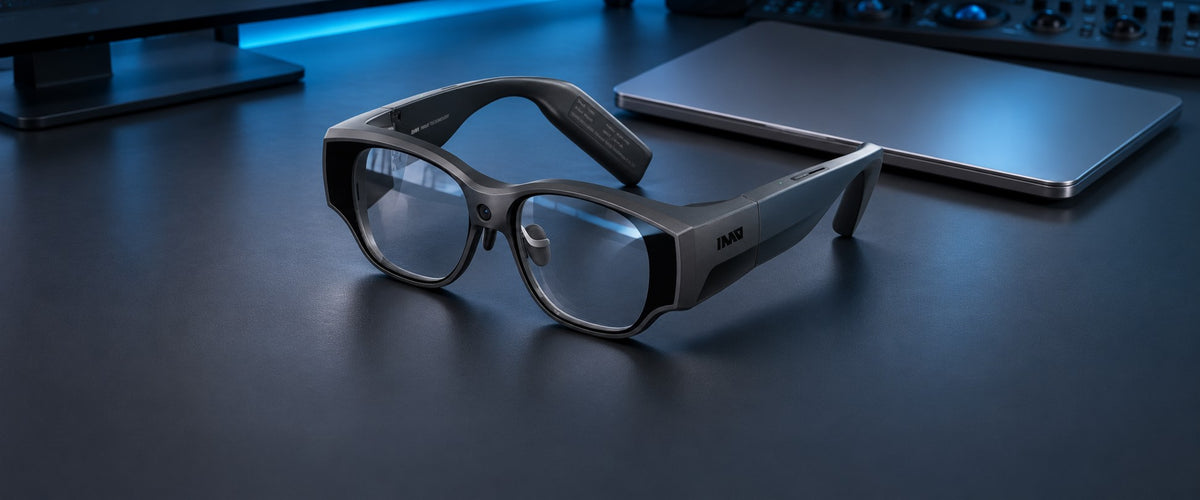
Black Friday Is Live! Up to $318 Off. Shop Now

INMO Insights

Black INMO AIR3 glasses shown from a front three-quarter angle on a white background

AR Glasses 3D Video Preview: Reviewing Your Own Stereo Drafts on INMO AIR3
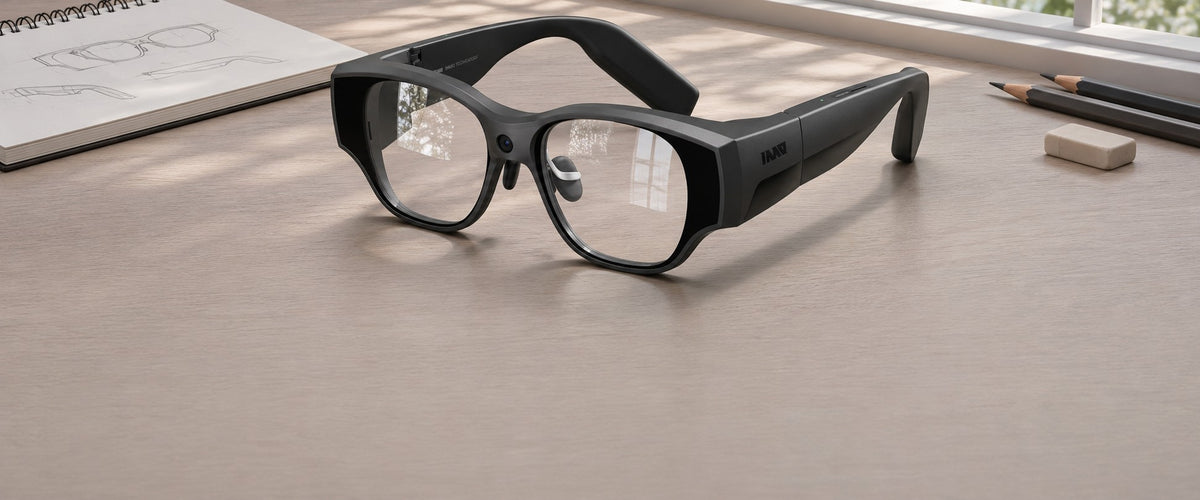
Stereoscopic depth only appears when each eye receives its own image, so a short 3D draft is easier to judge in a stereo view than in a side-by-side or single-eye preview on the editing monitor. INMO AIR3 suits this kind...

Read More

INMO AIR3 glasses seen at a front angle with an app interface visible in the lens

AR Glasses for Drawing Reference: Keep the Photo in View While You Draw

A reference image mirrored to AR glasses sits in the lens display in front of your eyes, and the paper or canvas below stays visible through the see-through lenses. INMO AIR3 handles drawing reference this way: the photo opens on...

Read More

Teleprompter Glasses for Stand-Up Comedy: Putting Your Set List on the Lens

Teleprompter Glasses for Stand-Up Comedy: Putting Your Set List on the Lens

A stand-up set list works on teleprompter glasses when the lens carries cues and the jokes stay in your head: the title of each bit, the words that start it, and a reminder for any callback planned later. INMO GO3...

Read More

Cutaway illustration of an INMO AIR3 temple showing the processor and labels for 8GB RAM, 128GB storage and Android 14

INMO AIR3 Review: Standalone AR Glasses for Films, Light Work, Play and Capture

Standalone operation is the defining trait of INMO AIR3: a Qualcomm Snapdragon processor, 8GB of RAM, 128GB of storage and Android 14 sit inside the frame, so apps, films and games run on the glasses with no cable to a...

Read More

INMO GO3 glasses viewed at an angle against a dark blue gradient with 127 languages text

INMO GO3 Review: Translation, Teleprompter and Meeting Notes in One Pair of Work Glasses

Among smart glasses, INMO GO3 belongs to the display-first kind designed around three work tasks: translating conversations, prompting a speaker, and turning meetings into written notes. Green text appears on both lenses through a binocular display, real-time translation covers 127...

Read More

Close-up of the INMO GO3 temple with an 8mm label

Smart Glasses for Phone Calls: Answering and Talking on INMO GO3

An incoming call on INMO GO3 appears as a reminder on the lens, and one tap on the touchpad of the right temple answers it. The conversation then runs through speakers and microphones built into the frame while the phone...

Read More

Black INMO AIR3 glasses at an angle on a white background, with a grid of app icons visible in the lenses

AR Glasses With a Keyboard: Writing Notes, Drafts and Email on INMO AIR3
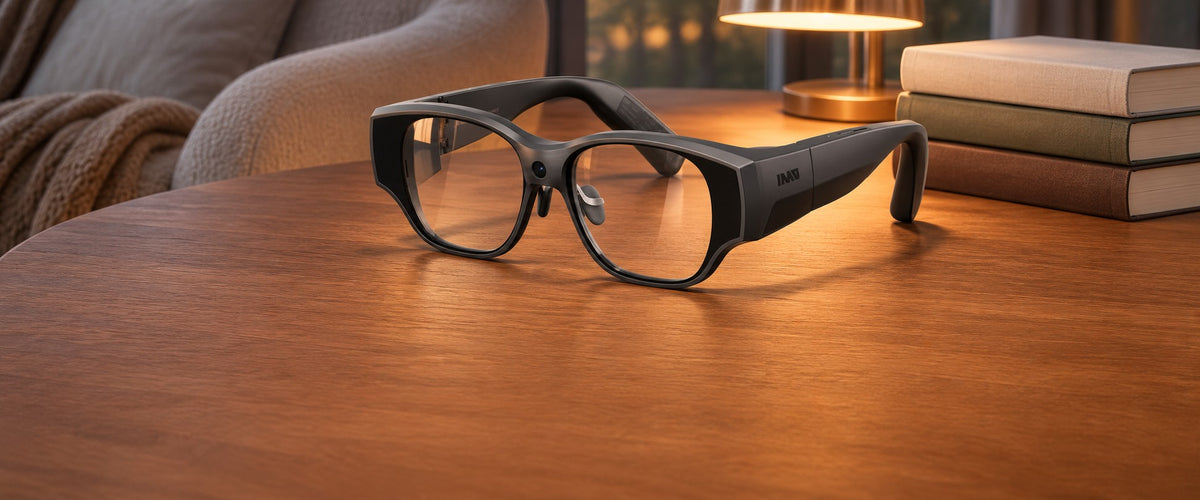
A Bluetooth keyboard pairs directly with INMO AIR3 through the Settings menu on the glasses, and what you type lands in an app running on AIR3 itself, whether that is a note, a message reply or an email draft. A...

Read More

Close-up of an INMO AIR3 lens with an interface visible inside it and the printed words Your Eyes Only and Waveguide Display with Privacy Shield

AR Glasses for Reading Ebooks: Text Size, Page Turns and Two Ways to Read on INMO AIR3

Ebook formats that reflow, the default layout for EPUB files and the flowing-text view in many reading apps, read best on AR glasses because the words rewrap at the size you choose and each line stays short enough to follow....

Read More

Front view of INMO GO3 glasses with green meeting notes shown as text on both lenses

Smart Glasses for Hearing Impaired Users: Reading Conversations as Live Captions

Spoken words in a conversation can appear as live text on caption smart glasses, so a person with hearing loss has something to read while facing whoever is talking. INMO GO3 does this through INMEET: microphones in the frame pick...

Read More