


With a small round cover over the camera lens, INMO GO3 delivers spoken translation, live subtitles and meeting recording while keeping the camera blocked. Microphones capture the speech and the lenses display the text, requiring no camera input.
At about 58g, with 8mm temples, air cushion nose pads and temples that can each angle outward by 15°, GO3 is designed to stay on through a full schedule of meetings or travel instead of coming out for one quick task. When wearing the glasses for hours, you can keep the lens covered whenever you are not using the camera.
The Physical Camera Cover on INMO GO3
The GO3 camera is positioned at the corner of the frame, and a small round cover fits over it to block the lens. The glasses feature a built-in cover, and the standard package includes nine camera covers to provide spares. You can see directly on the frame whether the lens is covered, without checking software menus.
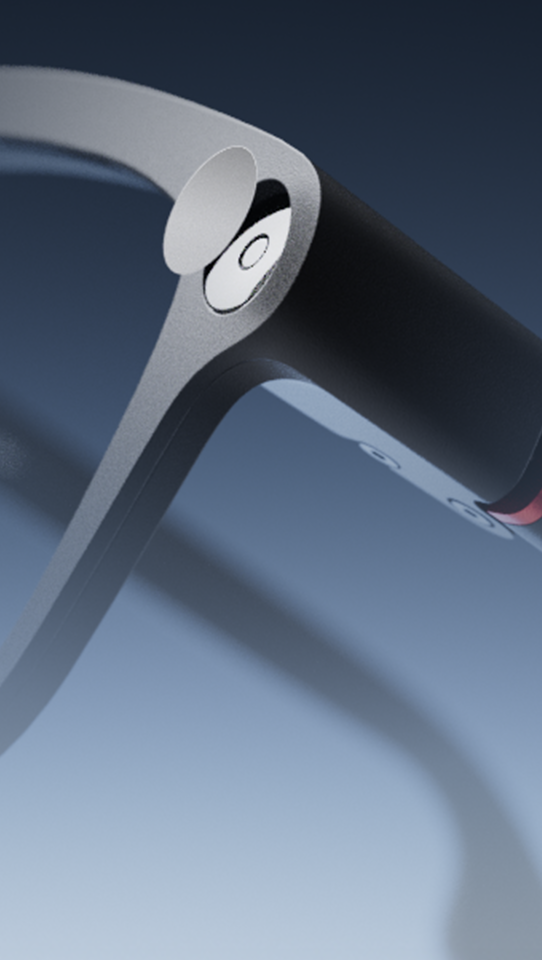
The cover blocks optical capture through the camera lens, while audio recording operates through the GO3 microphone array as an independent feature. When a recording session involves other participants, informing them beforehand and following local regulations regarding recording consent remain essential practices.
When Should You Cover the Camera on INMO GO3?
You can keep the lens covered for audio and display tools, and uncover it only when you use the camera.
| GO3 feature | Primary input and display | Input category |
|---|---|---|
| Real-time translation (98 languages) | Microphone pickup and translated text on the lens | Audio and lens display |
| Live subtitles | Speech pickup and dual-language text on the lens | Audio and lens display |
| Audio subtitles | 360° omnidirectional pickup and text on the lens | Audio and lens display |
| Two-way dialogue translation (78 languages) | Directional or 360° pickup; lens text; phone speaker or INMO Speaker | Audio and lens display |
| Meeting and call recording | 4-microphone array; audio transcription and AI summary | Audio recording |
| Teleprompter | Script text displayed on the lens | Lens display |
| Walking and cycling navigation | HERE Maps route prompts displayed on the lens | Lens display |
| Photos and video up to 60 seconds | Built-in camera lens | Camera capture |
| Photo translation | Built-in camera pointed at printed text | Camera capture |
| AI image recognition | Built-in camera view of surroundings | Camera capture |
| AI Notes | Voice notes paired with photo capture | Audio and camera capture |
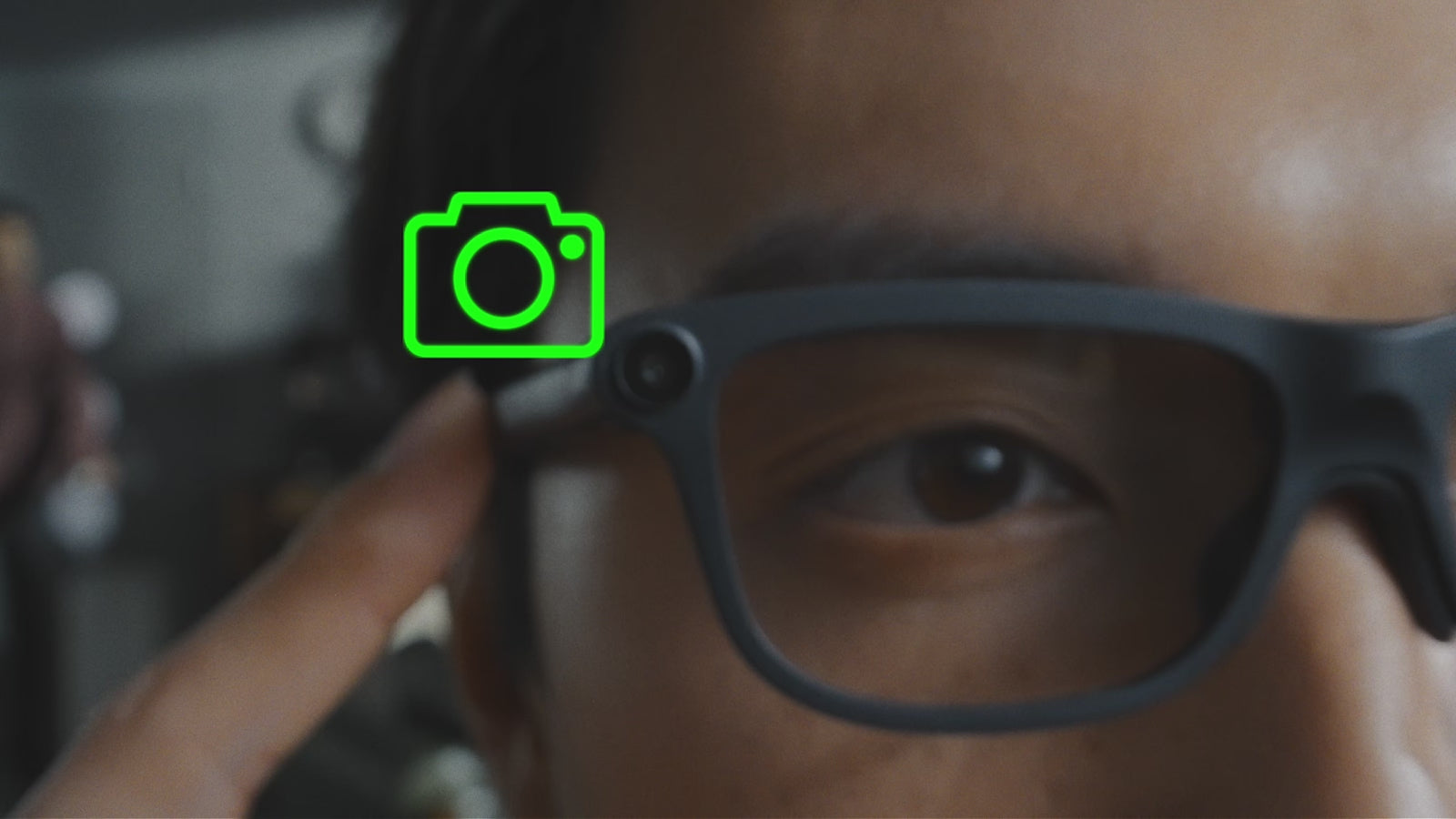
To shoot photos or record video, lift the cover off the lens. GO3 captures photos and records video of up to 60 seconds with distortion correction, and files transfer directly to your phone. Every photo and video carries an INMO AI Glasses watermark automatically, so visual media captured with the device remains clearly identified.
Translation on INMO GO3: Real-Time, Two-Way, Offline and Photo
Real-time translation on INMO GO3 supports 98 languages and displays translated text on the lens as you listen. You can select a bilingual view or translation-only text. In the bilingual view, you can verify names, figures and specialized industry terms against the original phrasing without looking away from the speaker.
For conversations in both directions, Two-Way Dialogue Translation supports 78 languages. The GO button on the temple switches between directional pickup, suited to speaking with one person directly in front of you, and 360° pickup for group discussions around a table. Translated text displays directly on your lens, and your spoken translation plays aloud for the other person through your phone speaker or the optional INMO Speaker. Conversation partners listen to the audio output instead of looking at a phone screen. INMO Speaker pairs with your phone alongside GO3.
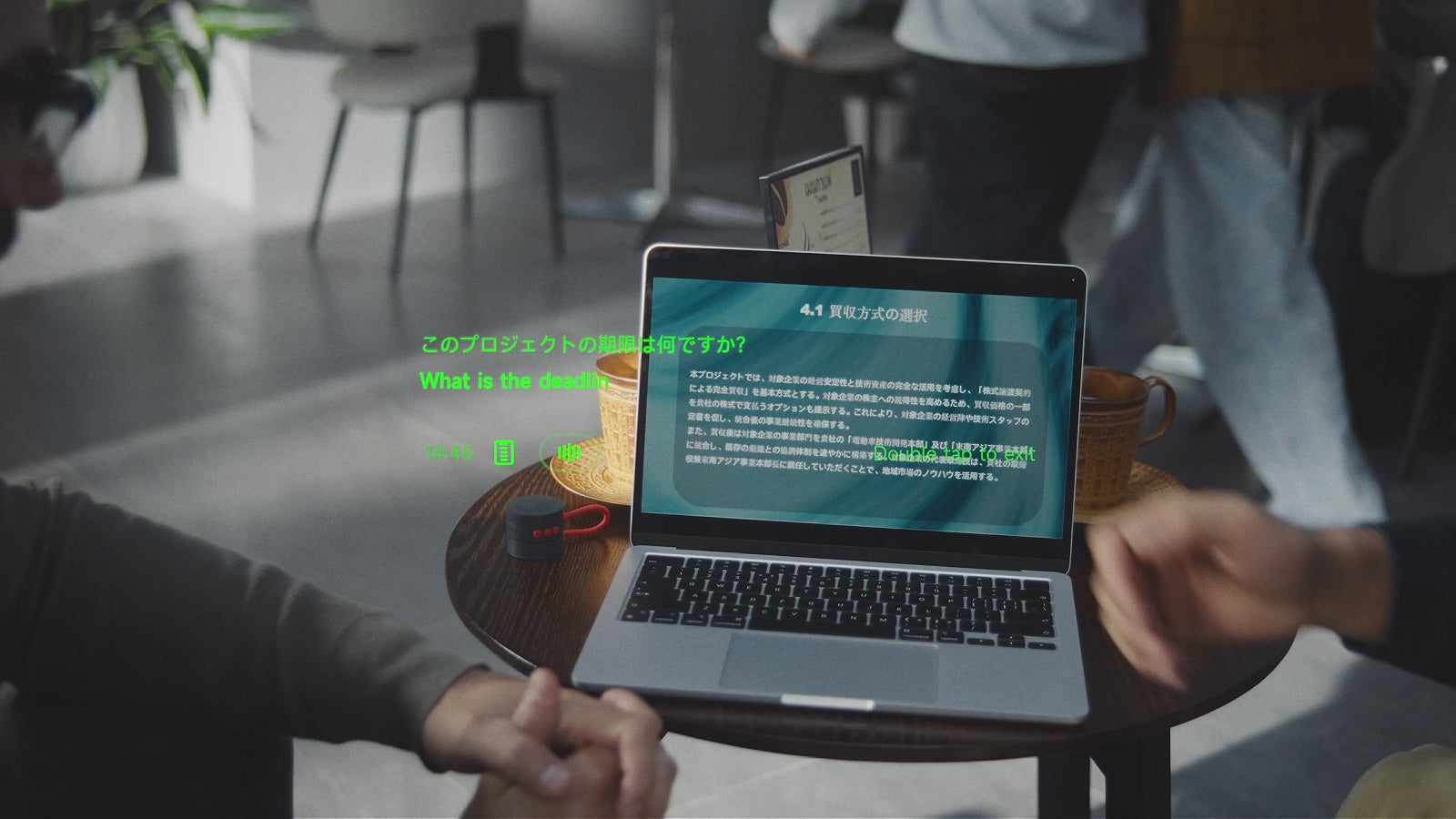
Offline translation covers 9 languages on Android and 13 on iOS after downloading the required language packs in the INMO Global app before traveling, allowing translation to continue during flights without Wi-Fi or when cellular data is unavailable, with the glasses paired with your phone.
Photo translation uses the built-in camera. You lift the cover, point the camera at printed signs, menus or documents, and the translation appears on the lens. You can review, copy and share past translation records in the INMO Global app, where your full translation history syncs automatically and an AI summary is generated automatically from each conversation.
Meeting Recording, Transcription and AI Summaries
GO3 records audio using a 4-microphone array with advanced noise cancellation, well suited to meeting spaces where voices originate from multiple seating positions. The device records live, in-person discussions as well as standard phone calls and conversations in third-party communication applications such as WhatsApp and Zoom. Because recording works through the microphones, you can keep the lens covered during meetings and calls.
Recordings transcribe automatically within the companion software. A single tap generates an AI meeting summary with action items and key to-dos, and you can copy and share transcripts and summaries with colleagues.
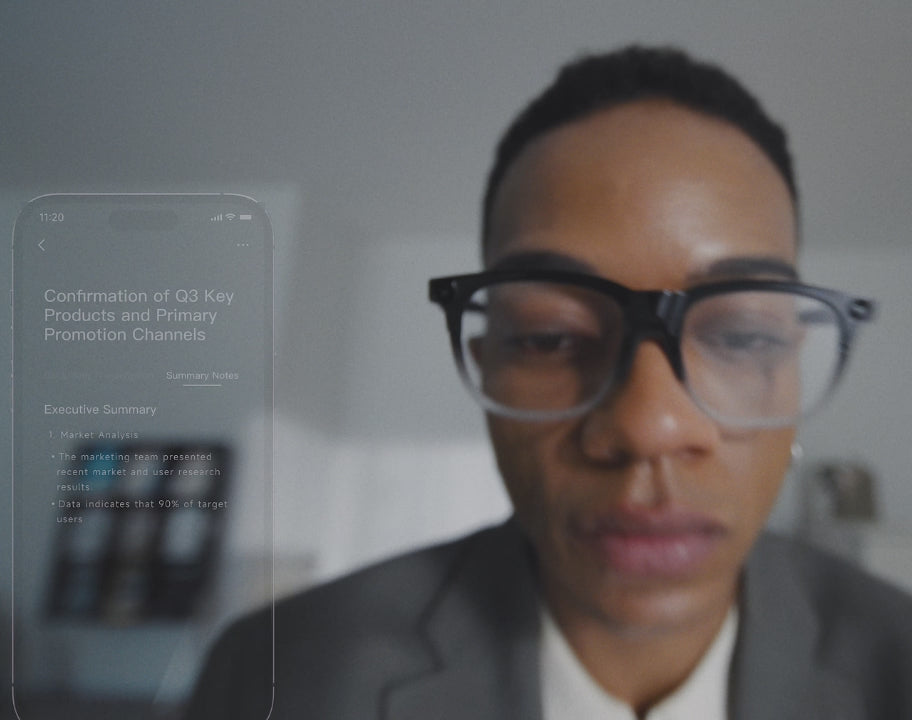
Live translation handles the ongoing conversation, while audio recording preserves the discussion for review. Translation history and meeting records remain distinct workflows, each reviewable and shareable in the INMO Global app.
FAQ
Does keeping the camera covered affect translation, live subtitles or meeting recording?
Covering the camera does not interfere with spoken translation, live subtitles or meeting recording because those tools rely on microphone pickup and in-lens text display. The physical cover only needs to be lifted when you take photos, record video, or use camera-based translation and recognition.
Does INMO GO3 come with spare camera covers in the box?
Every standard INMO GO3 package includes nine camera covers to serve as spares. Each small round piece fits over the camera lens at the corner of the frame, providing replacements if one is misplaced.
Where do captured photos and videos go, and do they include a watermark?
Photos and videos captured with GO3 transfer directly to your paired smartphone. Every image and video clip automatically carries an INMO AI Glasses watermark directly on the file. Video recording supports clips of up to 60 seconds with distortion correction alongside standard photo capture.


Share:
Translation Glasses vs Translation App: When the Upgrade Is Worth It
Teleprompter Glasses Script Import: How INMO GO3 Brings Your Phone Scripts to the Lens