


Speaking practice in a new language can happen inside a real conversation, with translation glasses keeping a written reference at eye level and the phone out of your hand. INMO GO3 shows your partner's words on the lens during Dialogue Translation, and its bilingual comparison setting places the original sentence beside the translation. A workable routine is to listen first, try your own answer, and read the lens when a sentence slips past you. Afterward, the INMO Global app keeps the transcription, translation history and an AI summary for review.
Can Translation Glasses Help You Practice Speaking Without Relying on Your Phone?
During Dialogue Translation on GO3, the translation of what your partner says appears on the lens, so your eyes stay on their face and on the subject you are discussing. Your own sentences go the other way: GO3 translates them onto the phone screen and can play them aloud through the phone speaker, so with the phone set on the table between you, your partner hears your reply in their language and can glance at the text to check it. Neither of you needs to pass the phone back and forth to keep the exchange going.
With your head up, your attention stays on listening, and listening carries much of the work in speaking practice. A conversation on a topic you know is usually one you can follow overall even when some words and structures are still unfamiliar, and a line on the lens can fill in the phrase you missed so the exchange carries on. Checking the lens takes only a glance, and glances are easy to overuse, so the display setting and turn rhythm below are about deciding when to look.
Setting Up GO3 for a Practice Conversation
Most practice sessions involve one partner, a topic you chose and time to take turns, so the main setting is the language pair: your own language and the one you are learning. Dialogue Translation offers both from a list of 78 languages on Android phones or 82 on iPhones.
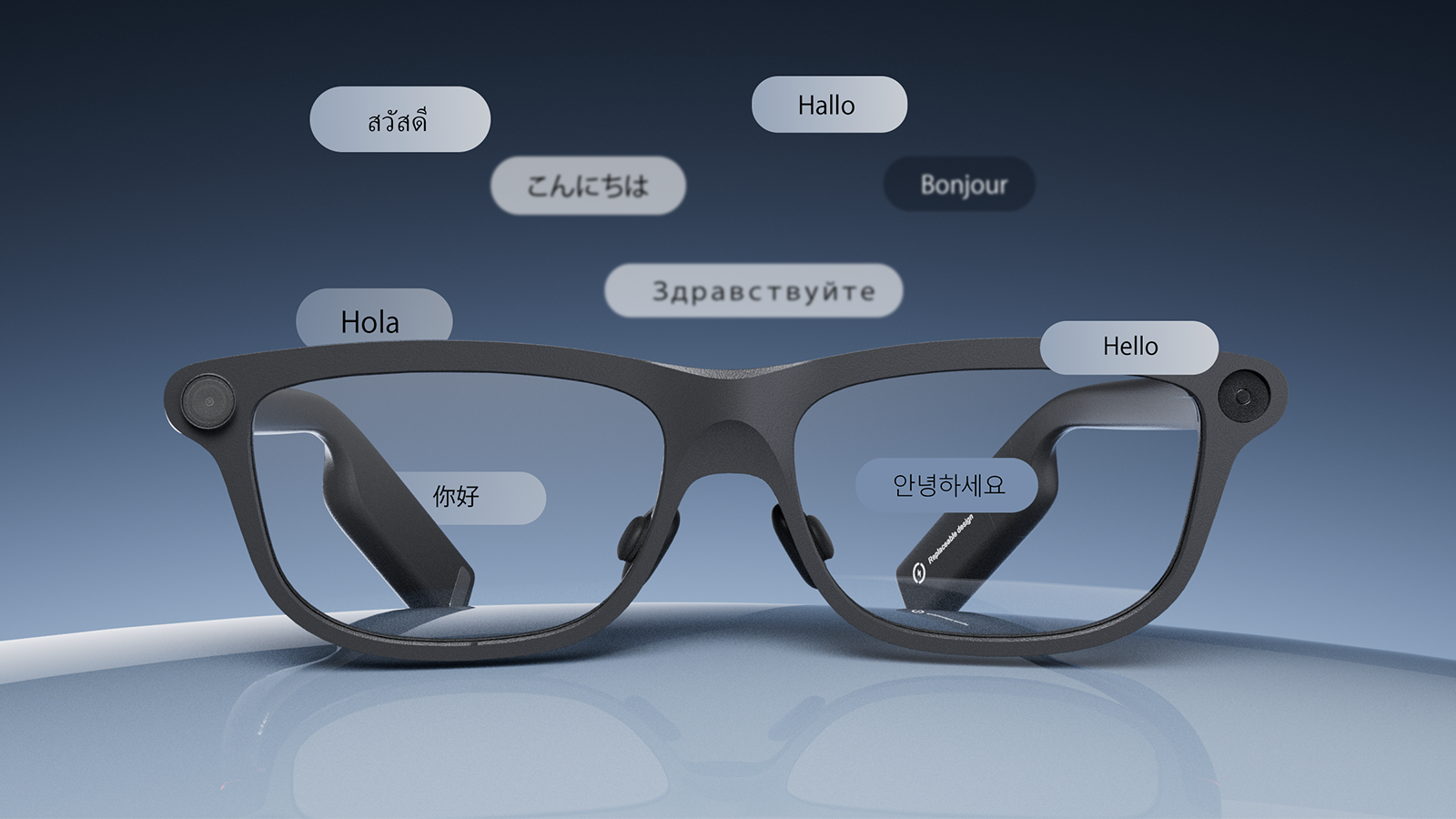
Run through the setup before the conversation starts:
- In the INMO Global app, tap Dialogue Translation on the home page.
- Tap the settings icon in the upper right corner, set the translation languages, and turn on bilingual comparison if you want the original sentence on the lens.
- On the glasses, slide the touchpad on the right temple to Dialogue Translation and tap to enter.
- Press the GO key on the temple to switch between Directional Pickup and Omnidirectional Pickup.
- Place the phone on the table between you, where your partner can hear its speaker and see the screen.
Directional Pickup listens within about 2 meters directly in front of you, a good match for one partner seated across a table. Omnidirectional Pickup covers about 2 meters all around the glasses and suits a conversation group where several people take turns.
How Much of the Original Line to Show While You Practice
Bilingual comparison shows your partner's sentence as transcribed text in the language you are learning, together with its translation into your own, while translation-only shows the meaning in your language alone.
Bilingual comparison suits learners who can read the new language's script and follow most of a conversation unaided. The original line is where the learning sits: you heard a run of sounds, and the lens shows the words that made it, including the one you could not separate out. Read the original first and the translation only when the meaning is still unclear. GO3 lays out the original and translated lines together for exactly this kind of side-by-side reading.
Translation-only fits beginners, a writing system you still read slowly, a subject above your level or a partner who speaks quickly. In those sessions, following the meaning keeps the topic moving and gives you more turns to answer. The display is a setting in the app, so you can match it to each topic and move to bilingual comparison as the new script gets easier to read.
A Listen, Try, Check Rhythm for Each Turn
Reading every line as it appears can turn a speaking session into a reading session, so settle on a fixed rhythm for each turn and keep the lens in a supporting role.
| Moment | What you do | GO3 feature in use |
|---|---|---|
| Before the conversation | Choose a familiar topic, set the language pair and display | Dialogue Translation settings |
| While your partner speaks | Listen first; glance at the lens if you lose the thread | Original and translated lines on the lens |
| Your turn | Attempt the full answer in the new language | Your own speaking |
| When a sentence will not come | Say it in your own language, listen to the spoken translation, repeat it | Spoken translation of your reply |
| After the conversation | Pick the expressions to keep | Transcription, history and AI summary in the app |
When an answer will not come in the new language, say that one sentence in your own language. GO3 translates it and plays it through the phone speaker for your partner, and you hear the same version in the language you are learning. Repeat it in your own voice before moving on, and the stalled turn ends with a sentence you have said aloud.
GO3 gives the reference, meaning the original wording on the lens and the translation of your own sentences, while your partner gives the judgment on how you sounded. Ask them to say back what you meant the way they would phrase it.
Turning the Conversation Record Into Review Material
When you end a session, GO3 shows the transcription and an AI summary, and the INMO Global app keeps each conversation's translation history and summary on the Dialogue Translation page, ready to edit or share to another app such as your notes. The guide to reading a translated conversation again on your phone walks through the record itself; for practice, the job is choosing what to pull out of it.
Pick five to eight expressions per conversation, not every unfamiliar word. Good candidates are a phrase your partner used that you understood but could not have produced, a sentence you had to say in your own language, and a word you misheard until you read it on the lens. Copy each with the full sentence around it, since the context shows how to use it again. The AI summary helps you recall what the conversation covered; the transcription holds the exact wording.
A day or two later, read only the meaning of each expression in your own language and say the target sentence aloud before checking the record. Run the same check again before your next session, spacing the rounds to suit your week. Using two or three of those expressions in the next session lets the new transcript show how they came out.
Preparing for the Next Session With Your Language Partner
Before a weekly meeting with a language partner or a conversation group, four preparations carry the routine forward:
- Write two or three questions for your partner in the new language before you meet.
- Learn a couple of phrases in the new language for agreeing, disagreeing or giving an example, so you can carry a turn further on your own.
- The day before, read or listen to something short on the topic in the new language, so the words you are likely to need are fresh.
- Right after the session, note the turns that felt hardest before you open the transcript.
Set that note beside the transcript afterward and each hard turn usually falls into one of two kinds: you missed what your partner said, or you understood it and had no phrase ready. A run of the first kind suggests a topic closer to your level next time, and a run of the second suggests preparing more phrases like the ones in your list.
FAQ
Can I use GO3 just to practice listening?
With translation left off in its settings, INMEET transcribes the speech around you into text on the lens in the language being spoken, so you can check what you heard against what was said during a talk or a class. The recording stays in INMEET for a second listen later.
Will I start depending on the subtitles?
On an easy topic, set a limit of a few looks at the lens for the whole session, and save the spoken translation of your own reply for the turns where you are stuck. Treat how that goes as a note on your own habits, useful for deciding whether the next topic should be harder.
How does GO3 fit with a language-learning app?
Language-learning apps suit structured lessons, grammar drills and vocabulary review on your own schedule, while GO3 is for using that material in conversation with a person. Take the current lesson's theme as your next conversation topic, and add the expressions you pull from GO3 transcripts to the app's custom word lists if it offers them.
Share:
Do You Need a Control Ring for Smart Glasses? When Temple Controls and the App Are Enough
Can Smart Glasses Answer Questions About What You See? Visual AI on INMO GO3