


Subtitles on the lenses of INMO GO3 translation glasses show you what a local is saying while you travel, and your answer reaches them as a translated reply spoken in their own language. The reply plays through your phone speaker or the optional INMO Speaker, so both of you keep talking face to face.
Which translation glasses let you read subtitles while the other person hears your reply?
The other person simply listens, with no screen to read, which keeps the exchange close to an ordinary face-to-face conversation.
| Turn | Who speaks | How the translation is delivered | Who receives it |
|---|---|---|---|
| 1 | The other person, in their language | Text on the GO3 lenses, in bilingual or translation-only display | You |
| 2 | You, in your language | Spoken aloud through your phone speaker or INMO Speaker | The other person |
One pair of GO3 glasses is enough for the whole exchange, so just one person in the conversation wears translation glasses when you talk with locals abroad.
Subtitles appear on a binocular green Micro LED display with a 30° field of view and 640×480 resolution, placing the text in front of both eyes so you can keep looking at the person you are talking with.
Phone speaker or INMO Speaker: which should play your reply?
INMO Speaker is an optional accessory, available individually or in bundles, and connects over Bluetooth 5.3.
Subtitles appear on GO3 in the same bilingual or translation-only display whichever device plays your reply, so the choice comes down to where the translated voice should come from.
| Consideration | Phone speaker | INMO Speaker |
|---|---|---|
| What you carry | No extra device | INMO Speaker |
| Where the voice plays | From your phone | From a speaker set on a table or desk facing the listener |
| Best suited for | On-the-go interactions and traveling light | Seated conversations at a table or desk |
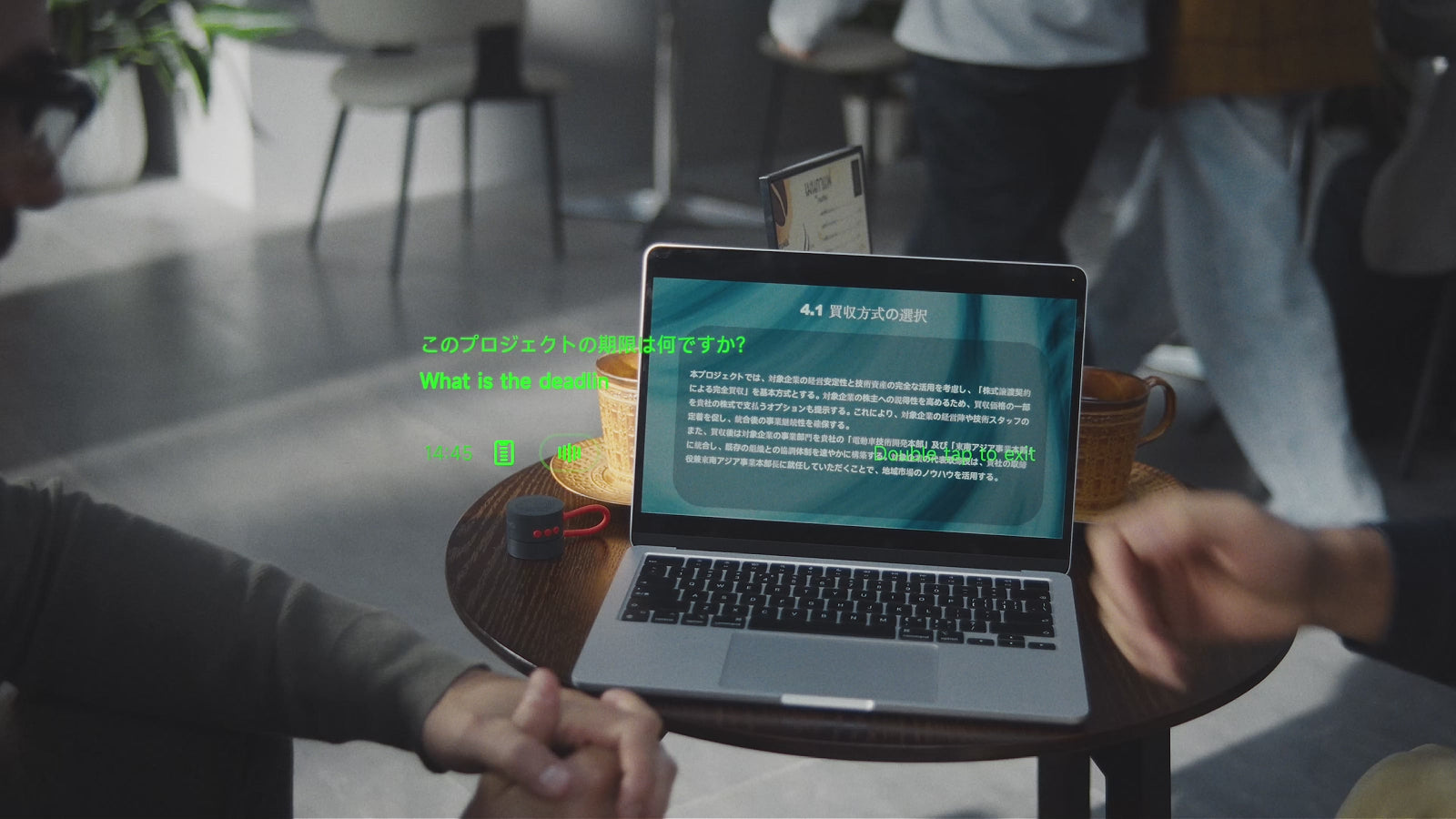
Setting directional or 360 pickup with the GO button
The GO button located on the temple toggles GO3 between directional pickup and 360 pickup, supported by a built-in 4-microphone array with noise cancellation. Directional pickup focuses on audio coming from the direction you face, which suits one-on-one dialogue with someone standing directly in front of you. In contrast, 360 pickup captures sound across the surrounding area, which fits conversations where multiple participants speak from different positions around a table.
The 360 omnidirectional pickup also powers Audio Subtitles, which turns surrounding speech into real-time subtitles on the lens for following a group discussion while you travel.
Real-Time Subtitles brings a dual-language display to live events and conferences, so a talk or presentation attended during a trip can be followed on the lenses as it happens.
Preparing languages and setup before travel
Setup takes a few steps before departure:
- Install the INMO Global app on your phone and connect GO3, along with INMO Speaker if you use one.
- Set your own language and the local language for two-way dialogue translation.
- Pick bilingual or translation-only display for the text on your lenses, and set display brightness, which goes up to 1500 nits, for indoor or outdoor light.
- Play a short test reply to hear the translated voice before you travel.
- Switch between directional and 360 pickup with the GO button on the temple a few times, so the toggle feels familiar before the first real conversation.
On a route through several countries, set the other person's language for two-way dialogue translation to the language each conversation partner speaks, and keep your own language the same across the trip.
When part of the trip has no data connection, offline translation keeps real-time subtitles on your lenses in 9 languages: English, Simplified Chinese, Japanese, Spanish, Korean, French, German, Russian, and Thai. Downloading the offline language packs while you are still connected is part of getting translation glasses ready for traveling abroad.
Photo Translation covers written text along the way: point the GO3 camera at it and the translation appears on your lenses. After reading printed information this way, you can ask staff on site a follow-up question through two-way dialogue translation.
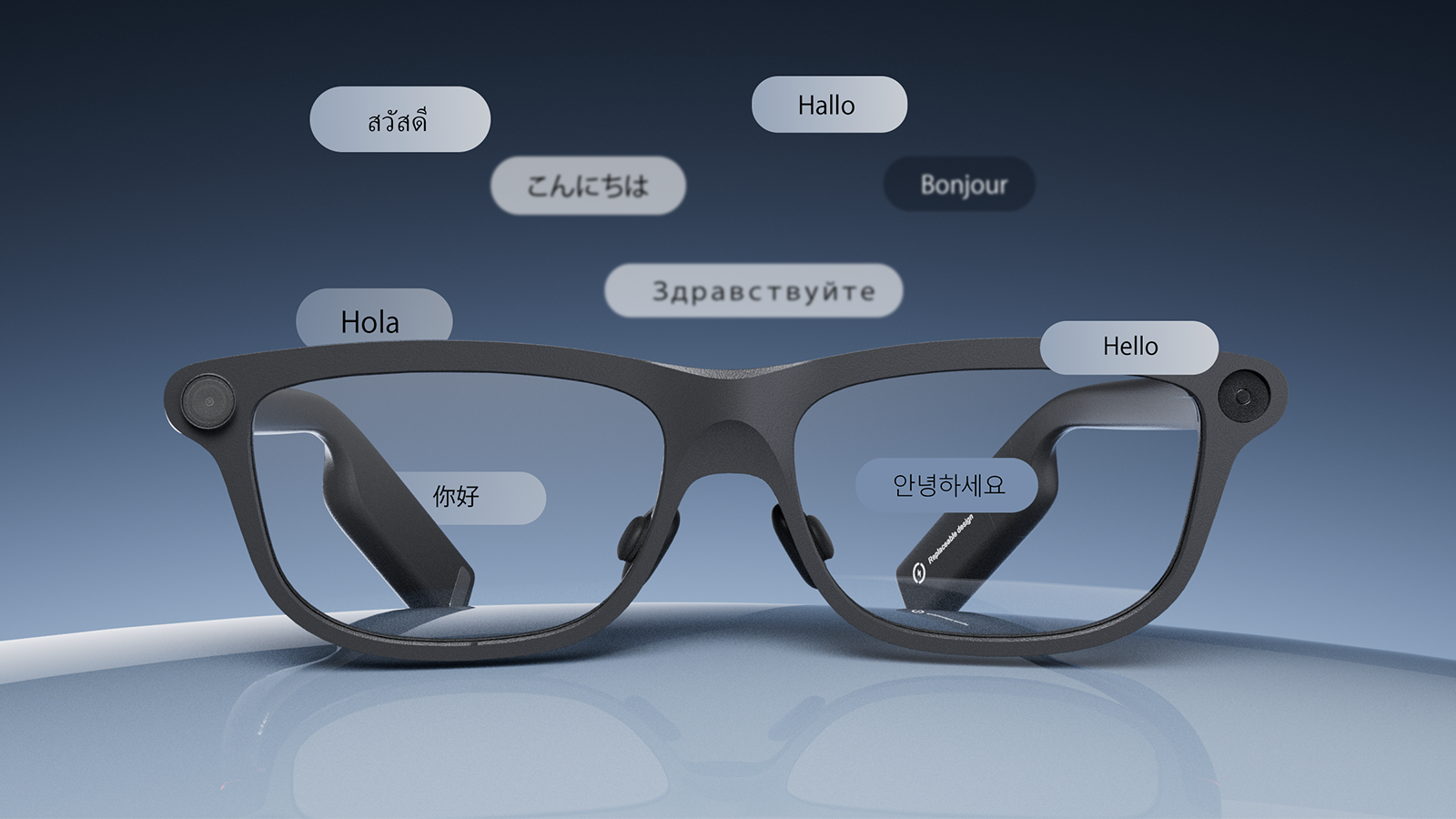
Following a conversation, dialogue logs sync automatically to the INMO Global app. You can review, copy, and share translation history or generate an automated AI summary from the recorded session, providing a reference for addresses, schedules, and agreed details. Copied translation text can go into travel notes or a follow-up message, and shared history keeps others in your travel group up to date on what was agreed.
For a longer face-to-face exchange, Auto-Record, Transcribe & Summarize records the in-person conversation and transcribes it automatically, keeping the original wording on file alongside the translation history from the session.
Calls placed from your phone, including WhatsApp and Zoom calls, can be recorded, transcribed, and summarized as well, so details confirmed by phone during a trip can be reviewed next to the notes from in-person exchanges.
Frequently Asked Questions
When is INMO Speaker the better choice in a travel conversation?
INMO Speaker suits seated conversations at a table or desk, where it can face the listener directly. It also works with the optional AI voice cloning feature, which models the spoken translation after your natural voice.
How many languages does GO3 cover for travel conversations?
Two-way dialogue translation covers 78 languages on Android and 82 on iOS. For following live speech, such as a guided tour, real-time translation shows subtitles on the lenses in 127 languages online.
When should travelers choose bilingual display over translation-only display?
Bilingual display presents both the recognized source text and the translated output across the lenses, whereas translation-only mode shows only the translated text. Choosing bilingual display is helpful when you want to cross-check foreign names, specific times, or numerical figures against the spoken words you just heard, while translation-only display keeps the visual field clearer for continuous dialogue.
Share:
128GB AR Glasses Storage vs External Player: Where Your Movie Library Should Live
AR Glasses for Netflix and YouTube: How to Watch Streaming Video on INMO AIR3