

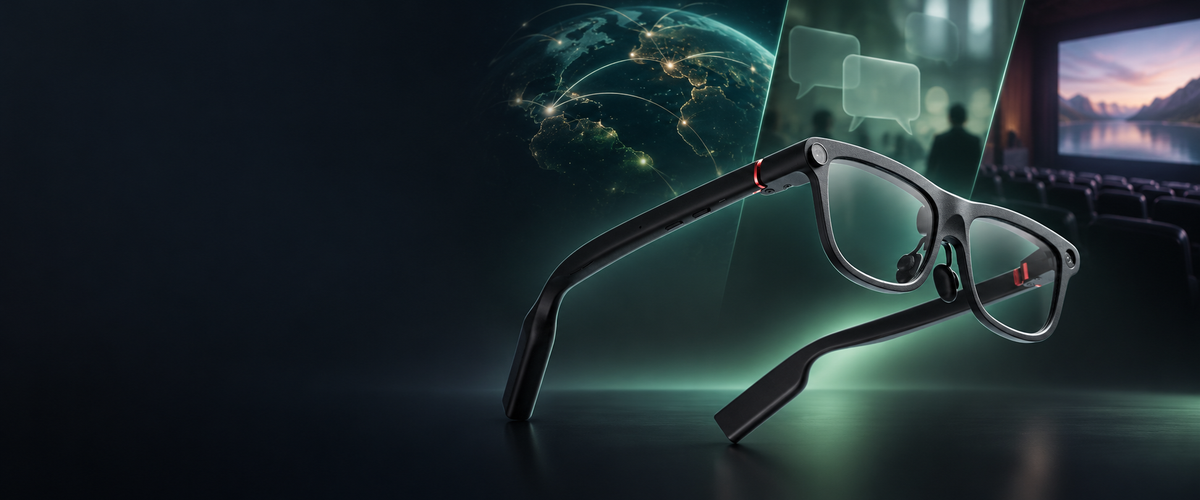
AI glasses excel at heads-up assistance during travel and conversation, while AR glasses deliver an immersive screen for watching movies. For travel and translation, INMO GO3 is the recommended model, built around real-time translation, two-way spoken dialogue, offline language packs, and walking navigation. For watching movies, INMO AIR3 is the recommended model, offering a full-color 1080P binocular display and standalone Android 14 media playback. If you are buying only one pair, choose GO3 for active transit and dialogue, or AIR3 for personal streaming and video.
The two categories overlap more than their labels suggest. INMO GO3 has a display of its own, so "AI glasses" here does not mean glasses without a screen. GO3 places text and directions in your view while you keep looking at the people and streets around you, and AIR3 places a full-color picture in front of you for focused, seated viewing.
How INMO GO3 and INMO AIR3 Compare
| INMO GO3 (AI glasses) | INMO AIR3 (AR glasses) | |
|---|---|---|
| Display | Binocular monochrome green Micro LED with diffractive waveguide, 640×480, 30° FOV | Full-color binocular display, 1920×1080, 36° FOV |
| Weight | About 58g | About 135g |
| Main uses | Translation, travel, navigation, photo translation | Movies, video streaming, Android apps, screen mirroring |
| Power | Two swappable batteries plus a portable charging case | Wireless, all-in-one design |
| How you use it | Stays paired with your phone; optional INMO Speaker and INMO Ring4 | Runs Android 14 with apps from Google Play; mirrors a phone or computer screen |
INMO GO3 presents subtitles, notifications, and navigation prompts on its monochrome display. INMO AIR3 focuses on visual immersion, delivering full-color imagery across both lenses for video playback, streaming applications, and screen mirroring.

INMO GO3 for Travel
During international travel and business trips, INMO GO3 handles route navigation and language translation. Built-in HERE Maps walking and cycling navigation displays turn-by-turn prompts across the lenses to guide travelers through unfamiliar streets. Photo Translation uses the built-in camera to photograph text on signs, menus, or transit notices and display the translation on the lenses.
Offline translation covers 9 languages on iOS and Android, which is useful on a flight without Wi-Fi or anywhere mobile data is limited. Download the offline language packs in the INMO Global app before you leave, while you still have a connection. During use, the glasses stay paired with your phone and translate those languages without internet access.
Each battery runs up to 3 hours in translation mode, and the two swappable batteries paired with the portable charging case support all-day use.
INMO GO3 for Translation
Translation is the core of INMO GO3, and it offers two modes for different situations. Real-time Translation supports 127 languages and shows the translation on the lens in real time, with a choice of bilingual or translation-only display. Bilingual view suits meetings, presentations, and lectures, where seeing the original wording next to the translation helps you check names and technical terms. Translation-only view keeps the lens clearer during longer stretches of listening.
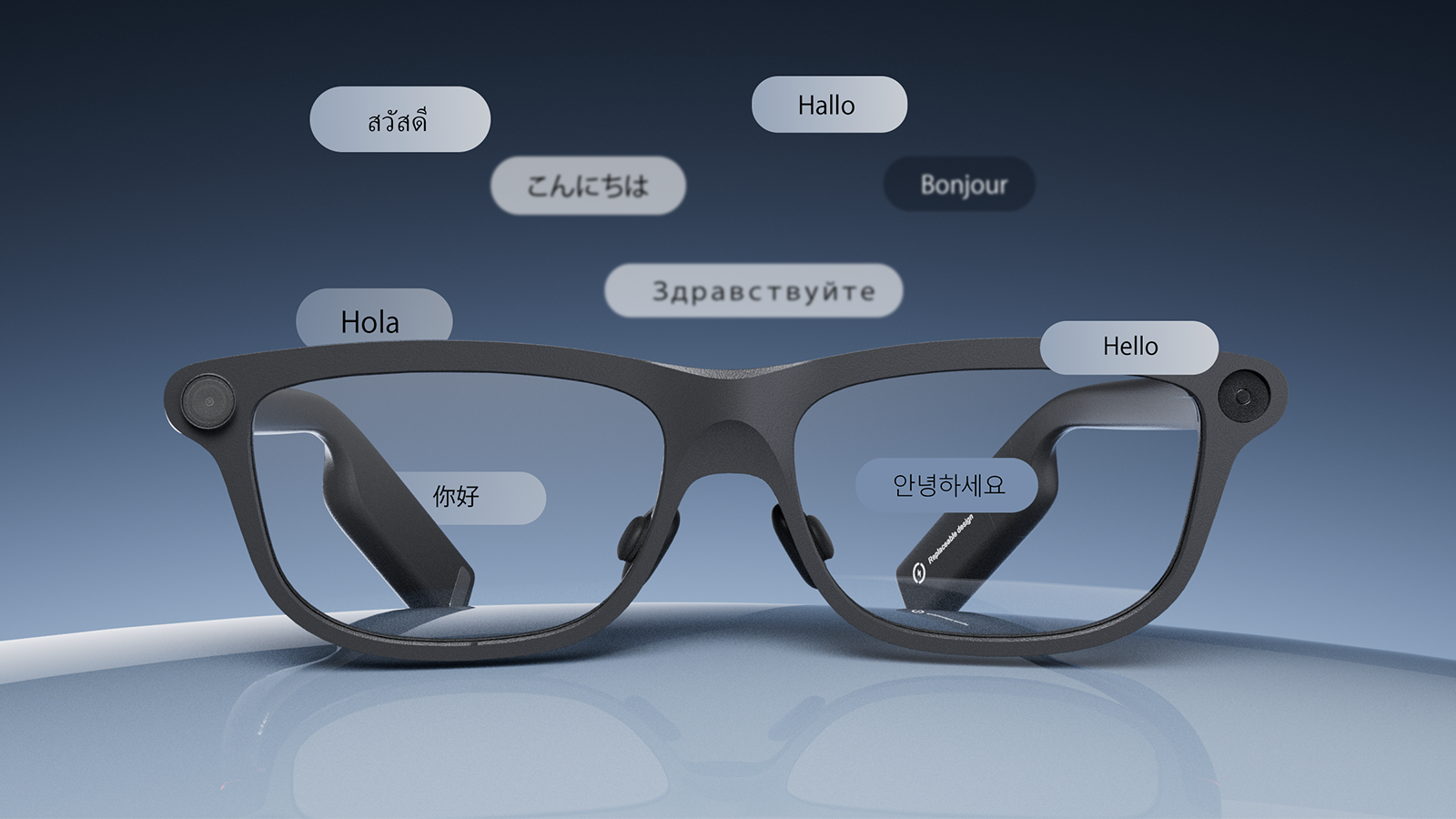
For back-and-forth conversation, Dialogue Translation supports 78 languages on Android and 82 on iOS. The other person's words appear on your lens, and your reply is spoken aloud in their language through your phone speaker or the optional INMO Speaker. The person you are talking to hears the translation directly instead of reading it off a screen, so both of you can keep facing each other through the whole multilingual conversation.
Both INMO GO3 and INMO Speaker connect separately to your smartphone. INMO Speaker can also be used together with the optional AI voice cloning feature to synthesize speech closer to your natural tone.
INMO AIR3 for Watching Movies
INMO AIR3 is the primary recommendation for watching movies and video content. Its binocular 1920×1080 full-color display and 36° field of view provide a private screen for streaming and movie playback. AIR3 runs Android 14 as a wireless all-in-one device. You can install supported media apps from Google Play and watch content directly on the glasses without tethering cables to a phone or PC.

Content already on your phone or computer can be mirrored to AIR3 when both devices are on the same Wi-Fi network, and the AIR3 screen mirroring guide covers the steps for iOS and Android. 3D videos copied from a computer to the glasses can be opened in Gallery and played in 3D cinema mode by selecting the 3D icon. Brightness is adjustable under Settings > Display > Brightness, and Adaptive Brightness can be turned on as well.

Existing owners of INMO AIR3 should complete the free online system update to V3.16 before use, following the steps outlined in the AIR3 firmware update guide.
AI Glasses or AR Glasses: Which Should You Buy If You Only Get One?
Choosing a single pair means balancing on-the-go daily assistance against seated video viewing. If your routine centers on travel, business trips, and multilingual meetings on the move, INMO GO3 is the more practical single choice. Its swappable dual-battery system and heads-up translation handle both transit and communication during active days.
If your priority is streaming shows and watching movies, INMO AIR3 is the stronger choice. It provides standalone media playback and wireless screen mirroring purpose-built for seated viewing.
Frequently Asked Questions
Between INMO GO3 and INMO AIR3, which is lighter for extended wear during travel?
INMO GO3 is significantly lighter at about 58g, compared to about 135g for INMO AIR3. The lighter GO3 frame is built for active transit, walking navigation, and spoken translation on the go, while AIR3 is intended for seated media streaming and watching movies.
Can INMO GO3 and INMO AIR3 be used during flights without internet access?
Both models can be used during flights without internet access, each serving different offline tasks. With offline language packs downloaded in advance in the INMO Global app, GO3 stays paired with your phone to translate speech without cellular data. For AIR3, local video files transferred from a computer can be opened and viewed in the Gallery app without a Wi-Fi connection.
Can you watch movies on INMO AIR3 without connecting to a phone or computer?
INMO AIR3 can play movies directly without connecting to a phone or computer because it runs Android 14 as a wireless all-in-one device. You can install supported media apps from Google Play. When both devices are on the same Wi-Fi network, content from your phone or computer can also be mirrored to the glasses.
Share:
Translation Glasses vs Translation App: When INMO GO3 Is Worth Adding
Teleprompter Glasses Script Import: Bringing Your Phone Scripts to INMO GO3