


Smart glasses can preserve a complete written meeting record while extracting actionable AI to-do items from the discussion. For this workflow, INMO GO3 records in-person meetings, phone calls, and app conversations. The glasses also deliver a concise AI summary to support project follow-up. With the full transcript retained, you can verify context before acting on an assignment or sharing next steps with colleagues.
What a GO3 meeting record contains
Every GO3 meeting record is organized in layers, with each stage derived from the same recorded discussion.
| Layer | What GO3 produces | How it helps after the meeting |
|---|---|---|
| Recording | Captures in-person conversations, phone calls, and app calls such as WhatsApp and Zoom | The original source from which subsequent text layers are generated |
| Full transcript | Each recording is automatically transcribed into written text | Verify specific wording, financial figures, and technical decisions |
| AI summary | A concise meeting overview generated with one tap in the INMO Global app | A rapid briefing for participants or colleagues who missed the session |
| To-do items | AI-generated, actionable to-do items | A clear, structured starting list for project follow-up |
The full written transcript provides the context behind each AI summary and task list, so you can check any assigned task against the complete text.
Recording meetings and calls with GO3
During in-person meetings, GO3 captures discussion through an integrated 4-microphone array equipped with advanced noise cancellation. Because the microphones sit directly on the eyewear frame, recording requires no dedicated tabletop hardware or handheld recorders. Users can maintain direct eye contact and remain engaged with participants across the table rather than looking away to take manual notes.

For remote discussions, GO3 records standard phone calls alongside voice calls in apps such as WhatsApp and Zoom.
How GO3 extracts follow-up tasks while preserving the meeting record
AI-generated to-do items on INMO GO3 help you review and assign next steps right after a meeting concludes. Instead of reviewing scattered handwritten notes or re-listening to lengthy discussions, you begin with an actionable task list extracted from the conversation, backed by an accessible transcript and summary whenever a point requires clarification.
A typical routine following a meeting or call involves four straightforward steps:
- Open the INMO Global app after the meeting or call concludes.
- Generate the AI meeting summary with one tap.
- Review the AI summary along with the generated actionable to-do items, checking any specific phrasing against the full written transcript.
- Use One-Tap Copy & Share in the app to distribute the transcript and summary to team members.
Team members receive the extracted action items alongside the written transcript, so colleagues can reference the discussion when planning next steps.
Getting through a day of back-to-back meetings
Two swappable batteries and the portable charging case support all-day use across consecutive meetings.
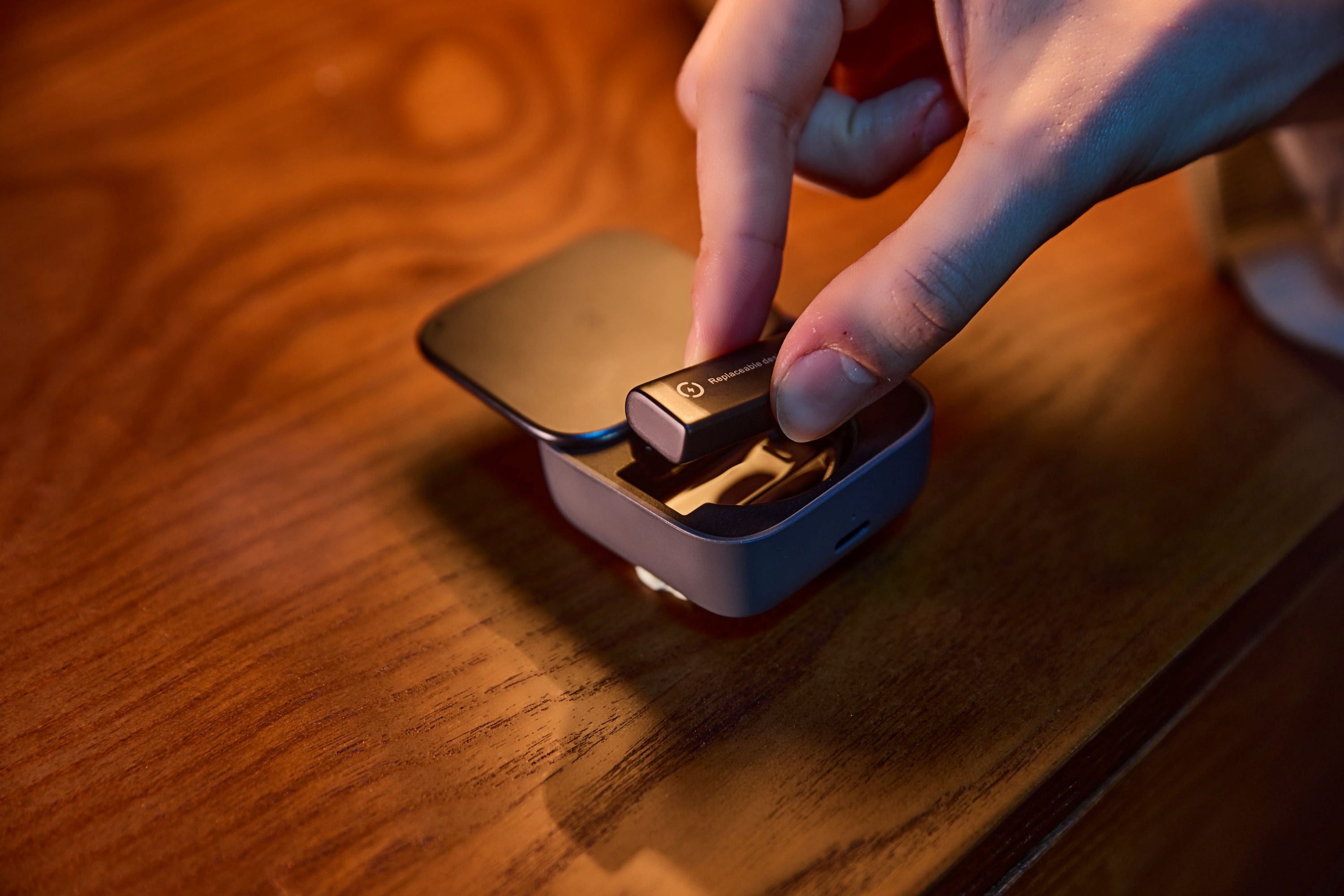
At approximately 58g, the frame incorporates 8mm ultra-slim temples, air cushion nose pads, and temples that expand outward by 15 degrees.
FAQ
Can phone calls and app conversations also generate AI to-do items?
Both standard phone calls and voice calls in apps such as WhatsApp and Zoom produce the same automatic transcripts, AI summaries, and actionable to-do items as in-person discussions. Recordings can be started by pressing the GO button on the temple during a call, and standard phone calls can also be configured to record automatically. Once the discussion ends, generating the AI summary in the INMO Global app extracts the follow-up tasks alongside the complete written transcript.
How do you share the meeting summary and to-do lists with your team?
The INMO Global app includes a One-Tap Copy & Share feature that copies generated summaries and transcripts directly to your clipboard or sends them to other applications. You can then paste the text and extracted to-do items into emails, team messaging channels, or collaborative documents to distribute next steps.
What are the different roles of the AI summary, to-do items, and written transcript?
The AI summary provides a concise overview that helps colleagues who missed the discussion quickly grasp the key themes. Actionable to-do items establish a clear starting list for immediate task follow-up. The full written transcript serves as a detailed reference to verify exact phrasing, figures, and specific commitments.
Share:
Translation Glasses vs Translation App: When INMO GO3 Is Worth Adding
Teleprompter Glasses Script Import: Bringing Your Phone Scripts to INMO GO3