


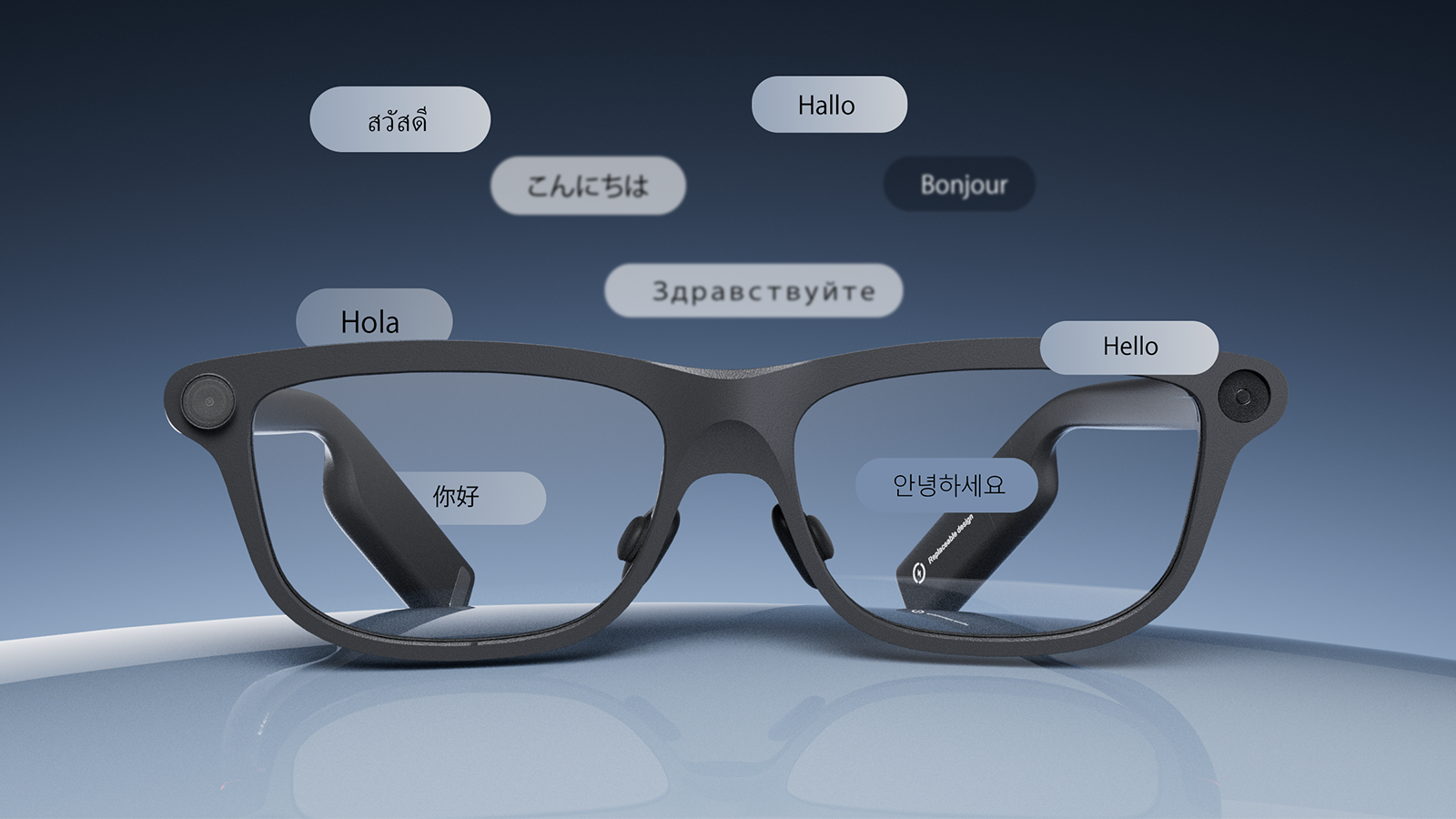
Translation glasses that show subtitles without internet access are available today, and INMO GO3 is a strong fit for international travelers and business users who often find themselves without a reliable connection. GO3 supports offline translation in 9 languages on iOS and Android, with the translated text displayed directly on the lenses. In offline mode, GO3 can translate while your phone has no Wi-Fi or mobile data, once the glasses are set up with the INMO Global app and the offline language packs are downloaded in advance. This setup keeps translated subtitles in your line of sight during multilingual conversations, even when a network is unavailable.
How INMO GO3 Handles Translation Without a Connection
Because the subtitles appear on the lenses, you can read a translation while still looking at the person speaking, instead of holding a phone screen between you. GO3 uses a binocular display to keep the text within your field of view. This display-first approach is the main practical difference between translation glasses and a translation app on a phone. Whether the translation is processed online or through a downloaded offline language pack, the text is projected onto the lenses in the same way.

The offline capability relies entirely on language packs downloaded to the phone before losing the internet connection. Since these packs cannot be fetched once the signal drops, preparing them in advance is what makes the feature useful on a flight without Wi-Fi or in an area with no mobile coverage.
Which Languages Does INMO GO3 Support Offline?
GO3 supports offline translation in 9 languages on iOS and Android. The options named on the INMO GO3 overview page cover major languages for travel and business across Europe and Asia.
| Phone platform | Offline languages | What is included |
|---|---|---|
| Android | 9 | Chinese, English, Spanish, French, German, Russian, Japanese, Korean, Thai |
| iOS | 9 | Chinese, English, Spanish, French, German, Russian, Japanese, Korean, Thai |
A language count is not the same as every possible language pair or regional variant. To see the exact offline languages and combinations available for your platform, check the INMO Global app on your paired device. If a specific travel language is not among those named above, the app will help you confirm whether it is supported for your phone before you depart.
Preparing GO3 for Offline Translation Before You Travel
Most of the work for offline translation happens before departure, while you still have Wi-Fi or mobile data. A short checklist covers it:
- Install the INMO Global app from the official download page and pair your GO3 with your phone.
- Check the offline language list and confirm the language pair you need is supported on your platform.
- While connected to the internet, download the offline language packs for every language you expect to use.
- Run a quick test. Keep the glasses connected to the phone, turn off the phone's internet connection, and translate a short sentence to confirm subtitles appear on the lenses.
- Charge your phone, both swappable batteries, and the charging case.
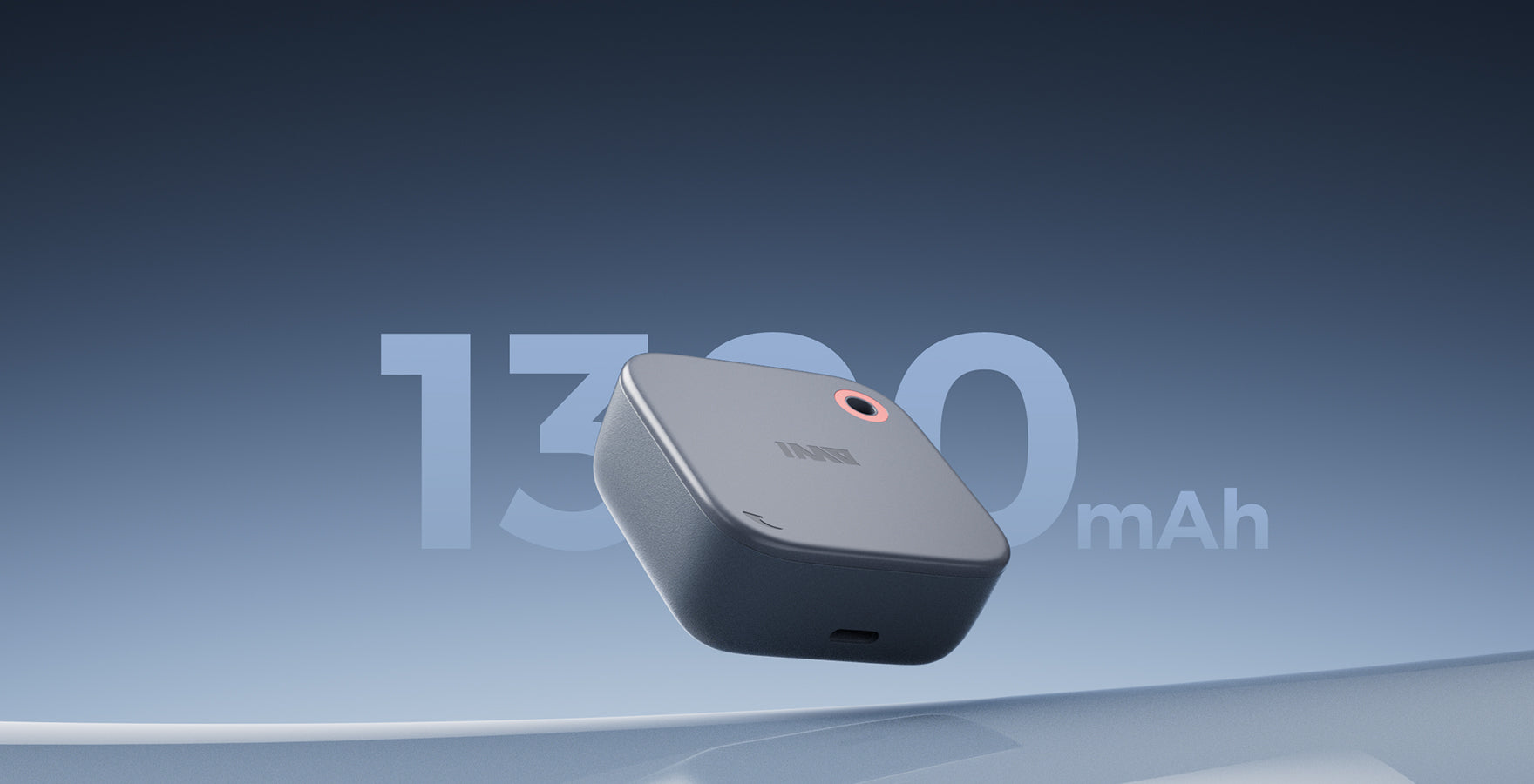
Battery planning deserves attention on a long travel day. Each GO3 battery provides up to 3 hours of continuous use in translation mode, and every GO3 bundle includes two swappable batteries and a 1300mAh portable charging case for all-day use. A battery swap takes about five seconds. That lets you plan a long travel day around short pauses rather than one charge.
What Changes When GO3 Is Offline
Offline mode on GO3 centers on translation for the downloaded languages, and it does not automatically extend to all other capabilities. Features such as the AI assistant, photo translation, navigation, and AI summaries should not be assumed to work offline just because translation does. You should check how each specific feature behaves without a connection before relying on it.
Within these limits, the offline translation mode fills a specific gap: it keeps spoken-language translation visible on the lenses when the phone cannot get online. For features outside that scope, plan to use them when your phone has a connection again.
Who Should Choose INMO GO3 for Offline Translation
INMO GO3 is the stronger fit for international travelers and business professionals who expect gaps in connectivity, whether from limited roaming, flights without Wi-Fi, or regions with weak coverage. With the language packs downloaded beforehand, translated text stays on the lenses while you have multilingual conversations, attend meetings, or move through an unfamiliar city.
GO3 is particularly well suited to users whose travel or work languages are supported for their specific phone platform. Explore INMO GO3 to compare bundle options and see the current offline language details.
FAQ
Do I need INMO Speaker to read offline translations?
Translated subtitles appear directly on the GO3 lenses, so you can read a conversation using only the glasses and your phone. For online Dialogue Translation, translations can play aloud through your phone's speaker or the optional INMO Speaker, which pairs with your phone separately, so the other person can hear your side of the conversation without needing to look at a phone screen. The INMO Speaker is not required for the visual display.
What if a language I need is not on the offline list?
If a required language is missing from the offline list but is among the 127 languages supported by GO3's online Real-time Translation, you will need to connect your phone to the internet. You can use Wi-Fi, a local SIM card, or a roaming plan to get your phone online for those specific conversations. The glasses will then use that connection to translate, provided they remain paired with your phone.
Are my offline translations saved for later review?
The INMO Global app offers a translation history and automatic AI summaries. Because the core function of offline mode is displaying live subtitles on the lenses, you should verify how these saving and syncing features behave without a connection on your specific phone platform before departure.
Share:
Translation Glasses for Face-to-Face Conversation: Lightweight Two-Way Translation with INMO GO3
AR Glasses Instead of TV in a Small Apartment: When It Works and Which Model to Choose