

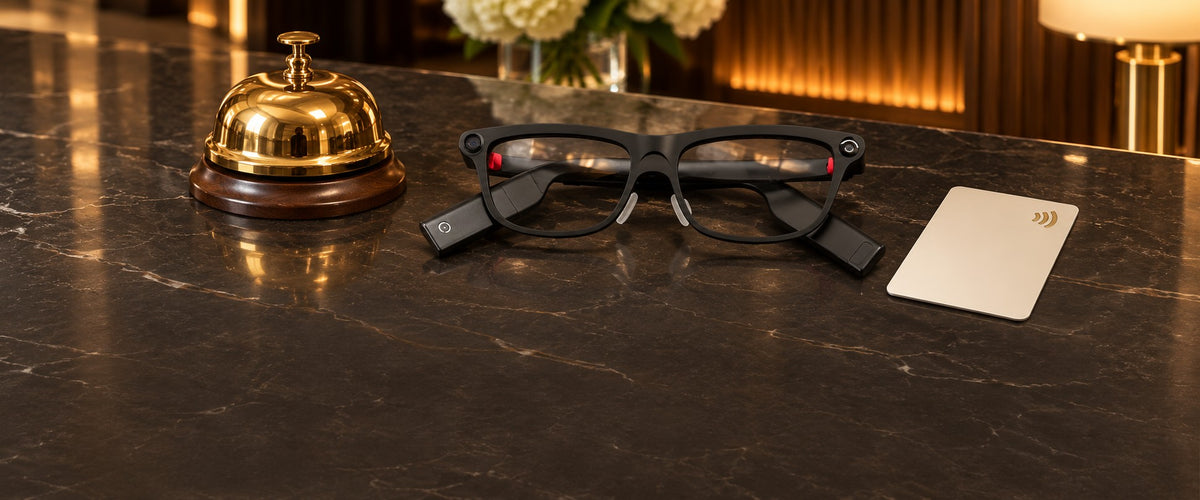
A question at the hotel front desk about breakfast hours, a later checkout or the way to a nearby sight is the kind of short, repeatable exchange that translation glasses handle well. INMO GO3 is a practical purchase for reception teams answering everyday inquiries in several languages: the receptionist wears the glasses and reads the guest's words as translated text on the lenses, and the guest hears the answer spoken in their own language from the paired phone or the optional INMO Speaker.
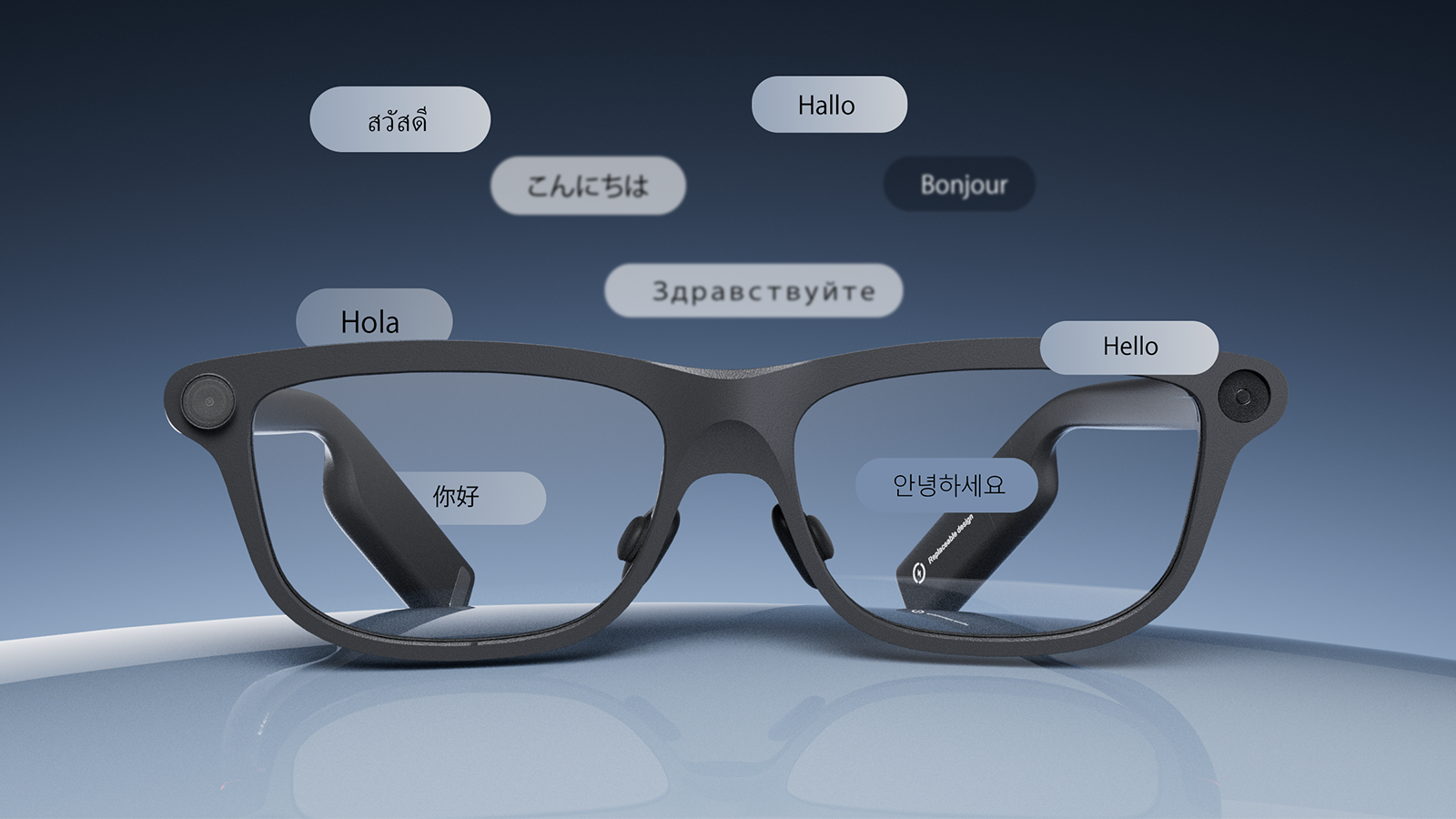
Guests take part by talking and listening, so nobody on their side of the counter has to wear or set up a device. On GO3, two-way dialogue translation reaches 78 languages through an Android phone and 82 through an iPhone. Turning that into a working desk tool involves three decisions: which inquiries go through the glasses, how room numbers and totals get confirmed, and how one pair moves between shifts.
One Exchange at the Counter: Who Reads and Who Listens
During an inquiry, the guest speaks in their own language and the translation appears on the receptionist's lenses, so the receptionist reads while still facing the guest across the desk. The receptionist answers in their own language, GO3 translates the reply, and the phone plays it aloud in the guest's language using the male or female translation voice chosen in the app. The same reply also appears as text on the phone screen, which the receptionist can turn toward a guest who prefers to read.
A guest at the counter stands directly in front of the receptionist, the position directional pickup is built for. GO3 listens through a four-microphone array with noise cancellation, and the GO button on the temple switches between directional pickup, covering about 2 meters straight ahead, and omnidirectional pickup, covering about 2 meters all around for guests standing side by side. In a busy lobby, directional pickup is the setting to leave on, since it narrows listening to the spot where the guest stands. The guest does not need translation glasses of their own, and the spoken half of the exchange follows the same pattern as travel conversations where your reply is spoken aloud.
Front Desk Inquiries That Suit Translation Glasses
Check-in details, facility hours, room requests, checkout and local directions all have answers the receptionist already knows, so the glasses only have to bridge the language between the two people at the desk.
| Inquiry | What guests usually ask | What to have ready at the desk | Lens display |
|---|---|---|---|
| Check-in | Room floor, Wi-Fi, whether breakfast is included | Registration card, key card sleeve, Wi-Fi card | Bilingual, for names and booking references |
| Facility hours | Breakfast, gym, pool and bar times | Printed hours sheet | Translation-only |
| Room requests | Extra towels, a cot, something not working in the room | Request log or housekeeping slip | Translation-only |
| Checkout | Checkout time, luggage storage, a later departure | Folio on screen or on paper | Bilingual, for amounts and dates |
| Local directions | Nearby sights, transport, places to eat | Printed map or a map on the phone | Translation-only, with the map shown |
Translation-only display keeps the lens uncluttered for opening times and towel requests. Bilingual display adds a transcription of the guest's original words beside the translation, a reading aid when a surname or booking reference comes up, while the registration card or booking screen is where the spelling itself gets confirmed. A desk that hears the same few languages each week can set those language pairs at the start of the shift and change them when a guest from another country arrives.
Room Numbers, Totals and Dates: Say Them and Show Them
The room number printed on the key card sleeve, the checkout total on the folio or booking screen and a tour pickup time written on a request slip are already on paper at most front desks. Saying the figure through GO3 and then pointing to the printed version gives the guest a number to hear and a number to read, and the document becomes the reference both sides confirm against.
When a dialogue ends, GO3 shows a transcription and an AI summary, and the translation history and summaries stay on the phone, where they can be edited or shared to other apps. A receptionist can tidy the summary of a housekeeping request still open at the end of the shift into the team's handover note, giving the next person on the desk a written record of what was agreed.
Sharing One Pair Across Shifts
A shared pair stays at the desk as a kit: the glasses, the phone they are paired with, the charging case, the spare battery and a lens cloth. With GO3 paired to one desk phone, the language pairs, translation voice and Speaker connection stay set in the INMO Global app on that phone, and the translation history collects there too. Naming one manager as holder of the app account, and agreeing who may open or share those records, settles the questions a shared phone raises before the trial starts.
Power across a morning and an evening shift comes from rotating batteries through the case. Two swappable batteries ship with every GO3, and together with the portable charging case they keep the glasses going all day, up to about 24 hours of use in total, with each magnetic swap taking around five seconds. The battery that comes off goes into the case to recharge, the case charges over a Type-C cable, and the desk phone, plus the Speaker if the desk uses one, go on charge at the same handover.
At each change of shift, the outgoing receptionist puts a charged battery in the glasses, places the used one in the case, wipes the lenses and frame with the cloth, and notes any guest request still open. The incoming receptionist checks the language pair in the app before the first guest arrives. One named owner per shift keeps charging and cleaning from falling between two people.
A One-Shift Trial Before Buying More Pairs
Starting with one pair on the shift with the most overseas arrivals gives the desk real conversations to learn from before any larger order. Setup before the first trial shift takes five steps:
- Install the INMO Global app on the desk phone and connect GO3.
- Tap "Dialogue Translation" in the app, open its settings, and set the translation languages and bilingual comparison.
- Under "Translation Voice", choose a male or female voice.
- If the desk uses INMO Speaker, pair it with the same phone over Bluetooth and tap "INMO Speaker" on the dialogue translation page.
- On the glasses, slide the right temple touchpad to "Dialogue Translation", tap to enter, and set directional pickup with the GO button.
A short log kept beside the kit during the trial records the inquiry type, the guest's language, whether a printed sheet or map was shown as well, and how often the glasses changed hands. Two further entries shape the order that follows: moments when two receptionists needed translation at the same time, and staff who would wear the glasses for most of their shift.
Are Translation Glasses a Practical Purchase for Your Reception Team?
A guesthouse where the owner runs reception, and where the log shows one conversation at a time, needs one GO3 and the owner's phone, which plays each translated reply at the counter. When the log shows the glasses changing hands several times an hour, or two receptionists needing translation at once, the next purchase is a second complete kit: another GO3 paired with its own desk phone and set to the same language pairs, so each receptionist works from a full set of their own.
At a larger hotel with a busy lobby, the Speaker set on the counter facing the guest plays the translated reply from in front of the listener, while the phone stays with the receptionist for showing reply text and opening the history. The Speaker is available in a GO3 bundle or on its own, and it connects to the same phone as the glasses.
Receptionists with nearsightedness, or nearsightedness with astigmatism, can have official custom prescription lenses clipped into GO3, and that pair then belongs to one person. Desks whose main multilingual staff need vision correction can plan a personal pair for them alongside the shared kit. Where most exchanges in other parts of the building are a single question, a handheld device at each point is another option, compared in translation glasses versus a handheld translator.
FAQ
How should a reception desk plan for the languages its guests speak?
With Wi-Fi or mobile data on the desk phone, dialogue translation handles 78 languages on Android and 82 on iPhone, and a stable connection at reception keeps that full list open for guests from countries the desk rarely sees. Offline translation covers nine languages on both systems: English, Simplified Chinese, Japanese, Spanish, Korean, French, German, Russian and Thai. Desks that hear these often can download their language packs in the INMO Global app ahead of time, with the glasses staying paired with the phone.
Can GO3 read a printed page a guest brings to the desk?
A booking printout or a voucher written in another language can go through the photo translation built into INMO AI: the receptionist looks at the page, asks the assistant to translate the text in front of them, and GO3 recognizes and translates the words while the guest waits at the counter. Spoken questions go through dialogue translation and paperwork through photo translation, so one pair handles both kinds of input at the desk.
Which phone notifications show up on the lens at a shared desk?
A shared desk phone can send alerts from the messaging app the team uses for room requests to the lens through Phone Notification Relay in the INMO Global app, while every other app stays on the phone screen. Voice announcements of notifications are a separate setting, so a desk can keep alerts as text on the lens and leave the spoken version off while guests are at the counter.
Share:
Smart Glasses for Trade Shows: Pitch Cues, Translated Booth Talks and Lead Notes
INMO AIR3 Multi-Screen: A Webpage and Your Reference Files in View Together