

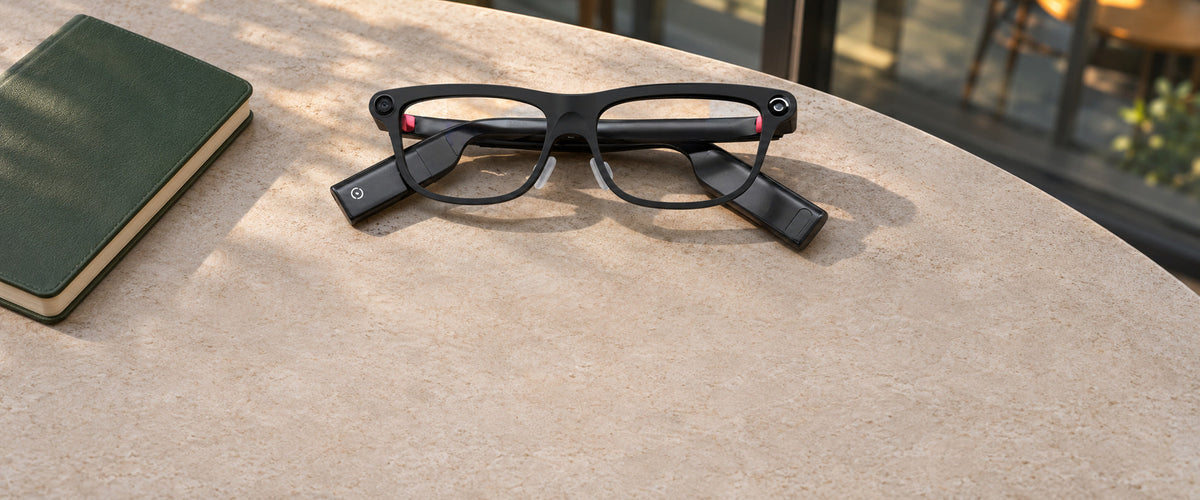
When a client needs to hear your answer in their own language, INMO GO3 translates what you say and plays it aloud in a male or female voice you choose. The client's words appear translated on your lenses, so you read their point, answer in your own language, and the translated reply plays from your phone or the optional INMO Speaker. The client takes part without wearing glasses or opening an app, and the conversation stays face to face.
Which Wearable Translator Lets Clients Hear Your Reply?
In a two-way exchange, each person speaks in their own language and the translation runs in both directions. One round of the conversation looks like this:
| Turn in the conversation | What you do and see | What the client experiences | Where it happens |
|---|---|---|---|
| The client speaks in their language | You read the translation | The client addresses you directly | Translated text appears on the GO3 lenses |
| You reply in your language | You answer in your own words | The conversation moves to your response | GO3 picks up your speech |
| Your translated reply plays | You remain facing the client | The client hears the translated answer | Your selected audio output |
The binocular display places the translated text in your field of view, so the client's latest point is in front of you while you form an answer. A setting in dialogue translation controls whether your own speech is also shown on the glasses. Leave it on to see both sides of the exchange, or turn it off to keep only the client's words on the lens.
Reading the Translation on the Lens
Two layouts are available: translation only, or bilingual, which places the client's original words together with the translation. The bilingual layout is useful for names, figures, and product terms you want to see in the client's own wording, and the translation-only layout keeps the lens to the translated text during a quick exchange. Each translated sentence appears in full at once, which gives you a complete line to read before you reply.
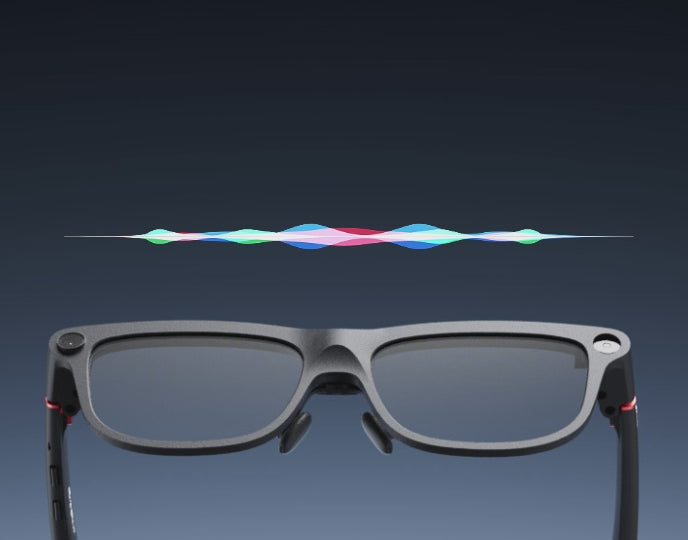
GO3 picks up speech with a four-microphone array and noise cancellation, and a press of the GO button toggles pickup between directional and 360 modes. Try both modes during preparation so the switch is familiar before the meeting starts.
Pacing Your Answers During a Translated Conversation
A spoken reply is easier to follow when each turn carries one clear idea. Short, complete sentences, with a pause after each answer, give the client room to respond before the next point. A long answer works better split into separate turns, with each translated reply allowed to finish before the next part.
Let the translated audio finish before you begin the next sentence. Overlapping voices compete for the listener's attention, and a short pause also marks the change of turn. When the client answers, the translated text appears on the lens for you to read before replying.
Set a volume appropriate to the room and keep documents clear of the chosen audio output. During a group discussion, agree on a turn-taking order so participants know when to contribute. The same preparation is useful for overseas client meetings with translation glasses: organize the agenda into manageable topics and allow space for questions between them.
Choosing the Voice and Where It Plays
Dialogue translation reads your translated reply aloud in a male or a female voice, and the choice is made in the INMO Global app. Hearing both voices in a short test exchange before a first meeting helps you pick one. The reply plays through your phone or through INMO Speaker, a collar-clip accessory that is sold separately or included in selected GO3 bundles. INMO Speaker connects to the phone separately from the glasses.
With phone playback, the phone sits on the table among your meeting materials. Place it clear of papers and turned toward the client, and set the volume for the size of the room. A collar-clip arrangement puts the audio on your clothing near the neckline, which leaves the table for documents and samples.
The same phone or collar-clip playback arrangement used in client meetings also supports spoken replies during multilingual trips, with your translated answer played aloud for the other person to hear in their own language.
Preparing GO3 Before a Client Meeting
A short checklist covers the settings and power before the client arrives.
- Pair GO3 with your phone through the INMO Global app. If you use the collar-clip accessory, connect it separately to the same phone.
- Open dialogue translation in the INMO Global app and select your language and the client's language.
- Choose the playback voice and set the volume for the room.
- Pick directional or 360 pickup, and practice switching between them with the GO button.
- Turn on Do Not Disturb, which can stay on while dialogue translation is running.
- Charge the spare battery in the charging case, so a swap is ready if the meeting runs long.
- Run one short test exchange in the two languages to confirm the voice, the volume, and the pickup mode.
After the meeting, the dialogue history can be opened on your phone in the INMO Global app, so the exchange is available while you write the follow-up message. Reading it back helps you list the points agreed, the questions left open, and the figures the client gave.
Keeping a Written Record of the Client Meeting
Dialogue translation handles the spoken exchange. When you also want a written record of the meeting, INMEET in the INMO Global app records the conversation with the glasses' microphones or the phone's microphone and shows a live transcript on the lens and the phone. During the meeting you can mark key moments and jump back to them later during playback, and the transcript separates your own words from those of other speakers.
Once the meeting ends and the phone is online, INMEET produces a full transcript, a summary, a mind map, and to-do items that go into the schedule module in the app. Speaker names can be corrected afterward, and the transcript, summary, and marks can be exported together as a PDF, Word, or TXT file to share with colleagues. Let the client know before you start recording.
Frequently Asked Questions
Does my client need to wear translation glasses too?
The client takes part without wearing glasses or installing an app. A one-line explanation at the start, that you will take turns and leave a pause for each translated reply, sets the format.
How should the collar-clip accessory be worn in a formal business setting?
Clip the accessory to your shirt collar or jacket neckline, with lapels and scarves clear of it and away from documents you will handle. Checking the position with your meeting clothes on lets you set it once before the conversation starts.
Which languages can the client speak?
The list for dialogue translation has 82 languages on iOS and 78 on Android. Select the client's language next to your own in the INMO Global app before the meeting, and the translation runs in both directions between those two languages.
Share:
Seeing the Whole Screen on AR Glasses: AIR3 FOV and Fit
Teleprompter Glasses: Notification Settings Before a Presentation