
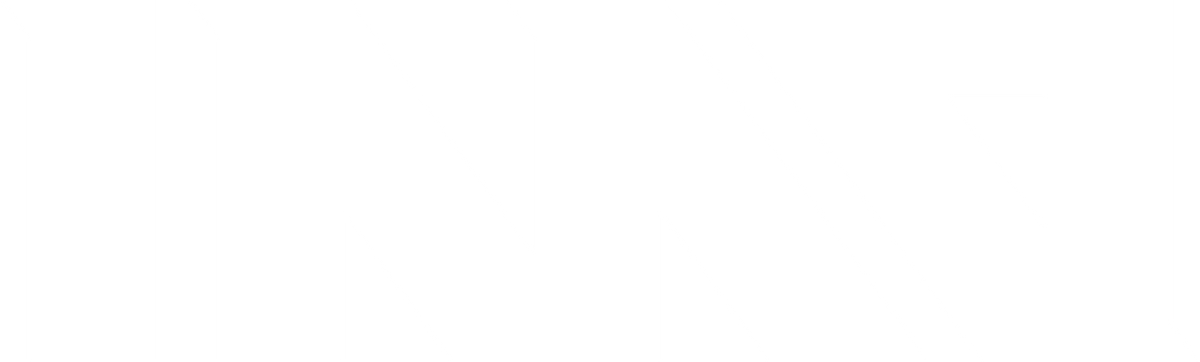

While the lenses are lightweight, they don't fit the glasses properly. There is a noticeable gap between the lens and the frame!
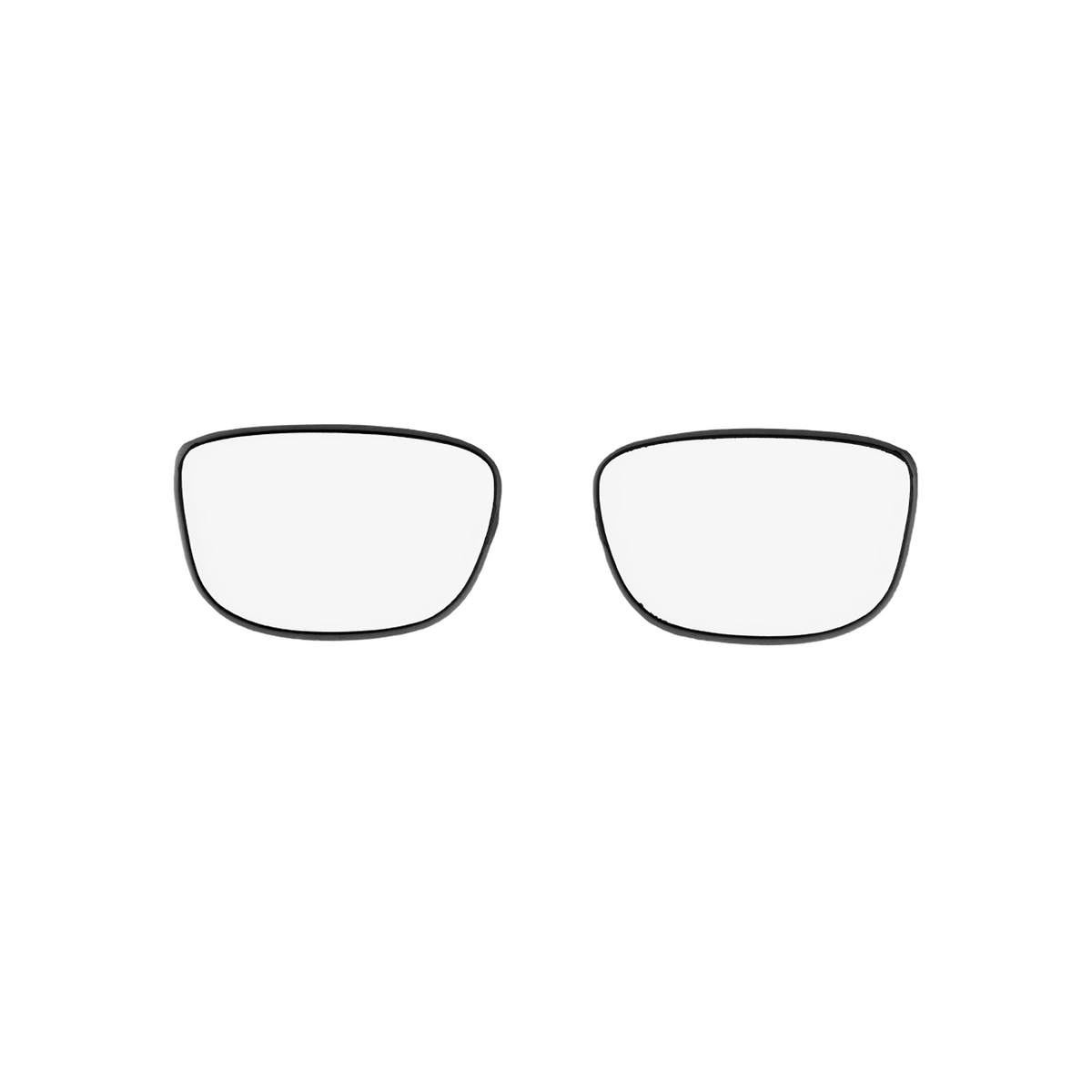
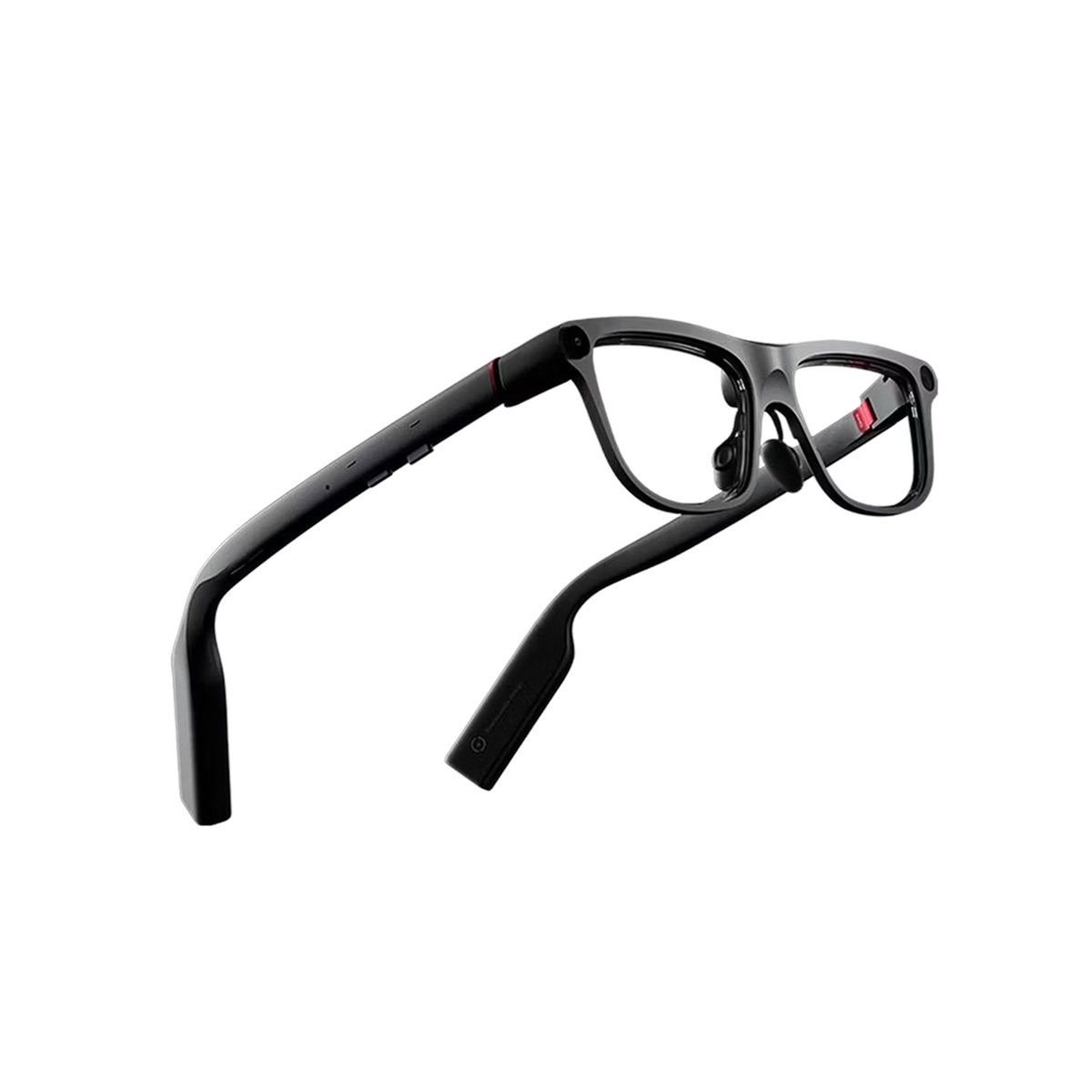
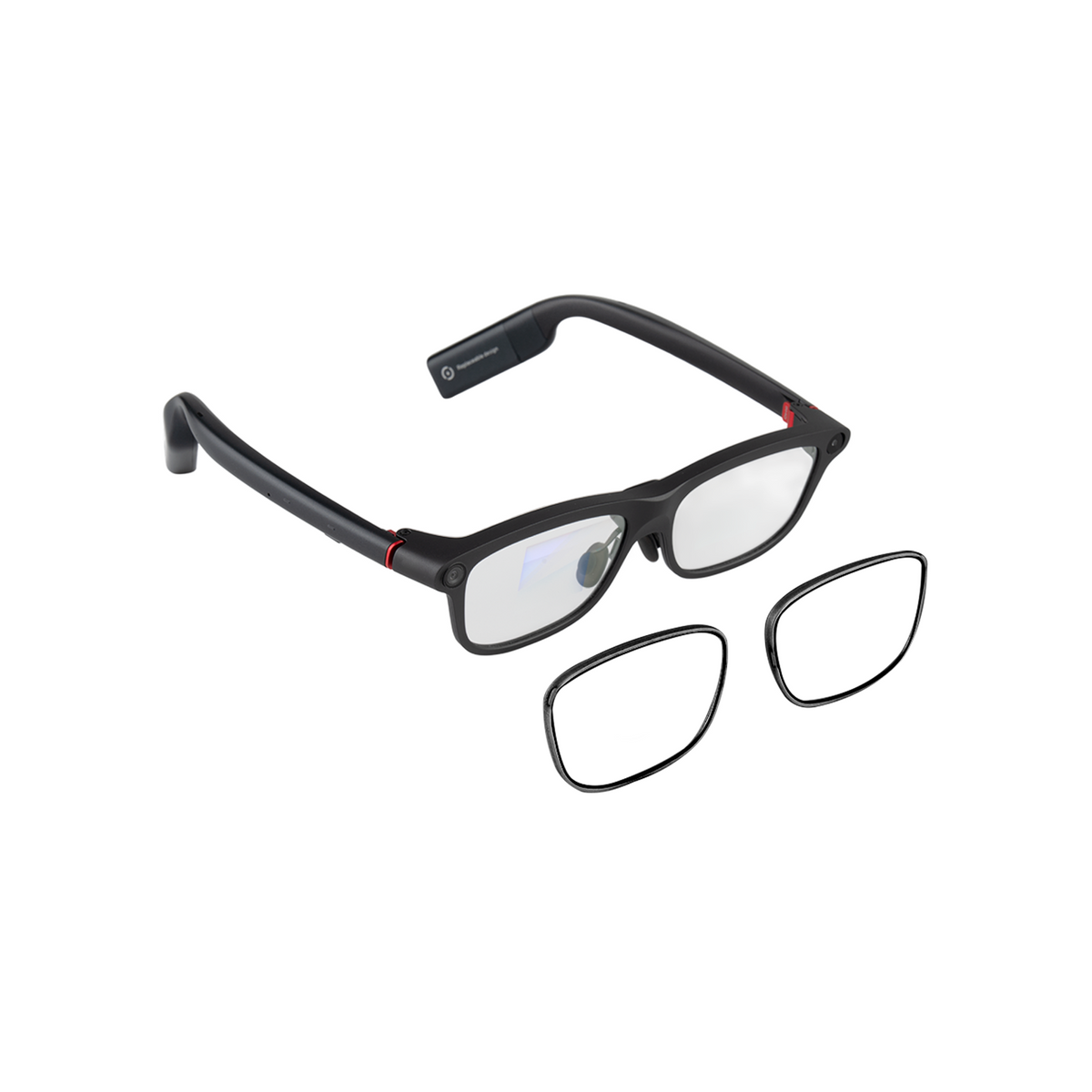
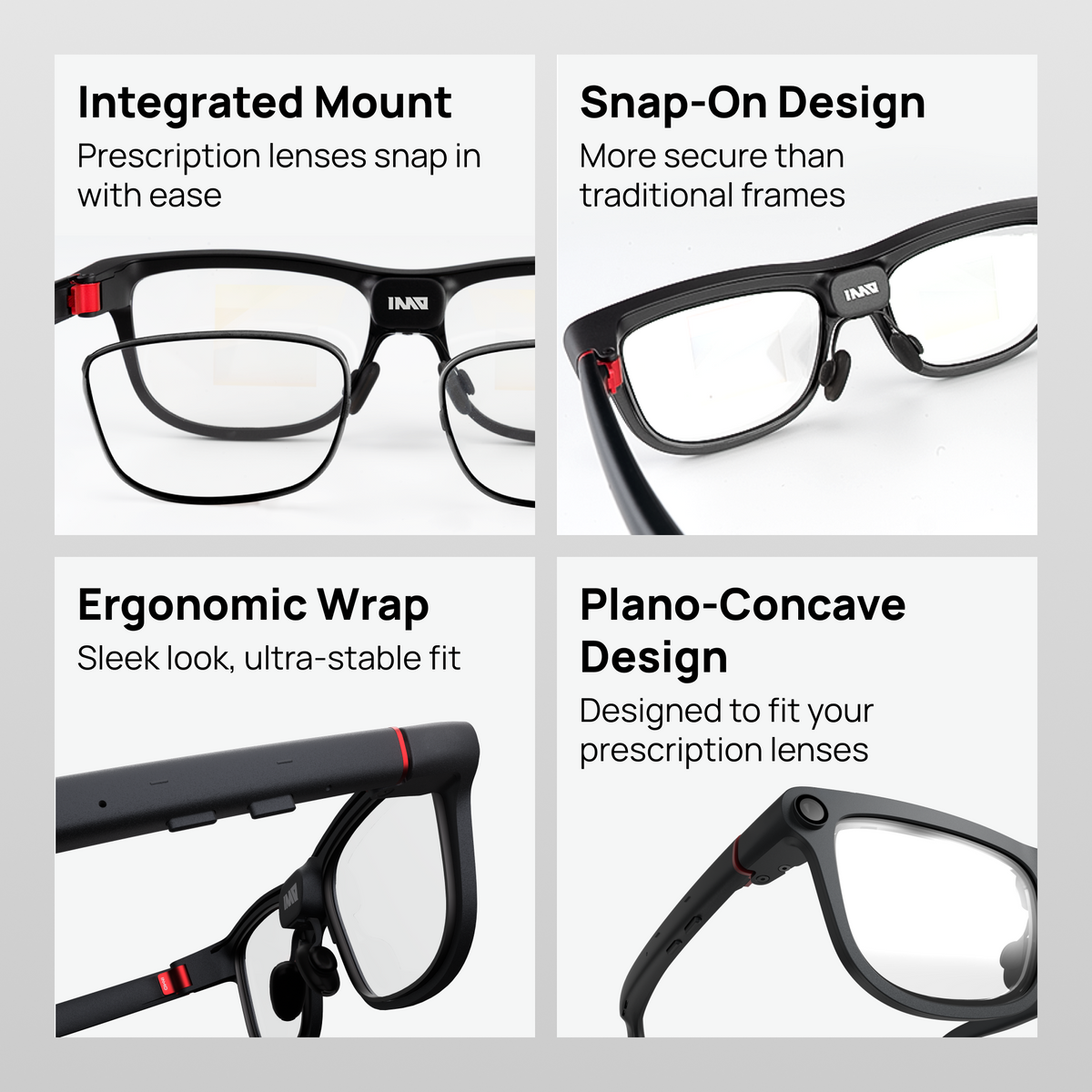
INMO GO3 prescription lenses are custom-made to your prescription.
GO3 supports myopia (nearsightedness) and astigmatism. Hyperopia (farsightedness) is not supported.
Precision-ground and clipped into your GO3 in seconds — so you can see the display, and everything else, clearly. No contacts. No glasses over glasses.
Note: INMO Go3 prescription lenses are custom-made and non-returnable.
Prescription Lenses for INMO GO3
If you have any questions, you are always welcome to contact us. We'll get back to you as soon as possible, within 24 hours on weekdays.
Shipping Information
Use this text to answer questions in as much detail as possible for your customers.
Customer Support
Use this text to answer questions in as much detail as possible for your customers.
FAQ’s
Use this text to answer questions in as much detail as possible for your customers.
Contact Us
Use this text to answer questions in as much detail as possible for your customers.
Information
Share contact information, store details, and brand content with your customers.
Non-prescription
Choose this if you have 20/20 vision, or if you plan to wear your GO3 over contact lenses. Non-prescription lenses let you use every feature of the GO3 without any vision correction.
*Your GO3 can be upgraded to prescription lenses later, either through our optician partners or our reglaze service (additional fees apply).
Single vision (distance correction)
The right choice if you need correction for distance — driving, watching TV, seeing across a room. Single vision lenses correct nearsightedness and astigmatism with one focal point optimized for sharp distance clarity.
*If your prescription includes a reading addition (ADD), only the distance portion is applied. Near-vision correction is not applicable on GO3: the waveguide projects the display at a virtual distance of [2] meters, so you need adequate distance vision to see it clearly.
Progressive
Available exclusively through our optician partners. Progressive lenses deliver near, far, and intermediate correction in a single seamless lens, so you don't swap glasses through the day.
Sphere (SPH) — The lens power required for each eye. A minus sign (−) corrects nearsightedness; a plus sign (+) corrects farsightedness.
*For GO3, enter your distance prescription only. Near prescriptions are not applicable — the waveguide projects the display at roughly [2] meters, so distance vision is what has to be sharp.
Cylinder (CYL) — Corrects astigmatism, an irregularity in the shape of the eye. If there's no CYL value on your prescription, you either don't have astigmatism or it's mild enough not to need correcting.
Axis (AXI) — Whenever there's a CYL value, there's an Axis. It's a number from 1° to 180° that sets the orientation of the astigmatism correction on the lens.
Add (near addition) — Applies to progressive lenses only. It's the extra power needed for near vision, applied to the lower portion of the lens.
*Progressive lenses are available exclusively through our optician partners.
PD (pupillary distance) — The distance between your pupils in millimeters. This is what aligns the optical center of each lens with your eye, and it matters more on a waveguide display than on ordinary glasses.
Single PD vs. two PD numbers
Single PD: one number, the total distance between both pupils.
Two PD numbers: if your PD differs between eyes, choose the "2 PD Numbers" option and enter the distance from the center of each pupil to the bridge of your nose (e.g. 33/31). Enter the right eye first, then the left.
Your PD is the distance between the centers of your pupils. Getting it right is what makes the lenses comfortable and the display sharp.
Tips for an accurate measurement
Expert advisors online · hassle-Free & time-Saving
Enter your prescription data
Submit Prescription
Place Order
Confirm Delivery
| Lens Index | Lens Type | Coating | Prescription Range |
|---|---|---|---|
| 1.6 | Customized Plano-Concave Lenses | HD Blue-Light Blocking Blue Coating | Sph: 0.00 to -10.00, Cyl: 0.00 to -2.00 |
| 1.67 | Customized Plano-Concave Lenses | HD Blue-Light Blocking Blue Coating | Sph: 0.00 to -12.00, Cyl: 0.00 to -2.00 |
| 1.74 | Customized Plano-Concave Lenses | HD Blue-Light Blocking Blue Coating | Sph: 0.00 to -16.00, Cyl: 0.00 to -4.00 |
Not sure which lens option is right for your prescription?
Email your prescription to support@inmo.com before you order and we'll confirm it for you.
Installing Myopia Lenses
Please first assemble the myopis frame and the myopia lenses

Get Myopia Lenses

Supported Diopter Range for Myopia/Astigmatism
Myopia degree should not exceed 750 degrees, and astigmatism degree should not exceed 450 degrees; Hyperopia (farsightedness) and presbyopia are not supported.
*Note: For details on myopic lens customization, consult your supplier.
Overall rating: 4.5 / 5 from 6 reviews.
While the lenses are lightweight, they don't fit the glasses properly. There is a noticeable gap between the lens and the frame!
The prescription looks good. Putting them onto the glasses was a little more difficult than I expected, but I was able to get them in. Overall, these are great!
Amazing quality and great product!
Great product with amazing utilities
Replacable battery is very useful.
Lenses came without issue. Much easier for anyone wearing glasses to use their own prescription. Frames were inserted without to much issue
8 The Green, Ste A, Dover, Delaware, 19901, United States of America
INMO Innovation US Inc.
© 2026 INMO. Powered by Shopify


