


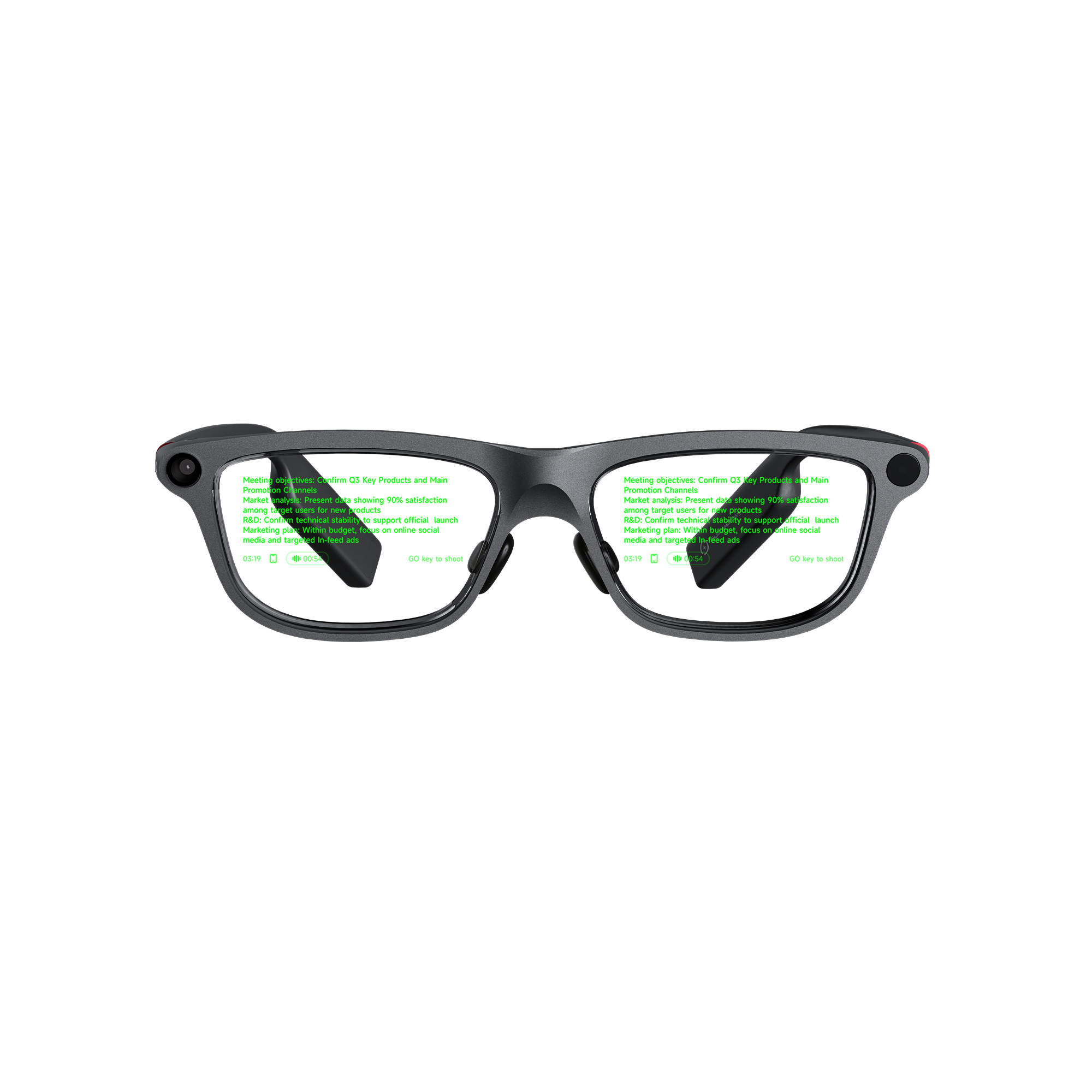
Specification talks with overseas suppliers can run through INMO GO3, whose two-way dialogue translation shows the supplier's spoken words and the translation together on the lenses. In that bilingual layout, the figures for dimensions, tolerances, material grades, and part numbers appear in the supplier's original wording alongside the translated text. Engineering and sourcing teams can then check each value against the written spec sheet and confirm the critical parameters in writing before production begins.
Comparing Spoken Specifications with Bilingual Subtitles
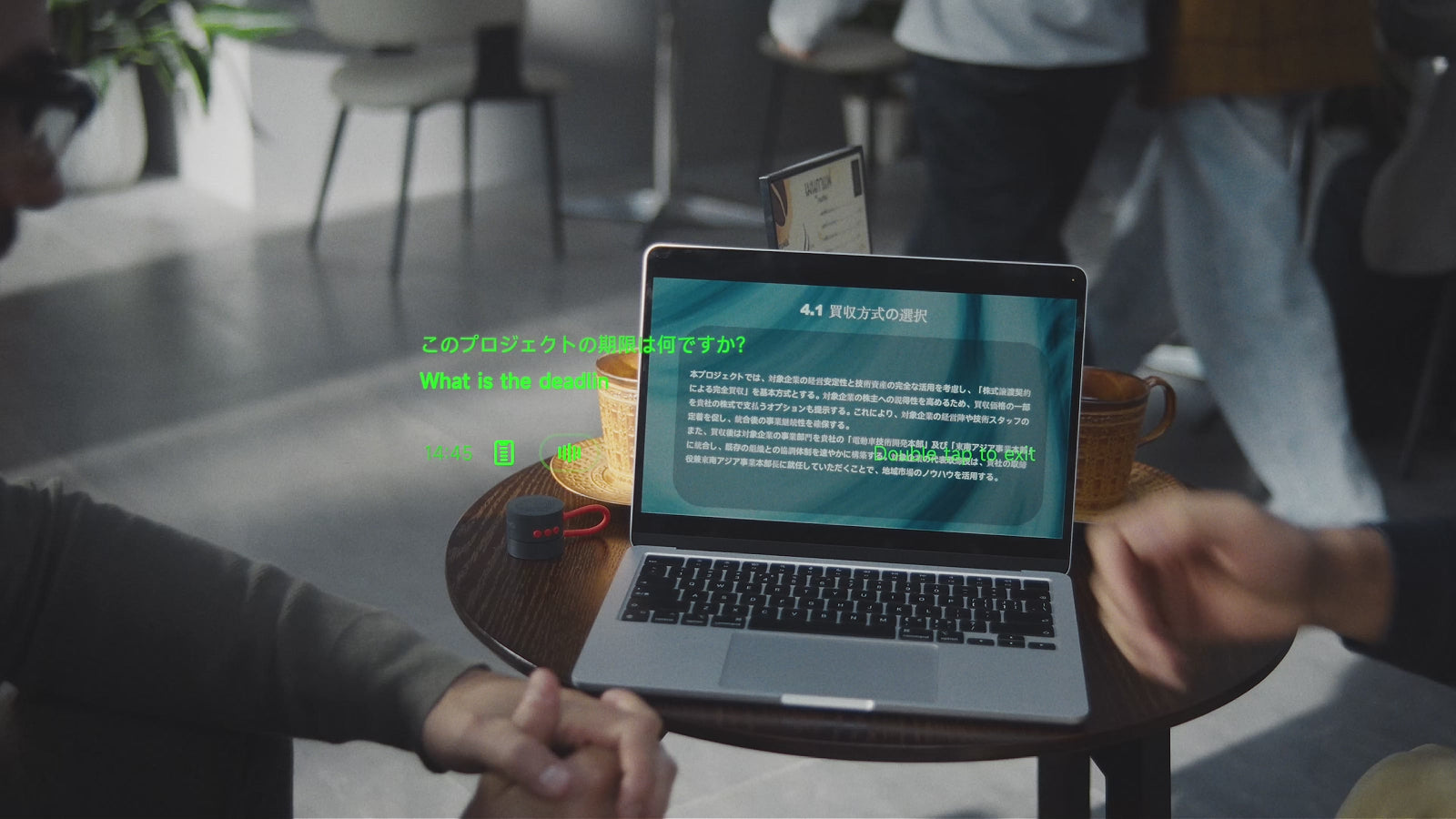
Technical specifications turn on small details, including decimal positions, measurement units, and part number suffixes. In two-way dialogue translation with the bilingual layout selected, INMO GO3 displays the recognized original speech and the translation on the lens at the same time. Reading both lines together lets technical teams follow numerical values in the supplier's own phrasing while checking the translation. If a spoken dimension or unit sounds unclear, buyers can pause and clarify that figure with the supplier on the spot.
Technical vocabulary matters just as much when discussing parts and fabrication, and GO3 includes 21 industry glossaries for professional discussions. During general parts of a meeting, such as introductions or agenda planning, switching to a translation-only display keeps fewer lines on the lens. There is more on handling terminology in translation glasses for technical terms in business meetings.
Physical documentation and sample components often carry printed labels, serial markings, or data sheets in the supplier's language. With an internet connection, GO3's Photo Translation captures printed text with the camera and, after a voice prompt, shows the translated text on the lens. This helps with reviewing packaging marks, sample tags, and technical sheets before a discussion starts.
Where network access is unavailable, offline spoken translation covers 9 languages on both Android and iOS once the language packs are downloaded in advance, and it runs with GO3 paired to your phone.
A Specification Checklist for Supplier Conversations
Working through a suggested checklist during supplier meetings helps teams track specific dimensions, materials, and delivery milestones. While the supplier talks, the sourcing and engineering team cross-checks each parameter against project drawings and updates the specification record.
| Specification item | Spoken details to compare on the lens | Destination in post-meeting documentation |
|---|---|---|
| Dimensions | Value, decimal places, unit of measure, and referenced feature | Dimension field in the official spec sheet with drawing callout |
| Tolerances | Bilateral or unilateral limits, plus/minus values, and associated dimension | Tolerance column tied directly to the relevant drawing revision |
| Material grade | Base material, standard designation, heat treatment, or finish | Material schedule of the spec sheet, noted as verified or pending |
| Model and part numbers | Exact prefix, numeric sequence, revision suffix, and dash numbers | Bill of materials (BOM) or master parts list |
| Order quantity | Production volume, minimum order quantity (MOQ), and packaging lot size | Purchase order draft and supply agreement terms |
| Lead time | Quoted production window, tooling timeline, and effective start date | Delivery milestone schedule in formal commercial terms |
| Open items and changes | Proposed modifications, pending engineering approvals, and action owners | Engineering change order (ECO) log with assigned responsibilities |
Discussing tolerances alongside nominal dimensions keeps the allowable range tied to its base measurement, while noting part numbers and revision suffixes gives both sides a shared reference to compare against engineering drawings. Keeping the checklist in the same order as the supplier's drawing makes it quicker to follow along when the discussion moves from one feature to the next.
Checking Dimensions, Materials, and Part Numbers in Spoken Dialogue
When a supplier mentions a critical measurement, restating the value, unit, and tolerance back to the other person provides a simple check during the conversation. This verbal repeat-back allows the supplier to confirm or clarify the numbers on the spot, and the exchange stays in the translation record for review against drawings later.
Material grades and part identifiers need the same care. Stating base materials together with finish designations or heat treatments clarifies whether a quoted spec refers to raw stock or to treated parts. Similarly, spelling out alphanumeric part numbers, dash numbers, and revision suffixes helps both sides confirm that the discussion refers to the latest engineering change level. Commercial parameters like batch quantities and lead times can then be cross-referenced against agreed delivery milestones before moving to the next agenda item.
In two-way dialogue translation, the supplier's speech appears as translated text on the lenses, while your response is translated and spoken aloud in their language through your phone speaker or the optional INMO Speaker, so the supplier hears it directly. With GO3 and the optional Speaker each paired with your phone, both people stay facing each other throughout the exchange.
Moving Spoken Details into Written Specification Records
Transferring spoken agreements into written documentation creates an aligned record that both organizations can reference. The session's translation history appears in the INMO Global app for later review once it syncs. Engineering teams can go back through that history alongside their own post-meeting notes when compiling agreed dimensions, material designations, and delivery dates into a follow-up email or formal spec sheet, which the supplier then confirms in writing before tooling or manufacturing starts.
Supplier discussions held over phone or video conference can use the dedicated meeting recording feature on GO3. Suitable for in-person meetings as well as phone calls and platforms such as WhatsApp and Zoom, this feature uses a 4-microphone array with noise reduction. It transcribes the recording and generates an AI summary with actionable to-do items, helping teams track follow-up tasks for open engineering questions.
Which Translation Glasses Fit Supplier Specification Discussions?
Specification reviews with overseas suppliers suit GO3 because two-way dialogue translation shows the supplier's words alongside the translation and carries your spoken replies back when figures need confirming, and translation history syncs for review when the spec sheet is written up. Specification reviews often sit inside a broader supplier visit with commercial agenda items and a factory tour, and translation glasses for overseas client meetings looks at that wider visit.
FAQ
Can GO3 assist during an on-site factory walk-through when inspecting parts?
In two-way dialogue translation during a factory tour, directional pickup focuses on the person speaking directly in front. In group discussions where multiple participants speak in turn, pressing the temple GO button switches the microphones to 360-degree pickup. Carrying a printed drawing or specification checklist during the walk-through gives a physical reference to compare against spoken dimensions displayed on the lenses.
Which translation mode works best for presentations versus two-way discussions with suppliers?
In technical briefings or facility overviews where a supplier explains a process at length, real-time translation in INMEET shows continuous text on the lenses in 127 online languages. When the conversation shifts to interactive parameter checks or price negotiations, switching to two-way dialogue translation supports back-and-forth spoken conversation in 78 languages on Android and 82 on iOS.
How do teams manage revision control when updating specifications after a supplier meeting?
When updating technical documents after a discussion, engineering teams assign a distinct revision code or suffix to the updated spec sheet before circulating it. Marking newly modified tolerances, dimensions, or material grades in a dedicated change block separates updated parameters from previously approved values. Sourcing managers then send the revised file to the supplier's engineering contact and ask for a written sign-off that references the exact revision number, so both organizations hold the same agreed version before tooling or pilot production begins.
Share:
AR Glasses That Work Without a Phone: How INMO AIR3 Runs on Its Own
Translation Glasses for Long Travel Days Without Frequent Charging Stops