


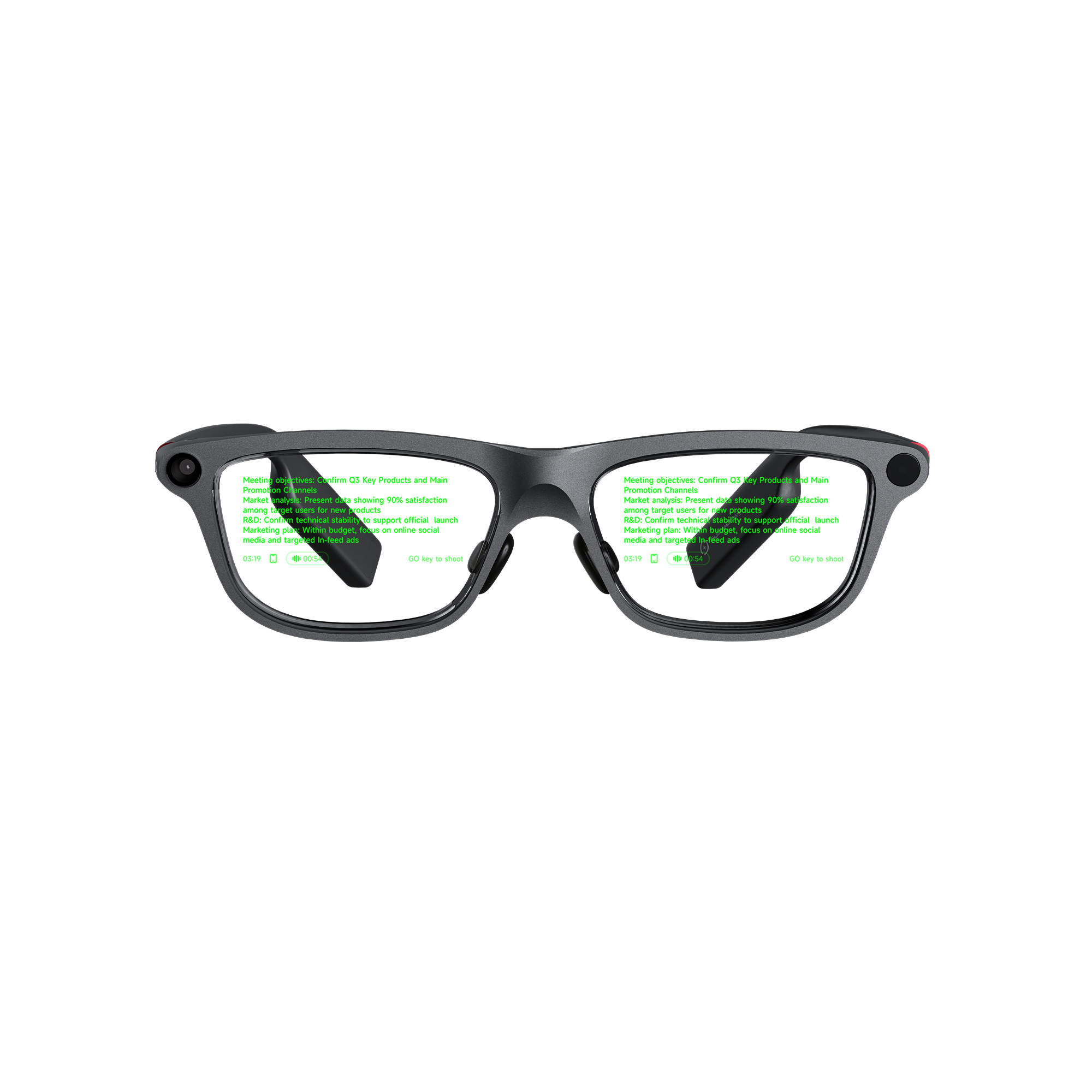
For business meetings involving technical terms, look for translation glasses that show original speech alongside translated text. INMO GO3 delivers this with an optional bilingual subtitle view. This dual-language layout lets participants confirm acronyms, model codes and tolerances as discussions unfold. For printed materials, an integrated camera translates text on specification sheets and presentation slides, while exportable session records keep specialist vocabulary accessible for follow-up documentation.
Which Translation Glasses Are Good for Technical Terms in Business Meetings?
In Real-time Translation, which covers 127 languages, the green Micro LED binocular display can show bilingual subtitles with both the original speech and its translation, or present the translated text alone. INMO GO3 includes 21 industry glossaries, and bilingual mode helps wearers confirm terms during discussions that rely on exact vocabulary.
Wearers read incoming subtitles on the lenses while facing their counterparts across the table.
Before the Meeting: Slides, Spec Sheets and Setup
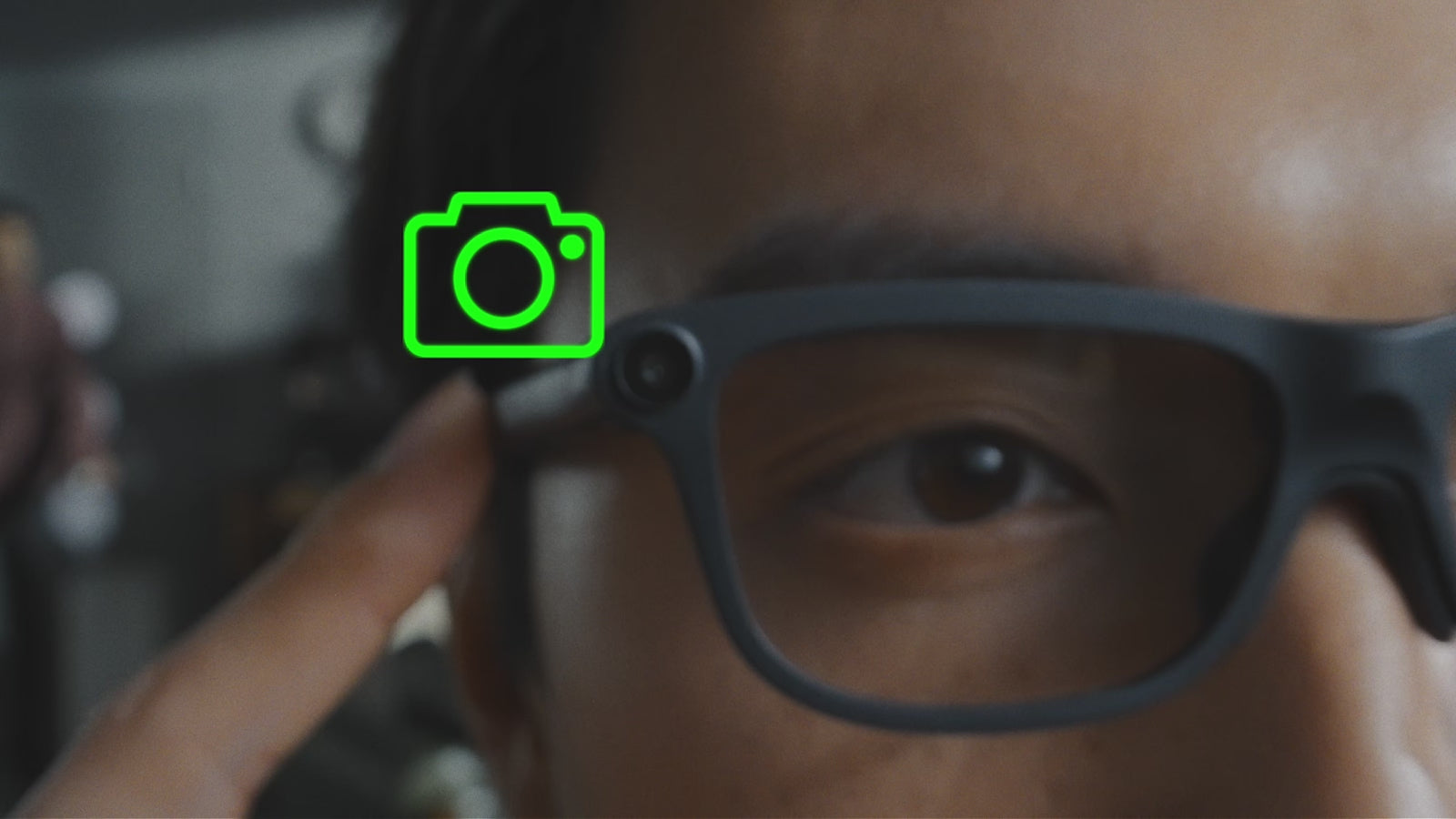
Technical business meetings rarely rely entirely on spoken dialogue. Slide presentations, schematic diagrams and printed specification sheets carry many of the specialized terms that guide the subsequent discussion. INMO GO3 features an integrated camera equipped with Photo Translation: pointing the frame at printed or on-screen text renders the translated text directly onto the lenses. Before the session begins, you can check an agenda or technical datasheet to compare translated terms against the original document. The same feature remains available to inspect presentation slides during the discussion.
For venues with limited connectivity, downloading offline language packages in advance through the INMO Global app enables real-time translation for supported languages without an active internet connection, as long as the glasses stay paired with your phone.
During the Meeting: Display, Pickup and Spoken Replies
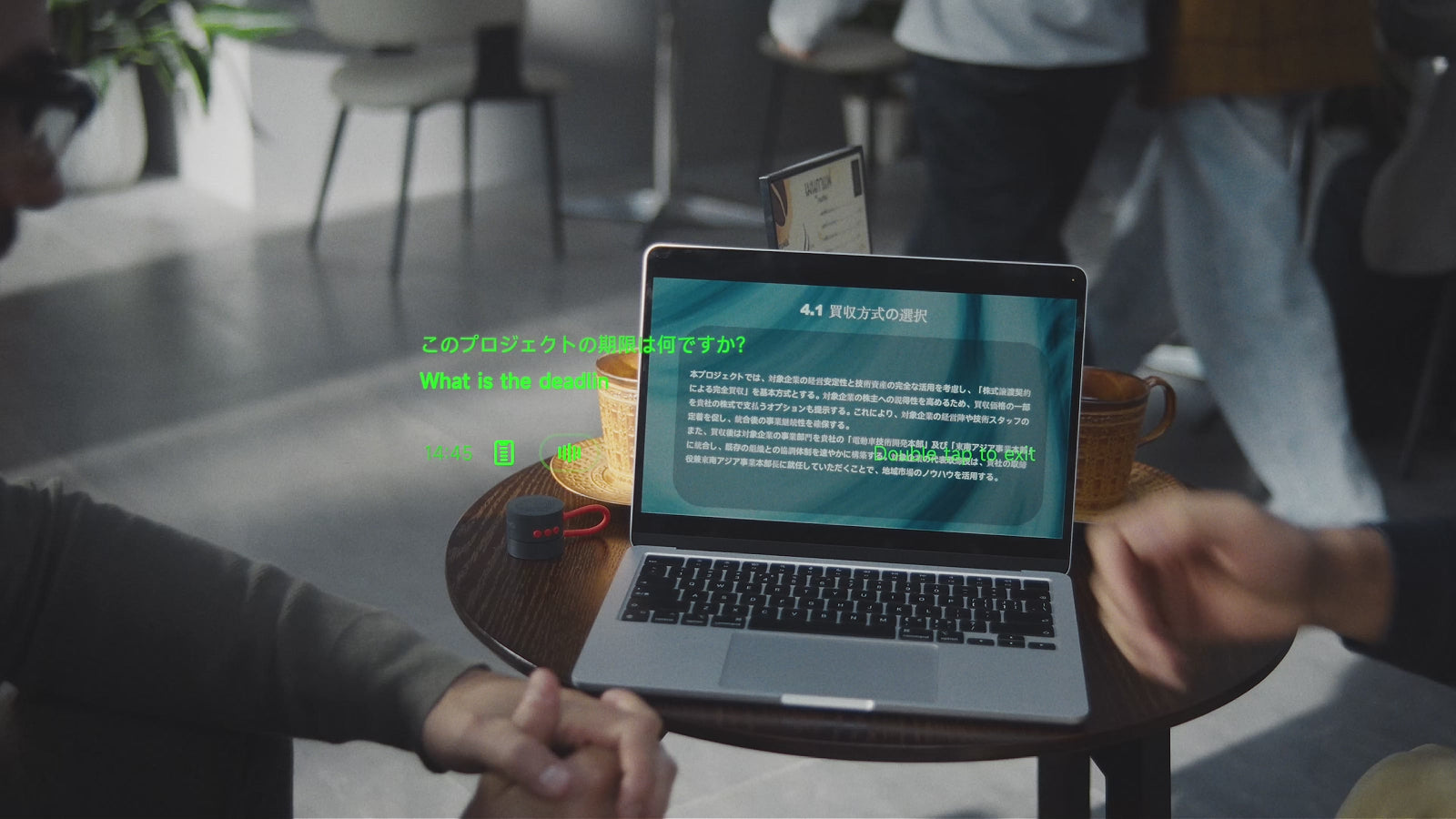
Translation-only mode keeps the visual field uncluttered during opening remarks, broad status updates and general introductions. When the discussion turns to contractual clauses, engineering tolerances or exact numerical criteria, selecting bilingual mode brings in the source phrasing for closer inspection.
During Two-Way Dialogue Translation across 78 languages on Android and 82 on iOS, the temple GO button toggles microphone input between directional and 360° omnidirectional pickup. Directional pickup is suited for focused, one-on-one exchanges with a counterpart seated directly opposite you. Omnidirectional 360° pickup is suited for conference table configurations where remarks rotate among multiple contributors around the room.
| Meeting task | GO3 feature | How it helps with technical terms |
|---|---|---|
| Spoken discussion with one counterpart | Two-Way Dialogue Translation with directional pickup | Focuses microphone reception on the person you face and displays translation on the lens |
| Group discussion around a conference table | 360° omnidirectional pickup | Captures speech from multiple positions around the table as discussion shifts |
| Reviewing figures, model codes and tolerances | Bilingual display | Shows source wording and translation together for quick on-lens cross-checking |
| Slides, diagrams and printed specifications | Photo Translation | Displays translated text on the lens while referencing physical documents |
| Post-meeting follow-up and action items | Translation history, transcripts and AI summaries | Provides exportable records to review, copy and share technical terms after the session |
During two-way dialogue, the translated response appears on your lens and is also broadcast aloud through your mobile phone speaker or the optional INMO Speaker accessory. Your international counterpart hears your translated reply spoken aloud rather than having to read a mobile phone screen. INMO Speaker is available separately or as part of a bundle, and it connects independently to your phone alongside the glasses.
After the Meeting: Translation History, Transcripts and AI Summaries
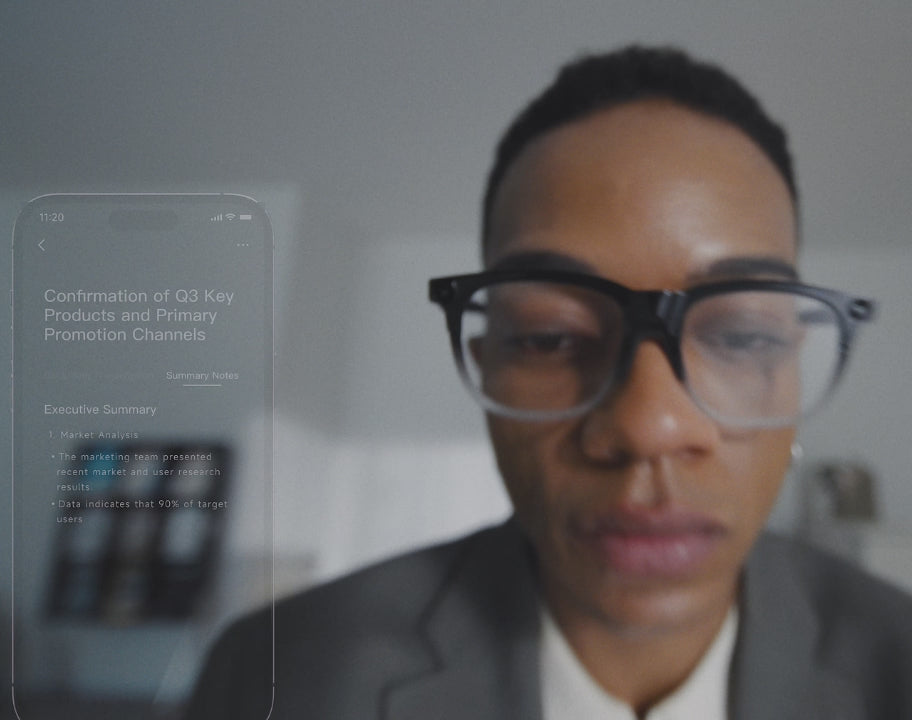
Technical agreements and follow-up tasks are confirmed after the session ends, in project notes and emails. Every translation record automatically syncs to the INMO Global app, where wearers can review, copy and share the complete transcript. An AI summary is generated automatically from each translation session, providing a structured overview of the exchange. You can check the stored translation history in the app to revisit technical terms before drafting follow-up emails or meeting notes.
For meetings requiring a detailed audio record, the Auto-Record, Transcribe & Summarize function captures room audio and converts spoken dialogue into written transcripts. Supported by a 4-microphone array with integrated noise cancellation, this meeting recording tool can also produce an AI-generated summary with a single tap, alongside automated action items and to-do lists. These transcripts and summaries can be copied and shared with colleagues who were unable to attend.
Physical Comfort and Fit for Extended Sessions
During extended meetings, frame weight and fit are practical considerations alongside the display. At approximately 58g, INMO GO3 pairs 8mm ultra-slim temples with air cushion nose pads. Each temple can also flex outward by 15° to accommodate different head widths.
FAQ
Does INMO GO3 include specialized glossaries for technical terms?
INMO GO3 includes 21 industry glossaries. For live conversations, wearers can also activate bilingual display in Real-time Translation to cross-reference translated terms against original speech side by side.
Are the subtitles on the lenses clear enough to read model numbers and figures?
A binocular monochrome green Micro LED display with diffractive optical waveguides presents subtitles at a display resolution of 640×480 within a 30° field of view. Brightness adjusts up to 1500 nits to suit room lighting conditions.
Can INMO GO3 translate technical terms on presentation slides and printed documents?
INMO GO3 includes an integrated camera with Photo Translation that reads text on printed specification sheets, datasheets or presentation screens and projects the translated text directly onto the lenses.
Share:
Smart Glasses That Record Meetings: Why INMO GO3 Fits Work
Smart Glasses That Record Meetings: Why INMO GO3 Fits Work