

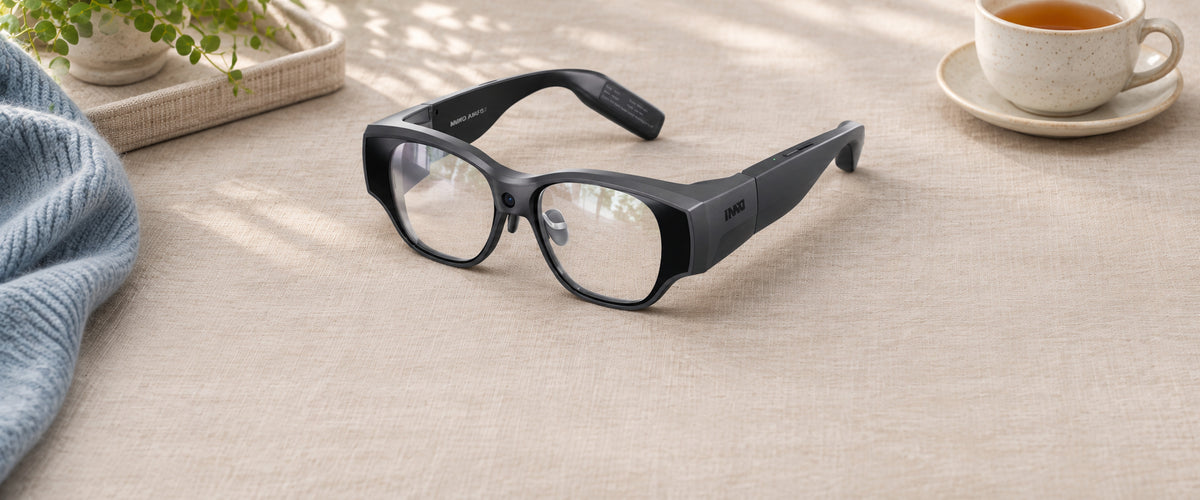
A whole movie on INMO AIR3 can be comfortable once the fit, the controls, and the screen level are set before the film starts. The box includes replacement nose pads in Small (S), Medium (M), and Large (L) that adjust the height and angle of the glasses on your face. The INMO Touchpad from the same box can be paired during setup, so the controls stay in your hand once you sit down. The screen level is set from the Display menu on the glasses before the opening scene.
Install the free V3.16 system update on an AIR3 you already own before using the glasses; the INMO Support Center can help with the update.
How Should You Set Up AR Glasses to Watch a Whole Movie?
| What to set | What AIR3 provides | When to set it |
|---|---|---|
| Pad size | Replacement pads (S/M/L) from the box | Before the first film, and again if the frame sits too high or too low |
| Controls | The temple touch area, or a paired INMO Ring or INMO Touchpad | During setup at the table |
| Screen level | Settings → Display → Brightness, by hand or with Adaptive Brightness | Before playback, from the seat you will watch from |
The screen level and seat are the parts to check each evening, since the room and the time of day change from one viewing to the next.
Swapping the Pads in Four Steps
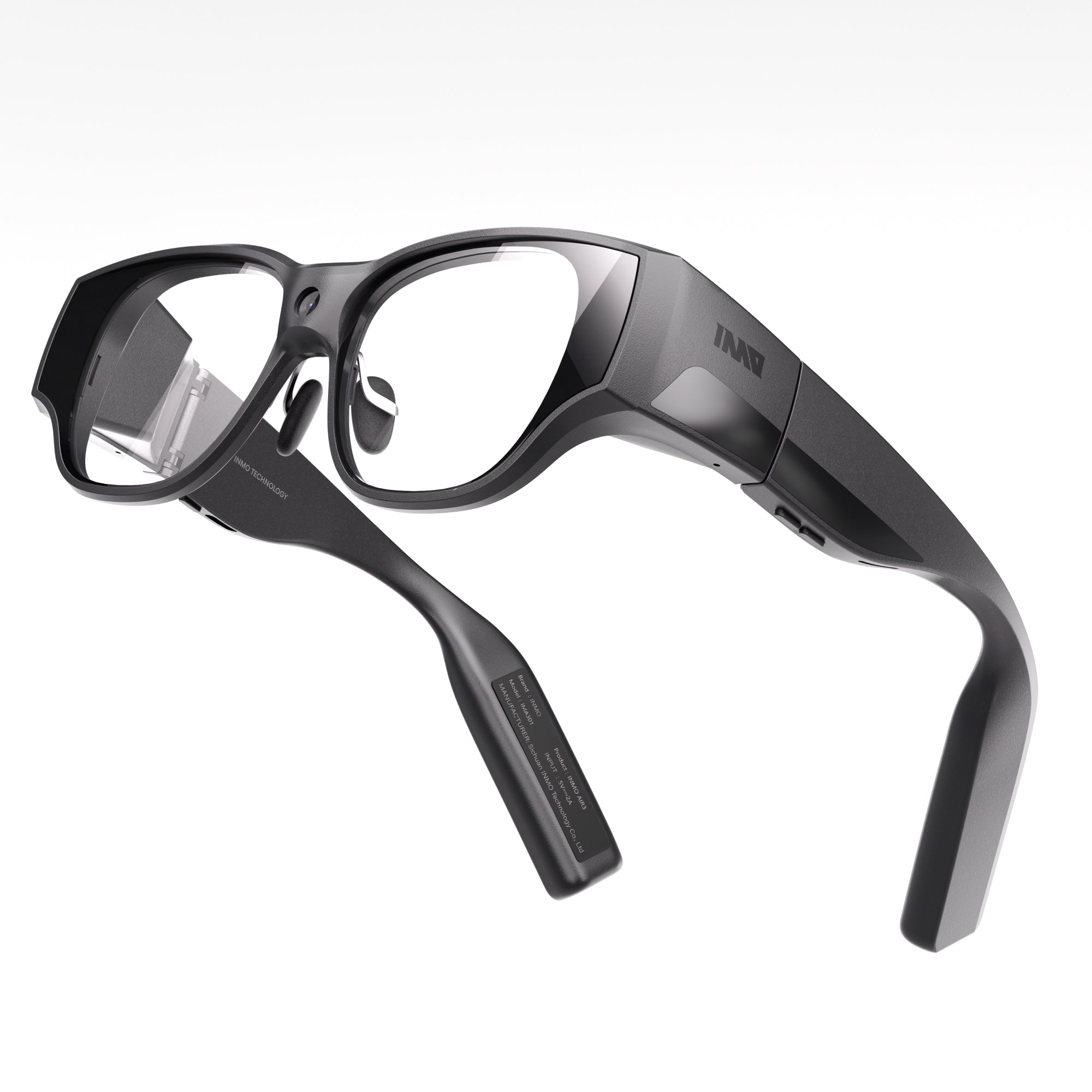
Changing the nose pad size is a small job done at a table before the evening starts. Each nose pad is held to the frame by a tiny screw under a soft rubber cushion, and the small screwdriver for it comes in the box. A cloth laid underneath keeps the screw from rolling away.
- Gently pull down the rubber cushion to expose the tiny screw beneath.
- Turn the screw counterclockwise with the included screwdriver and take out the entire pad frame.
- Line up the new pad frame with the mounting hole and turn the screw clockwise until it is snug, without overtightening it.
- Press the rubber cushion firmly into place until you hear a soft click, then put the glasses on and check the fit.
Choosing Where to Sit for a Long Film
Once the pad size is settled, check the picture from the seat you will watch from before pressing play, which is quicker than adjusting it once the opening scenes are underway.
Lights in the room are worth sorting out at the same time. Set the lamps and curtains as they will be for the film before checking the screen, and sit the way you plan to watch before judging the fit.
Pairing the Controls Before Playback
The right temple has a touch area for interaction within compatible applications, and AIR3 also pairs with the INMO Ring or the INMO Touchpad. Either one can be paired during first setup, and if that step was skipped, Desktop → Peripheral Management on the glasses connects it later. A paired Ring or Touchpad can stay in your hand or on the armrest, so the controls are within reach without lifting a hand to the frame.
Saying the wake word "ok amu" calls up the voice assistant on the glasses. The temple touch area is in use from the very first setup, where swiping up or down on the right temple selects the system language.
Setting the Screen for the Room
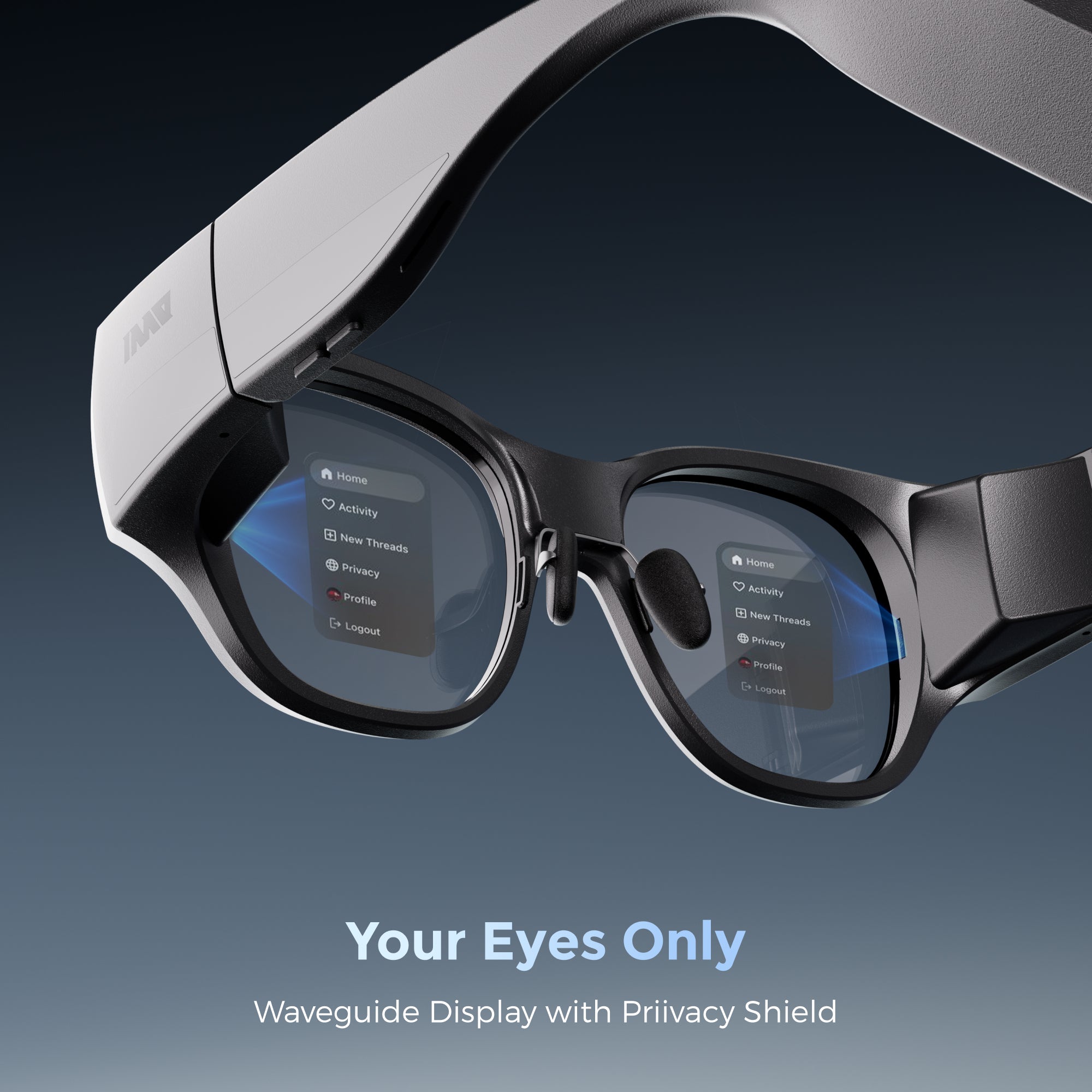
Screen brightness is set in Settings → Display → Brightness by swiping along the slider, and the display reaches up to 600 nits at the top of its range. Its Micro-OLED display shows a 1080P (1920×1080) picture over a 36° field of view. A darker room generally calls for a lower setting than a room with daylight coming in or several lamps on. Turning on Adaptive Brightness in the same menu lets the glasses adjust the level automatically as the light around you changes, which suits evenings when daylight fades during the film. Checking the level during the opening titles, from the seat you chose, is the simplest way to settle it. A dark scene and a bright daytime scene can look quite different at the same setting, so judging the level over a minute or two of the film gives a better reading than a single frame.
Subtitles are worth checking during the same opening minutes, and 1080p AR glasses for movies and subtitles explains how on-screen text appears at this resolution.
Small Adjustments at the Intermission
When putting the glasses back on after a break, settle the pads on the bridge of your nose and check how the lenses align with your forward gaze. During the break, set the glasses down with the lenses facing up, so the lenses stay off the table surface. If a cushion shifted while the glasses were off, press it back into place until you hear a soft click.
Viewers still deciding between a pair of AR glasses and a headset for long films can weigh both options in AR glasses and VR headsets for watching movies.
FAQ
How do you choose which pad size to start with?
Start with the pads already fitted to the glasses and look straight ahead with them on. If the picture sits above or below your line of sight, or the frame tilts away from your eyes, try the next size from the box. Changing one size at a time makes it easy to tell which size puts the picture straight in front of you.
Where should you keep the spare pads?
Keep the two sizes you are not using and the small screwdriver together in their original packaging. That keeps the small parts away from sofa cushions and out of the bottom of a bag.
How should you clean the lenses before a film?
Wipe both lenses gently with a clean, dry microfiber cloth, working from the center toward the edges. Smudges and dust on the outer surface sit in your line of sight for the whole film, so a quick wipe before playback is worth doing. Paper tissues and the hem of a shirt can carry grit, so a dedicated cloth kept with the glasses is the better choice. Keep the cloth in a clean pouch between uses so it does not collect dust of its own.
How do you turn AIR3 off when the film ends?
Press and hold the power button for about 3 seconds. A menu appears with options to power off or restart the glasses, and choosing power off ends the session before you put them away.
Share:
Translation Glasses for First-Time Users: How INMO GO3 Setup Works Before You Buy
AR Glasses for Netflix and YouTube: How to Watch Streaming Video on INMO AIR3