

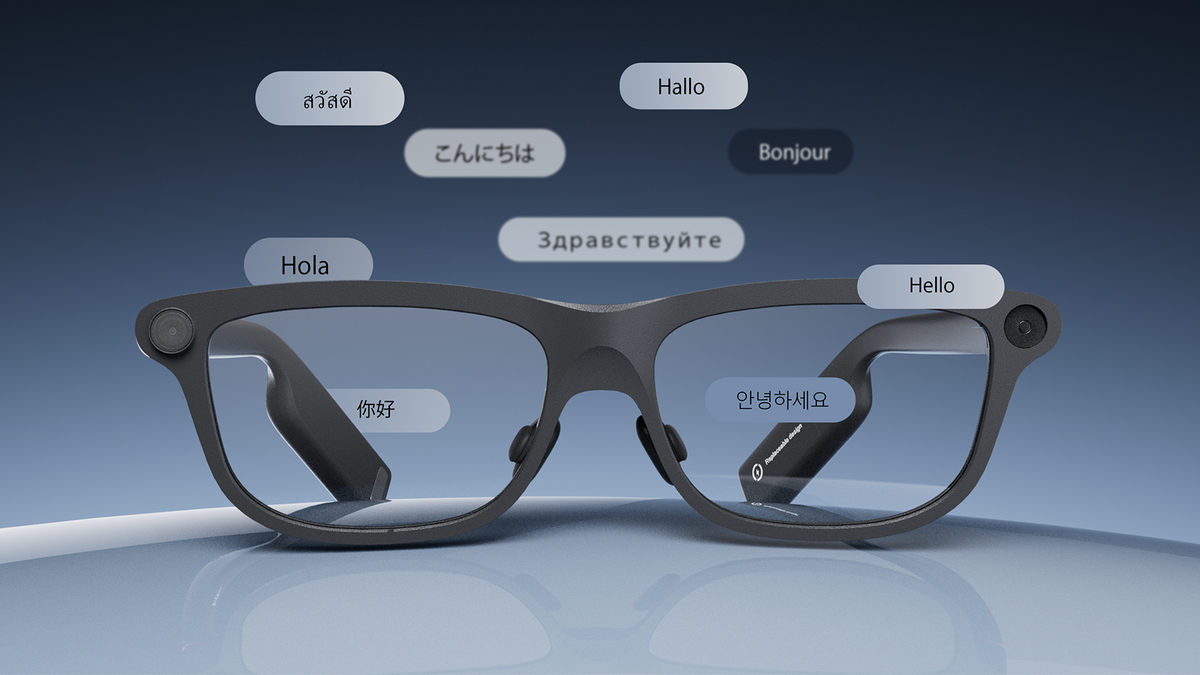
Travelers and business professionals heading abroad regularly navigate two language challenges: following spoken conversation and reading printed text on menus, transit signs, and labels. INMO GO3 combines spoken translation and photo translation into a single pair of smart glasses, displaying results from both modes directly in the lenses. Spoken dialogue appears as real-time subtitles across your view, while text captured by the built-in camera returns a translation on the lens, keeping your attention forward on the conversation or the page in front of you.
INMO GO3 is designed around lightweight wearable translation. At about 58g with 8mm temples, it sits close to everyday eyewear, while its binocular optical engine displays text in both lenses. For international travel and business trips where listening and reading arise throughout the day, having both capabilities in one pair of glasses eliminates the need to hold a phone between speakers or over printed text.
How Spoken Translation Appears in the Lenses
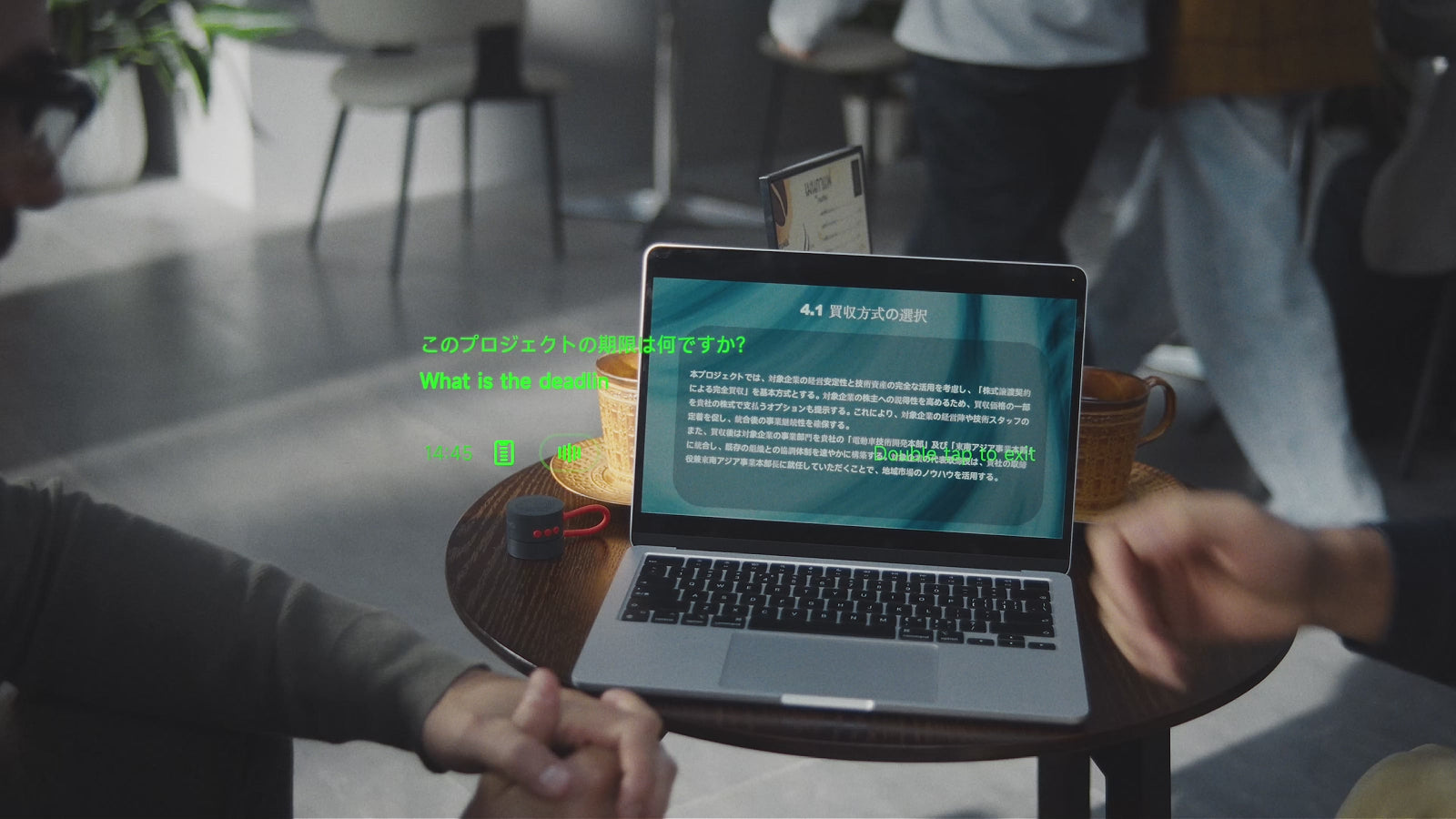
Real-Time Translation on INMO GO3 supports 127 languages online. When someone speaks, the translated text appears on the lens in real time, and you can select either a bilingual view or a translation-only view. The bilingual view presents the original phrase alongside the translation, which is helpful when tracking names, figures, and technical terminology so you can confirm exact wording against the source speech. The translation-only view provides a clean visual field with fewer lines of text, fitting longer listening sessions during presentations, lectures, and conferences.
For interactive exchanges, Two-Way Dialogue Translation covers 78 languages on Android and 82 on iOS. In this mode, incoming speech translates onto your lenses, while your spoken reply translates and plays aloud through your phone speaker or the optional INMO Speaker. While many translation glasses require the other person to look at a phone screen to read translated replies, INMO GO3 plays the translation aloud through your phone speaker or INMO Speaker. This audio output keeps conversations face to face, without asking the other person to check a screen or passing a phone back and forth. The glasses pair with your phone over Bluetooth, and INMO Speaker connects separately to your phone through the INMO Global app.
Audio capture is handled by a 4-microphone array equipped with noise cancellation, paired with a physical GO button on the temple that switches between directional pickup and 360 pickup. Directional pickup is suited for one-on-one exchanges where you face a single speaker directly, while 360 pickup captures dialogue coming from multiple positions around a meeting table. Selecting the pickup mode that matches your physical setting helps the microphones register speech clearly in different acoustic environments.
Photo Translation for Menus, Signs, and Labels
Photo Translation relies on the camera integrated into the front of the GO3 frame. When you encounter printed material such as a restaurant menu, directional signage, or an ingredient label, you point the camera at the text and capture the image to view the translation on the lens. Because the camera is built directly into the eyewear, viewing the translation happens in your normal line of sight as you look toward the physical sign or printed page.
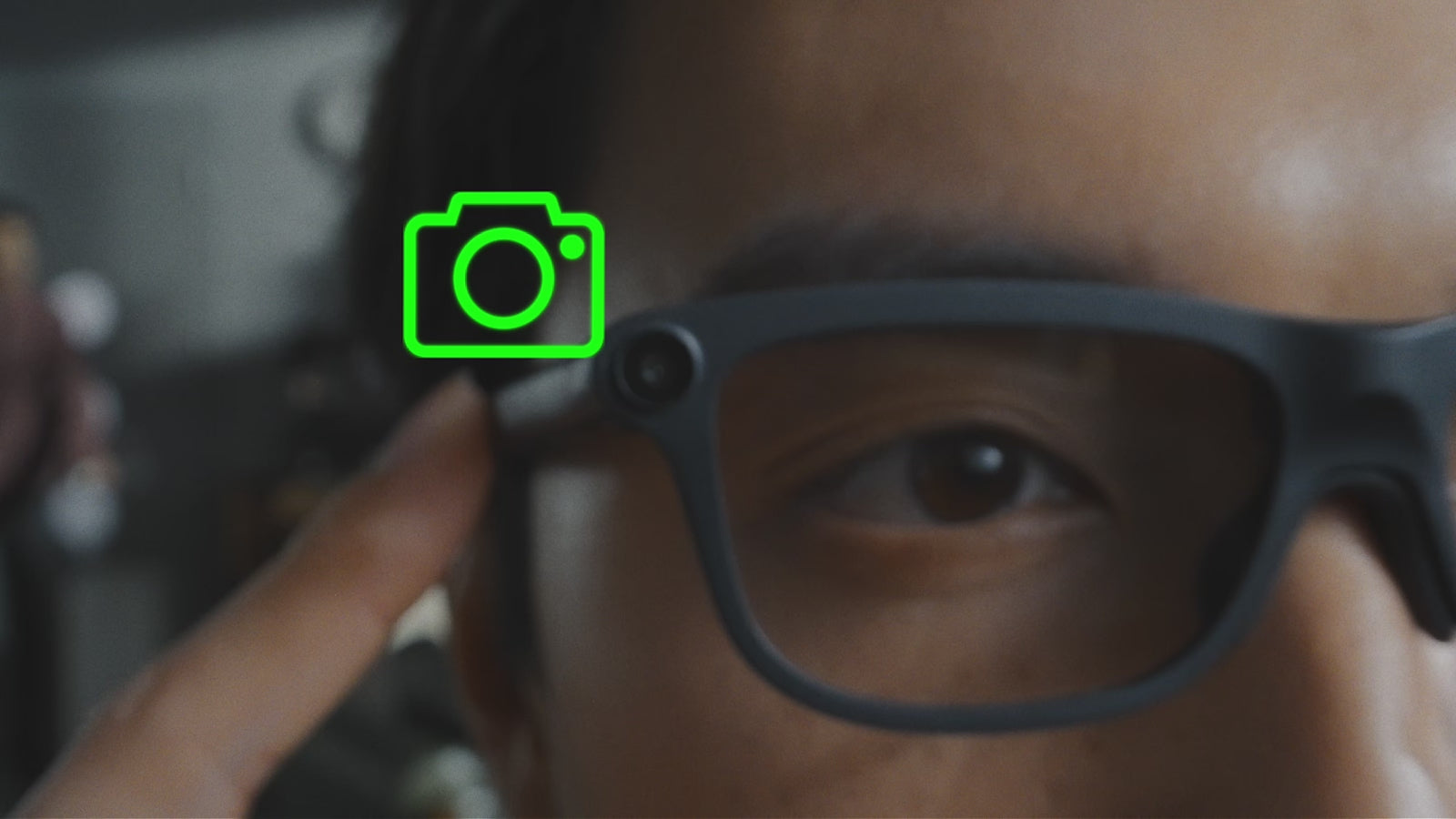
Alongside Photo Translation, GO3 features an Image Recognition capability. Pointing the camera at an object allows you to ask the built-in AI assistant what it sees, reading signs, menus, labels, and packaging. This function helps identify unfamiliar items and written markers in new surroundings, giving you a quick reading of printed details without requiring a separate scanning app.
The camera includes a built-in physical lens cover. Keeping the cover closed whenever you are not capturing text physically blocks the lens and provides a visible sign to people around you that the camera is covered. In locations with specific photography guidelines, following local rules and aiming the lens specifically at the printed text you need to read keeps your use focused and considerate.
Can Smart Glasses Handle Both Spoken Translation and Photo Translation of Menus or Signs?
International travel regularly calls for both spoken translation and photo translation across a single itinerary, from navigating transit signs and menus to participating in meetings and casual conversations. INMO GO3 handles both functions within one pair of glasses, allowing you to switch between speech and text without juggling separate handheld devices, while your smartphone stays paired quietly in your pocket.
Initial setup takes place through the INMO Global app, available for iOS and Android on the official downloads page. Setup is also when you download offline language packs for spoken translation. For offline real-time translation, GO3 covers 9 languages: English, Simplified Chinese, Japanese, Spanish, Korean, French, German, Russian, and Thai.
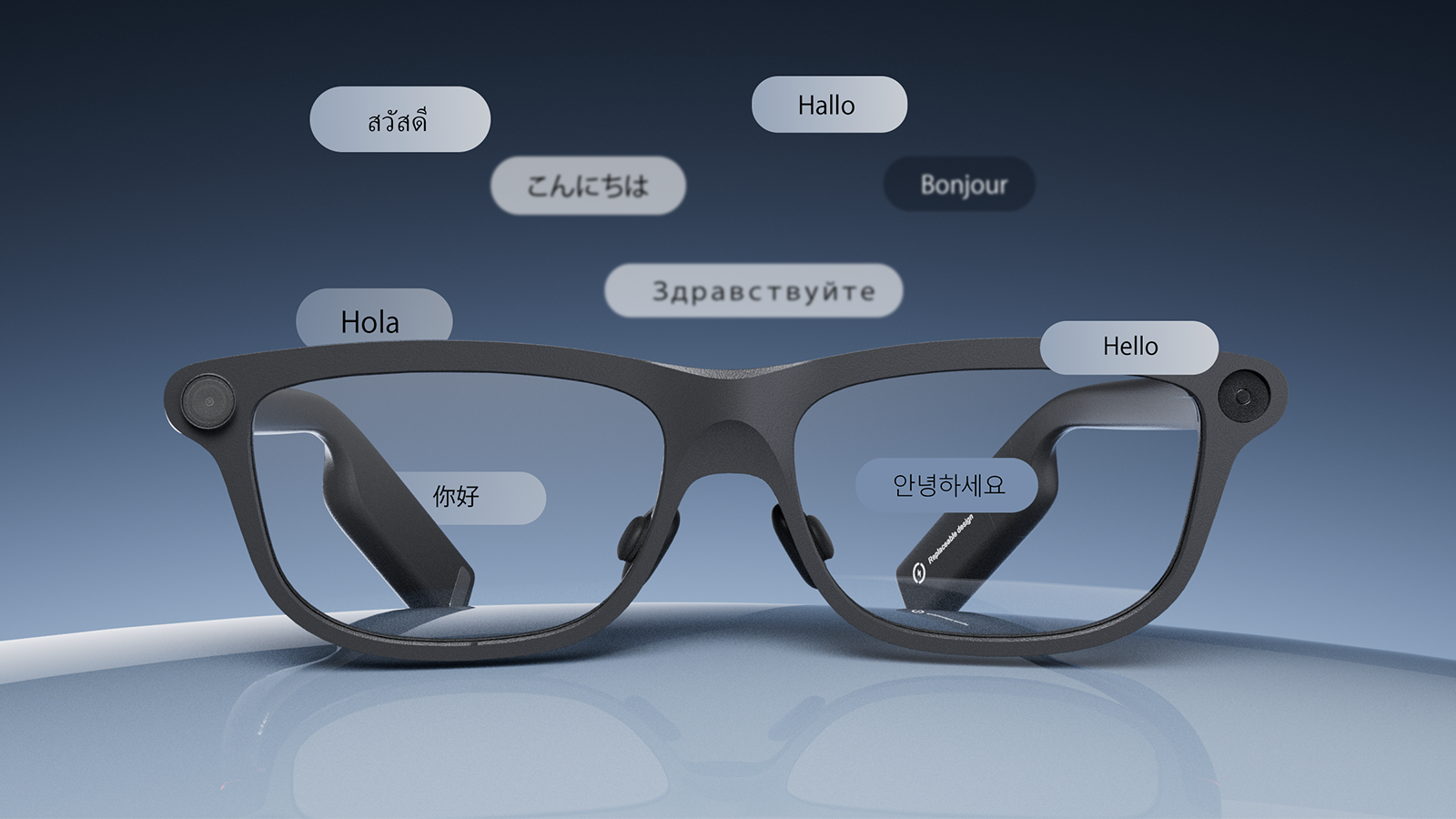
Downloading offline language packs requires an active internet connection, so completing this download before your trip or whenever network access is available keeps the files stored on your device ready for use. Once the language packs are downloaded and the glasses stay paired with your phone, spoken translation in those languages remains functional during flights without Wi-Fi or in areas with intermittent connectivity. When an internet connection is active, online translation expands to the full 127-language catalog.
Display, Fit, and All-Day Battery Support
The visual system uses binocular green Micro LED displays paired with diffractive optical waveguides in both lenses, providing a 30° field of view and 640×480 resolution. Display brightness reaches up to 1500 nits and can be adjusted manually, allowing you to increase luminance under bright outdoor sunlight and lower it in dimmer indoor meeting rooms. Because the display engine projects text across both lenses, translated phrases remain readable within your natural forward view.
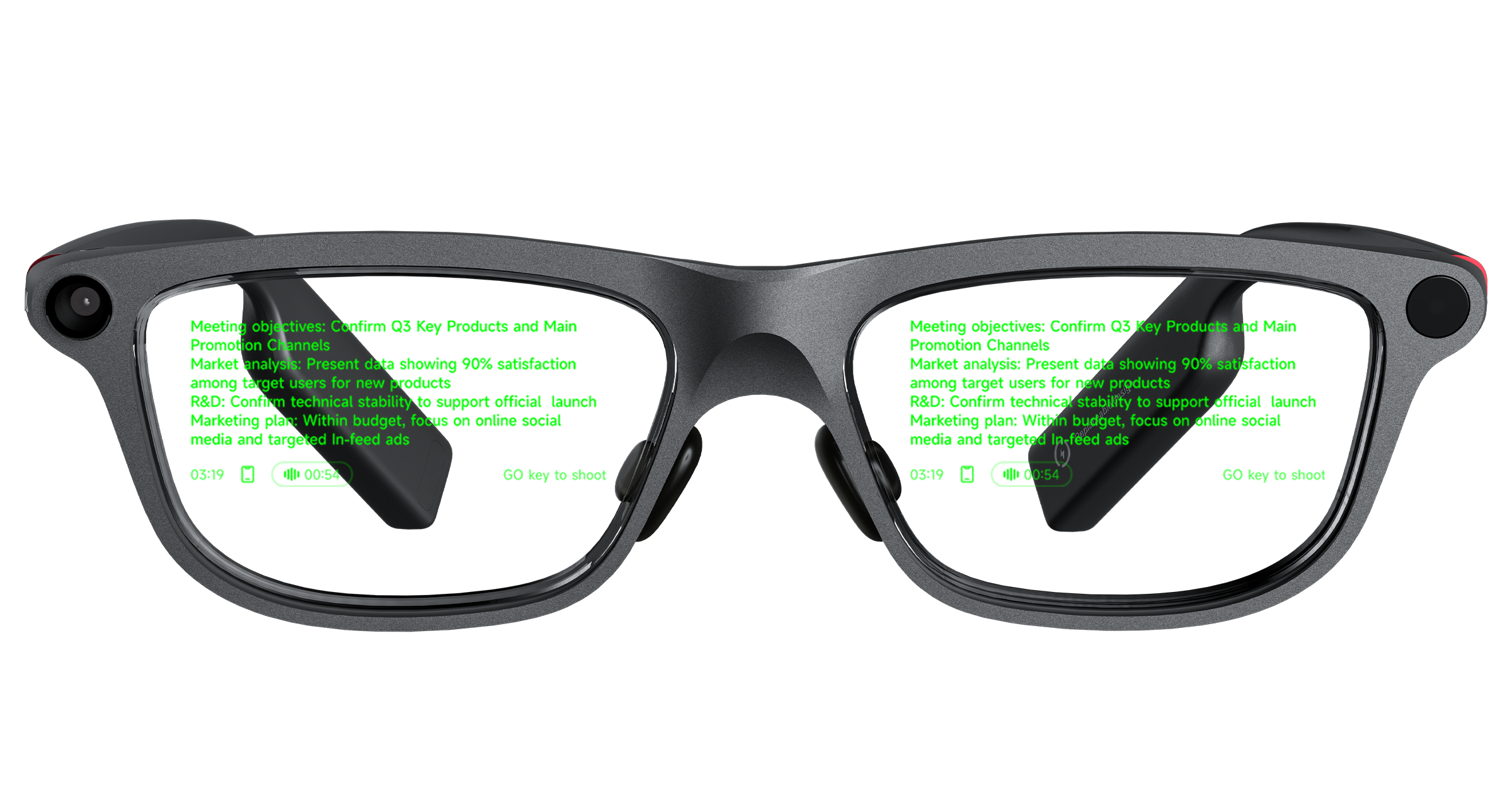
Frame ergonomics are designed to resemble standard prescription eyewear. INMO GO3 weighs approximately 58g and features 8mm ultra-slim temples alongside air cushion nose pads. To accommodate different head sizes and face shapes, each temple can expand outward by 15° at the hinge, maintaining a slim profile comparable to conventional glasses.
Power delivery is managed through a magnetic swappable battery system. Every standard INMO GO3 package includes two swappable batteries and a portable charging case, which together support all-day use. In translation mode, each battery provides up to 3 hours of continuous operation, and swapping a battery takes about five seconds. The 1300mAh portable charging case provides up to 3 to 4 full recharges in total. Before heading out on a travel day, charging your phone, both swappable batteries, and the portable charging case prepares the entire setup to support all-day use.
Frequently Asked Questions
What phone systems and setup are required to use INMO GO3 for translation?
INMO GO3 pairs with both iOS and Android smartphones through the INMO Global app over Bluetooth. The iOS app requires iOS 17.0 or later, while the Android version is available via Google Play. Initial setup involves pairing the eyewear with your phone. Before traveling, you can download offline language packs for spoken translation. Live subtitles and photo translations appear directly on the lenses.
Can I review and share translation records after a meeting or conversation?
All translation sessions automatically synchronize to the INMO Global app on your smartphone. From the app, you can review full transcripts, copy translated sections, and share records with colleagues. The app also generates automated AI summaries from translation sessions, making it straightforward to recap key talking points after a business meeting or discussion.
Is INMO Speaker included in the standard INMO GO3 package?
INMO Speaker is an optional accessory available individually or in selected bundles on the INMO GO3 product page. The standard GO3 package includes the glasses, two swappable batteries, and the portable charging case. For two-way dialogue translation, translated replies can play directly through your phone speaker, so purchasing the separate speaker is optional.
Share:
Teleprompter Glasses for Talking-Head Videos: When They Work Instead of a Camera-Mounted Prompter
Translation Glasses With Live Subtitles and a Conversation History You Can Review