

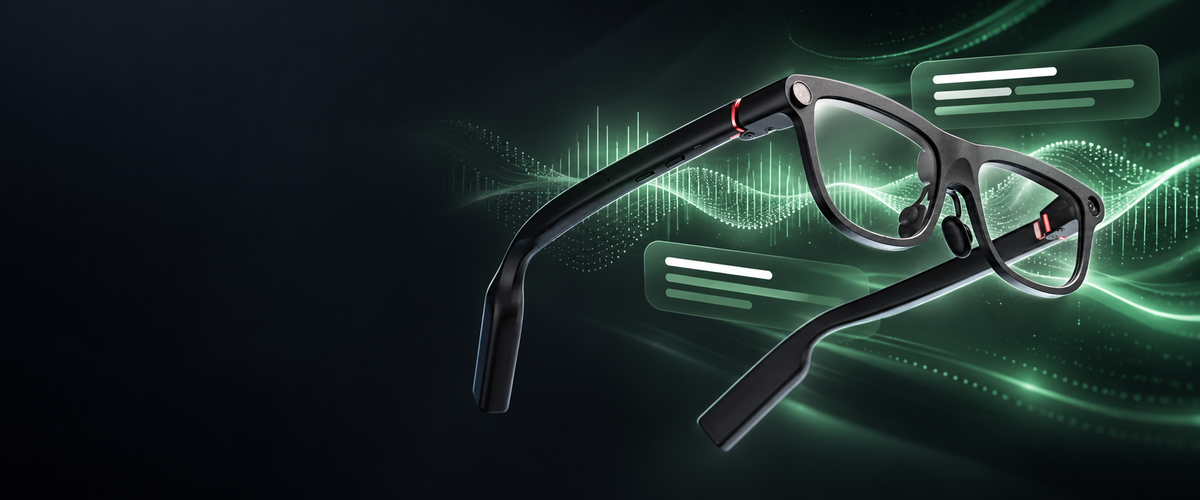
Translation glasses help wearers follow fast-paced speech by displaying text sentence by sentence with low latency as speech occurs. Within this category, INMO GO3 keeps bilingual subtitles in your line of sight while conversation continues.
To handle rapid conversations, INMO GO3 combines configurable on-lens display modes with switchable microphone pickup. Users can choose between translation-only and bilingual text, switch between directional and 360-degree microphone pickup, and route spoken replies through a phone speaker or dedicated external accessory to suit different conversational settings.
Can translation glasses keep up when someone speaks quickly?
INMO GO3 places the translation in your line of sight. Each translated sentence appears on the lens as speech occurs, so you remain facing the speaker while reading the translation.
INMO GO3 uses a binocular Micro-LED optical display with diffraction optical waveguides, projecting green subtitles with a 30-degree field of view and adjustable brightness up to 1500 nits to accommodate different room lighting.

Choosing a display mode for fast talkers
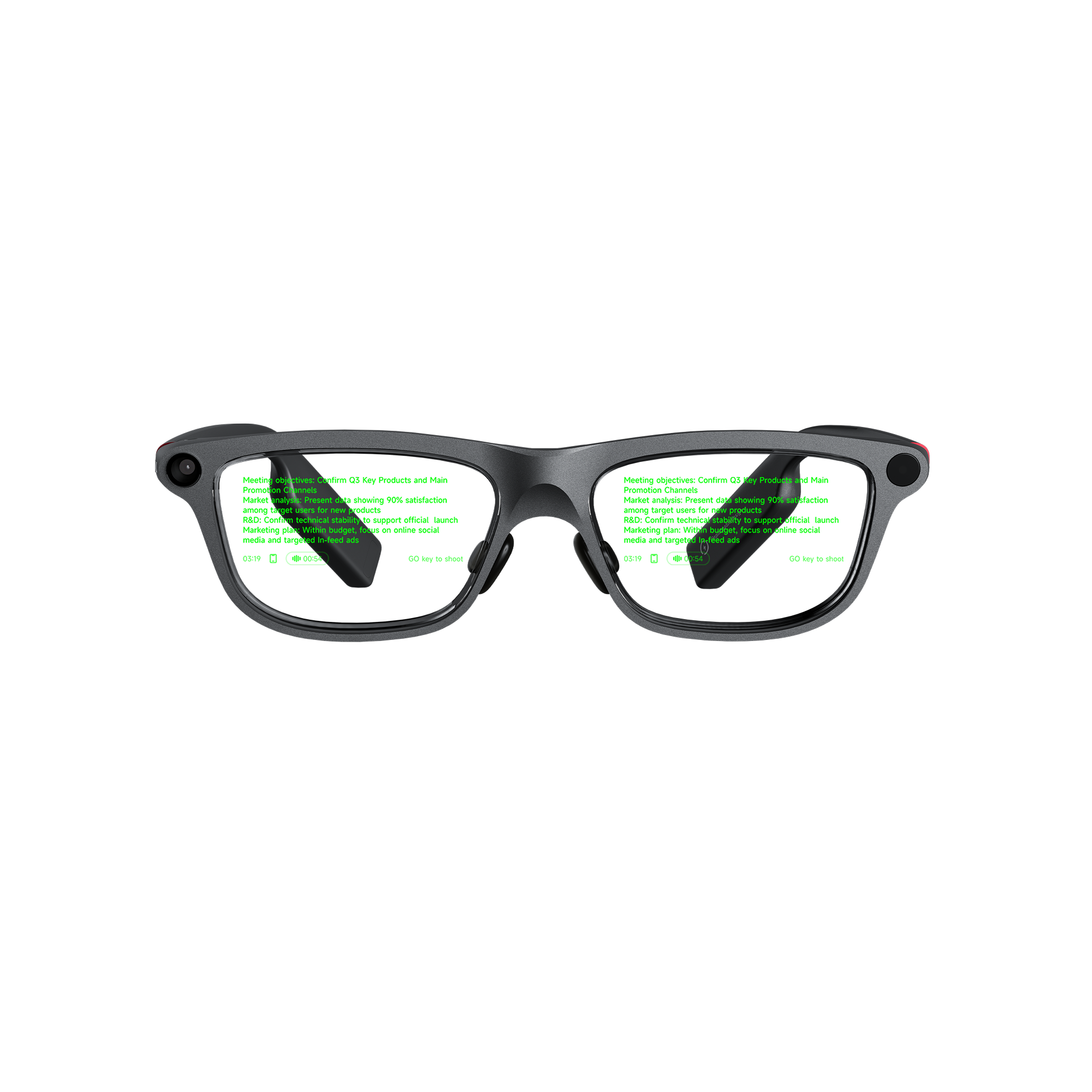
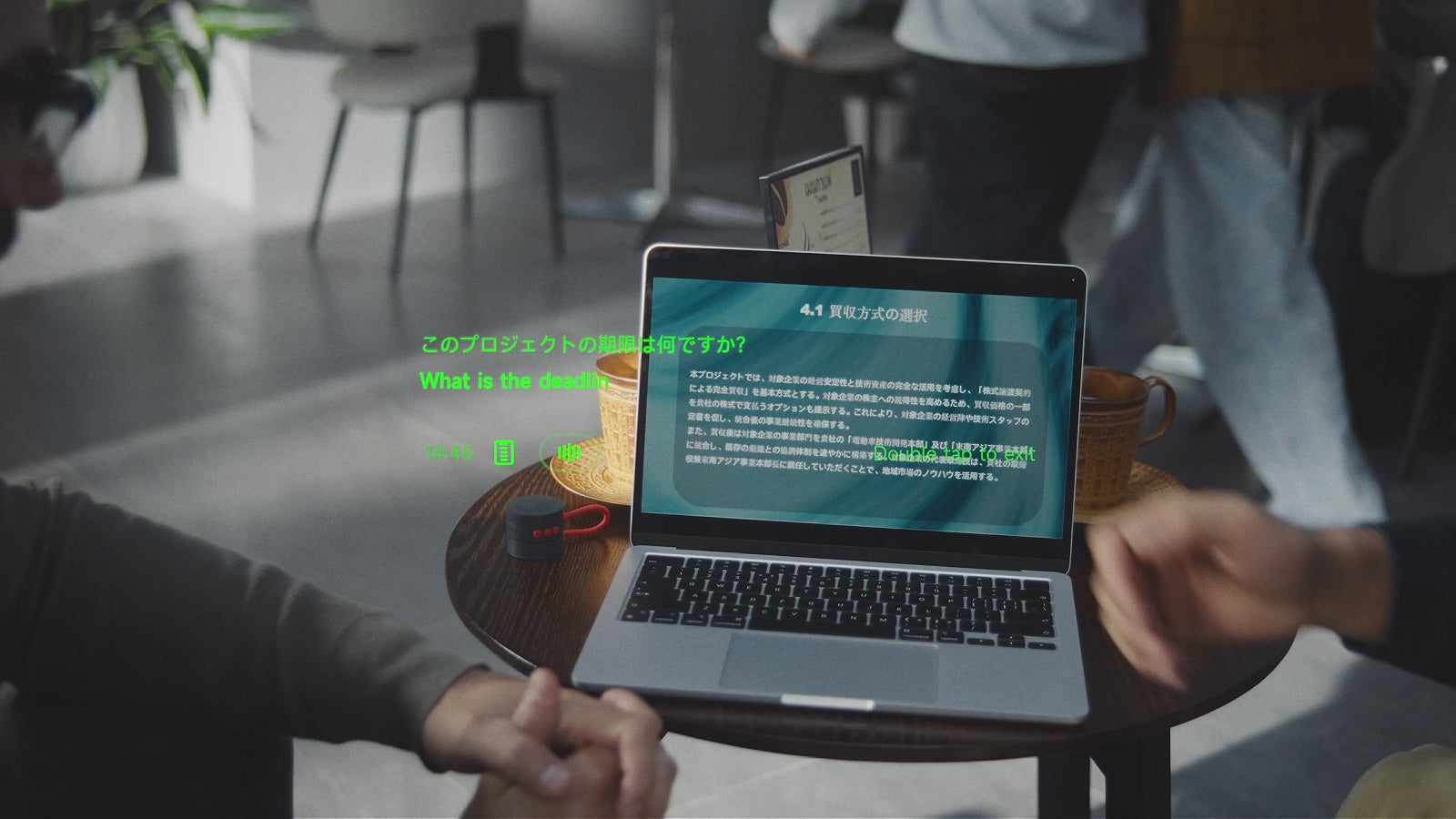
Real-time translation on GO3 offers two display options on the lens: bilingual, which shows the original sentence and the translation together, and translation-only, which shows the translated text alone. Translation-only mode displays less text on the lens, while bilingual mode keeps the original phrasing in view for comparison.
In presentations and technical discussions, bilingual mode helps listeners verify names, figures, or specialized terminology against the original speech.
| Display mode | What appears on the lens | Recommended use |
|---|---|---|
| Translation-only | Translated sentence in target language | When you want to read only the translation |
| Bilingual | Original sentence and translated text together | Meetings, presentations and conferences where comparing terms against the original is helpful |
Directional and 360° pickup for one speaker or several
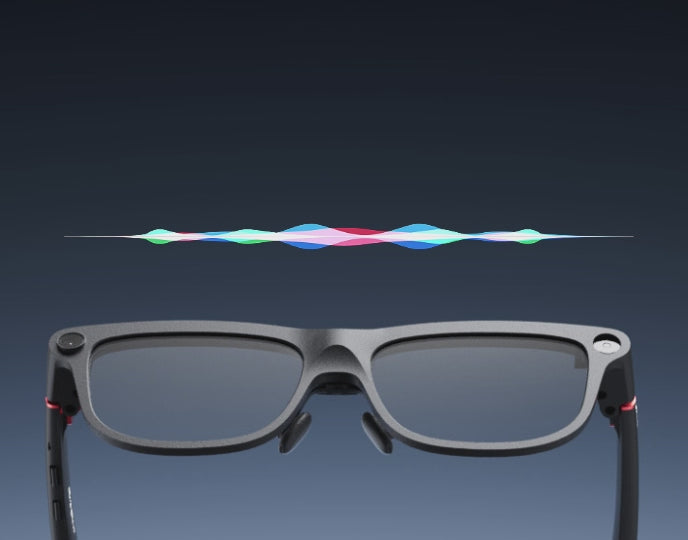
INMO GO3 incorporates a 4-microphone array with noise cancellation to capture spoken input. During Two-Way Dialogue Translation, users switch microphone coverage between directional and 360-degree settings using the temple GO button.
Directional pickup is designed for one-on-one conversations where you are facing a single speaker across a table or in a focused meeting, focusing audio capture forward toward the person speaking. The 360-degree pickup mode is designed for group environments where multiple participants speak from different positions around a table.
For alternative control, the optional INMO Ring4 includes its own GO button that toggles the pickup direction. Ring4 is available separately or as part of select GO3 bundles. It provides an unobtrusive way to adjust pickup modes during meetings without reaching up to touch the temple of the glasses.
How the other person hears your reply
In two-way dialogue, the other person hears your translated reply spoken aloud. Two-Way Dialogue Translation on GO3 supports 78 languages. Translated text displays on your lens, while the translated reply plays aloud through your phone speaker or the optional INMO Speaker.
Many translation glasses require the other person to look at a smartphone screen to complete a two-way exchange. GO3 allows the other person to hear the translation aloud instead, so conversation stays face to face without handing over a phone or waiting for a screen to be passed back and forth.
Available either on its own or packaged within select GO3 sets, the INMO Speaker serves as an add-on accessory. The speaker pairs with your phone, just as GO3 does, providing dedicated audio output that can sit on a conference table between participants. When moving between appointments or traveling, your phone speaker provides the same spoken translation functionality.
Where INMO GO3 fits best
INMO GO3 fits fast-paced client meetings, conferences, and business travel where conversations move quickly.
Weighing approximately 58 grams, INMO GO3 supports extended wear, while two swappable batteries and a portable 1300mAh charging case provide all-day operation.
Frequently asked questions
Why are there 78 languages for two-way dialogue and 98 for real-time translation?
The 78 and 98 language counts correspond to two distinct translation modes on INMO GO3. Two-Way Dialogue Translation covers 78 languages for conversational exchanges where translated replies are spoken aloud through a phone speaker or the optional INMO Speaker. Real-Time Translation covers 98 languages for displaying incoming speech directly on the lens.
Can you switch microphone pickup direction without touching the glasses?
The optional INMO Ring4 lets you switch between directional and 360-degree pickup using its built-in GO button.
Which feature should you use when a speaker talks quickly during a lecture or conference?
Real-Time Subtitles is the recommended feature for lectures, presentations and conferences. It provides a low-latency dual-language display that projects both original speech and translated sentences directly on the lens.


Share:
Translation Glasses vs Translation App: When the Upgrade Is Worth It
Teleprompter Glasses Script Import: How INMO GO3 Brings Your Phone Scripts to the Lens