

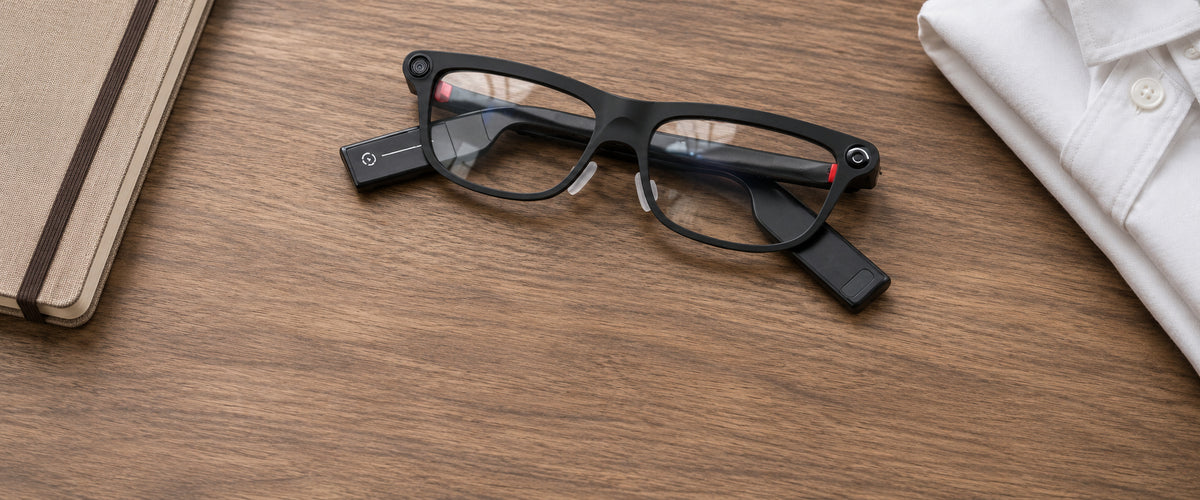
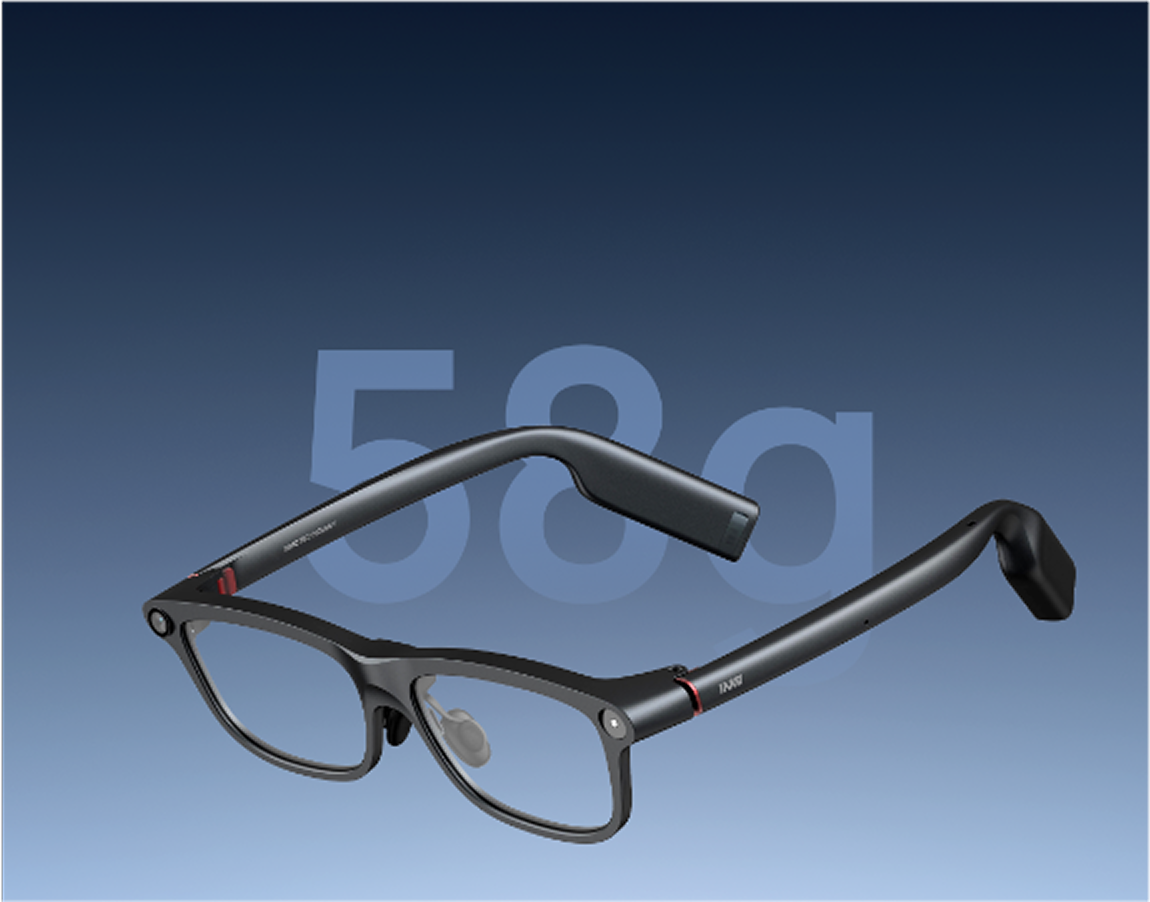
At work, INMO GO3 looks like an ordinary optical frame, weighing about 58g with 8mm ultra-slim temples, while its lenses show translations and notes. Colleagues across a desk, in a meeting room, or on a video call see a familiar outline. Through the binocular display, translated subtitles, teleprompter notes, and phone notifications appear in your line of sight. The frame keeps the usual shape of optical glasses, with two lenses, a bridge, and two temples.
What Makes INMO GO3 Look Like Normal Glasses at Work?
The temples shape much of the impression a frame makes from across a desk or conference table. At 8mm, the GO3 temples keep a slim profile close to that of conventional optical frames, and each temple opens outward by 15 degrees from the hinge to suit different head widths. Air Cushion Nose Pads rest on the bridge of the nose in the same position as the pads on a standard optical frame. The swappable battery attaches magnetically at the back of the left temple, within the frame itself. From the side, that leaves a clean line from the front of the frame to the ear.
The front frame features a CNC-machined matte surface, an understated texture in keeping with everyday optical eyewear worn with business or smart-casual office clothing.
Wearing GO3 as Your Everyday Glasses
Wearers who need vision correction can add official custom prescription lenses, an optional accessory ordered separately. The official custom prescription lenses are designed to fit INMO GO3 and are made to an individual prescription, so a current prescription from an eye exam is the starting point for ordering them.
With the lenses fitted, vision correction and the on-lens display come from one frame. When the display is not needed, the lenses go on correcting your vision as ordinary optical lenses do.
When you first put GO3 on, check the fit the way you would with any new optical frame. The front should sit level across the face, both nose pads should rest evenly on the bridge of the nose, and the temples should run back over the ears without pressing against the sides of the head. Each temple's 15-degree outward opening is there to accommodate different head widths, and a quick look in a mirror from the front and the side shows whether the frame sits straight.
Between home and the office, GO3 can travel in a glasses case like any pair of prescription glasses, and the portable charging case with the spare battery can go in the same bag.
Covering the Camera in Meetings and Shared Workspaces
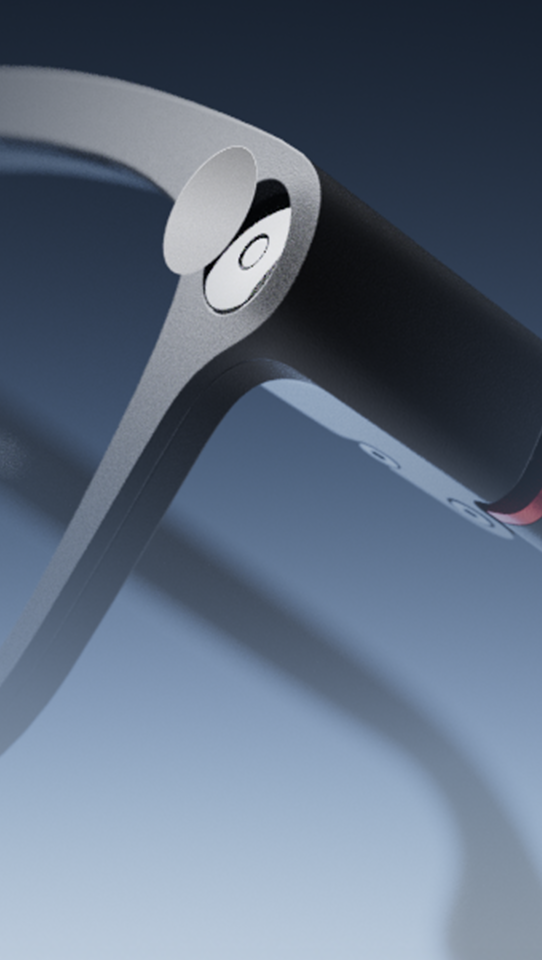
INMO GO3 includes an integrated camera positioned in the corner of the frame for photos and video clips up to 60 seconds. In meeting settings or collaborative workspaces where camera presence is sensitive, a physical camera cover can be placed over the camera lens, and the box includes nine covers. A glance at the front corner of the frame shows whether the lens is covered before a discussion starts. Spoken translation and meeting recording use the four-microphone array with noise cancellation.
What Colleagues See and What You See
Subtitles, script lines, and notifications appear in green on both lenses. The binocular monochrome Micro LED display uses diffractive waveguides, with a 30° field of view and 640×480 resolution.
Office lighting changes through the day, from bright windows in the morning to a darker room during a screen share. Display brightness adjusts up to 1500 nits, so the green text can be set to suit a sunlit open-plan floor or a dim meeting room. Setting it once for the main workspace and adjusting it when you move rooms keeps the text at a level you choose.
What INMO GO3 Handles During the Workday
| Work task | GO3 feature | What it gives you |
|---|---|---|
| Cross-language meetings | Real-time translation in INMEET, 127 online languages | Translated subtitles on the lens, switchable to the original-language text |
| Presentations and reports | AI Teleprompter with Voice-Following in 7 languages | The script on the lens, following your voice |
| Meeting documentation | Audio recording with transcription and AI summary | Transcripts, AI summaries, and to-do items |
| Incoming messages | Notification sync from your phone | Short text alerts on the lens |
| Getting to the office | HERE Maps walking and cycling navigation | Directions on the lens |
Cross-language meetings also have a one-to-one mode. Two-way dialogue translation works in 78 languages with an Android phone and 82 with an iPhone. Their words show up on your lenses already translated, and your translated reply is read aloud through your phone speaker or the optional INMO Speaker so the other person hears it directly. GO3 and the optional INMO Speaker each connect to the INMO Global app on your phone. GO3 also includes 21 industry glossaries.
Meetings held in one shared language have their own options. INMEET can transcribe speech into same-language text on the lens and on your phone as people talk, and INMEET also records in-person meetings, phone calls, and calls made through apps like WhatsApp or Zoom.
Presentations use the AI Teleprompter, which places the script on the lens and moves it forward with Voice-Following as you speak. Pages can also be turned by hand, on the temple touchpad or with the optional INMO Ring4.
Recording and summarizing meetings at work with GO3 walks through transcription and note sharing in more detail.
Quick Help Between Tasks
GO3 has a built-in AI assistant for short questions between tasks. Pressing and holding the power button for about 1 second wakes it.
When a meeting is going to be recorded, a short mention at the start of what is being recorded and why keeps everyone in the room informed, including visitors from outside the company.
FAQ
How do you plan battery use across a full workday?
The set comes with two swappable batteries and a portable charging case for up to 24 hours of total use. Keep the spare battery charging in the case and change batteries during a break between meetings; GO3 turns back on after a press of about 3 seconds on the power button.
Does GO3 look like ordinary glasses when the smart features are not in use?
A quick tap on the power button turns the display off. With the display off and a camera cover applied over the lens, the frame presents the appearance of standard optical glasses. Powering the glasses off or on is controlled by a 3-second press of the same button.
How do you keep the frame looking clean during the workday?
Remove any dust particles from the lens surface first, then wipe the lenses gently with a clean, soft cloth, without pressing hard. The matte front can be wiped with the same soft cloth. Putting the glasses in a glasses case whenever they come off keeps the lenses away from keys, pens, and other desk clutter.
Can the frame camera translate a printed page at work?
Photo Translation translates the text in a photo of a printed handout or a label in another language, using an internet connection.
Share:
AR Glasses That Work Without a Phone: How INMO AIR3 Runs on Its Own
Translation Glasses for Long Travel Days Without Frequent Charging Stops