

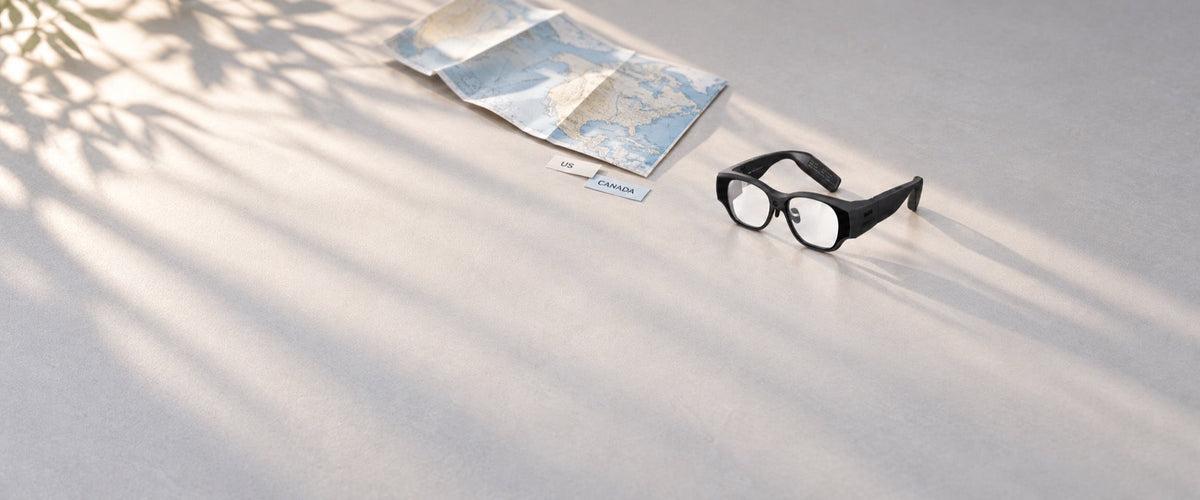
The US and Canadian recall notices for INMO AIR3 smart glasses share the same core scope. Both apply to black AIR3 units sold between December 2025 and August 2026 and address a left-temple overheating burn hazard. In the United States, the Consumer Product Safety Commission (CPSC) notice specifies that INMO will assist users with a free online system update to V3.16, and the Health Canada notice calls for the same update. Both notices instruct owners to stop using affected units until the update is complete.
Differences between the two notices include the regulatory reference numbers, the unit counts recorded for each country (about 1,643 units in the United States and about 120 units in Canada), and the national telephone hotlines. Both notices were issued on September 24, 2026, and direct email inquiries to the shared address support.usa@inmoxr.com.
How do the US and Canadian AIR3 recall notices differ?
| Item | United States | Canada |
|---|---|---|
| Notice published | September 24, 2026 | September 24, 2026 |
| Recall reference | CPSC Recall No. 26-797 | Health Canada RA-82650 |
| Units affected | About 1,643 | About 120 |
| Time period sold | December 2025 to August 2026 | December 2025 to August 2026 |
| Product identification | Black AIR3 with "AIR3" and "INMO" on a label inside the right temple | Same black AIR3 and right-temple label |
| Hazard | Left temple may overheat during prolonged use, posing a burn hazard | Same overheating and burn hazard |
| Required action | Stop using the glasses; INMO assists with a free online system update to V3.16 | Stop using the glasses until the system is updated to version 3.16 |
| support.usa@inmoxr.com | support.usa@inmoxr.com | |
| Phone | 1-888-212-9620 | 1-800-689-8547 |
| Phone hours | Monday to Friday, 9 a.m. to 5 p.m. ET | Monday to Friday, 9 a.m. to 5 p.m. ET |
Regarding safety reports, the US notice records 10 incidents of overheating, including burning sensations experienced on the face and left ear, and notes a hazard of serious injury or death from burns. In Canada, the notice reports no incidents or injuries as of September 17, 2026.
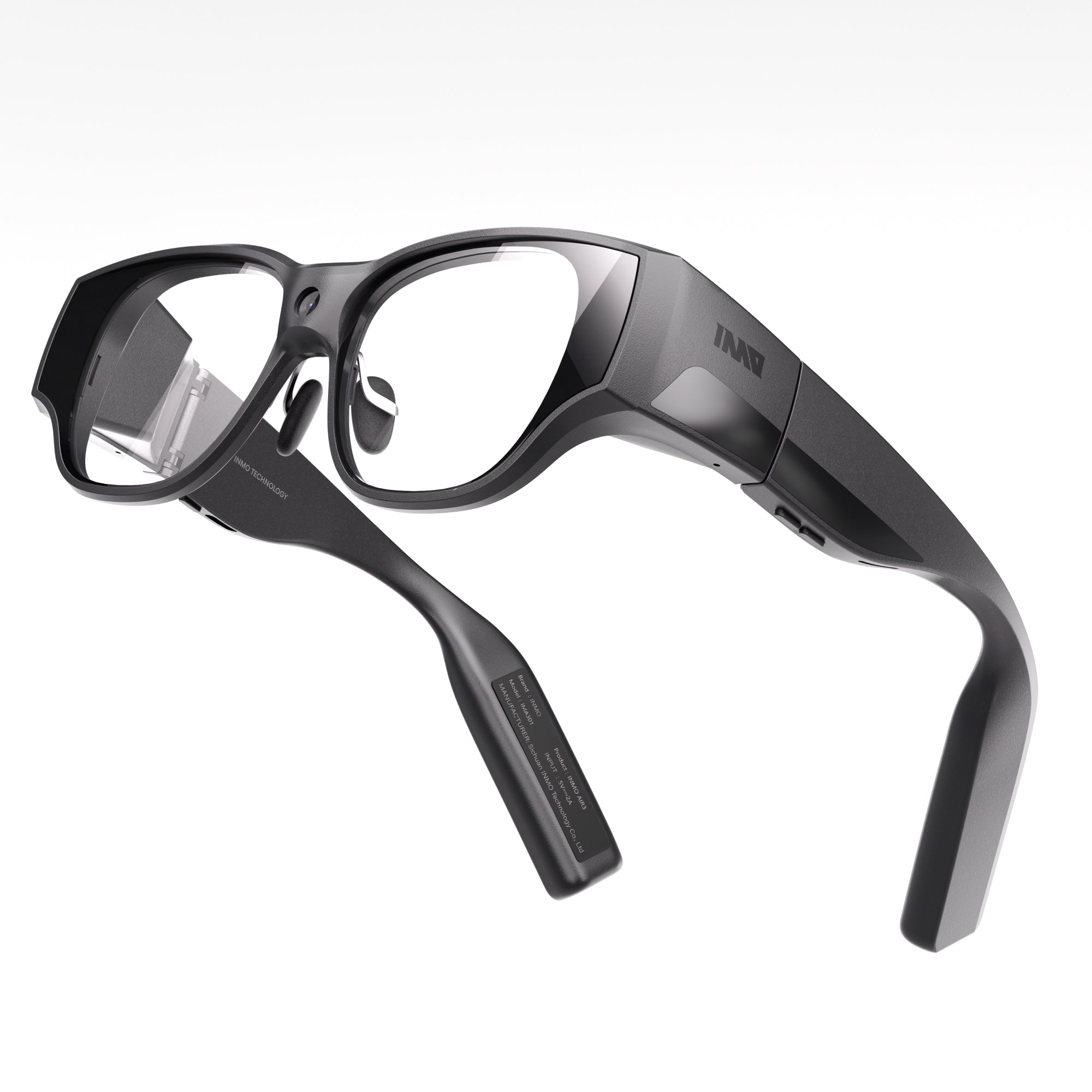
Affected units were sold online through Amazon.com, Kickstarter.com, and inmoxr.com. They have a black frame and a label inside the right temple printed with "AIR3" and "INMO", and checking that label alongside the purchase date shows whether a pair is part of the recall.
The shared remedy: an online system update to V3.16
INMO provides remote assistance for owners in the United States and Canada to complete the free online system update to V3.16. The corrective process follows six practical steps:
- Stop using the AIR3 immediately, avoiding even brief sessions, until the system update is completed.
- Verify the model markings on the inner temple to confirm that the glasses match the recalled unit.
- Contact INMO by emailing support.usa@inmoxr.com at any time, or call the appropriate national phone hotline during weekday business hours.
- Provide the intake details requested by INMO support to begin the update.
- Follow INMO's technical guidance to install the online system update to V3.16.
- Resume using the glasses once the V3.16 installation is complete.
The update itself is installed on the glasses. From the glasses desktop, open the Settings app, tap "About the Smart Glasses" and then [System Version]. When the check detects a new version, tap "Update Now" to download the software package, then tap "Update Now" again to install it. The [System Version] entry is also the place to confirm that the AIR3 is running V3.16 before the glasses go back into use.
Before starting, connect the glasses to the internet, keep the battery above 80%, and reserve at least 1GB of free storage, since AIR3 system update packages are about 1GB in size. Under Storage in Settings, the AIR3 shows how much space the system, apps, and videos, images and documents occupy, much like the storage section on an Android phone. In the Files app, deleting videos, images, or documents that are no longer needed with the Touchpad frees up room for the package. Files worth keeping can be copied off first: connect the glasses to a computer with the official AIR3 USB data cable, open "IMA301" or "Internal Shared Storage" in This PC, and move the videos and photos to the computer before deleting them on the glasses. During installation, do not operate, shut down, or restart the glasses; the AIR3 restarts automatically once the update is complete.
The guide to the AIR3 recall remote fix provides additional background on the remote update approach, and the INMO Support Center serves as the official hub for general product support.
Preparing a recall request from either country
A recall request starts with the same three items in both countries: a photograph of the affected AIR3, the purchase channel, and the order number if one is available. The photograph works best when it shows the markings inside the right temple, and the purchase channel is Amazon.com, Kickstarter.com, or inmoxr.com. Sending these details in the first email lets INMO support confirm the unit and arrange the free online update to V3.16.
Order confirmations or crowdfunding pledge records typically show both the purchase platform and the order number. Adding the national recall reference to the email subject line, CPSC Recall No. 26-797 for the United States or Health Canada RA-82650 for Canada, labels the message by country.
For questions outside the recall, the INMO contact page provides general customer service channels. All inquiries regarding the AIR3 recall should proceed directly through the designated recall email and telephone lines.
Frequently asked questions
Which email address and phone number should AIR3 owners in Canada use?
Canadian owners should send recall inquiries to support.usa@inmoxr.com, the shared support email specified in both the Canadian and US recall notices. For phone contact, Canadian owners should call 1-800-689-8547, available Monday through Friday from 9 a.m. to 5 p.m. Eastern Time.
Why are the AIR3 unit counts listed separately for each country?
The notices list the affected units by the country where they were sold, so each figure shows the sales in that country during the recall window. Owners in both countries follow the same steps to identify their glasses and arrange the update.
Are V3.16 and version 3.16 the same update?
The CPSC notice writes the update as V3.16 and the Health Canada notice as version 3.16. Both refer to the same system version, so owners in either country complete the recall with the same update.
Share:
AIR3 Recall Support vs Repair: Which Request Applies to Your Glasses
Smart Glasses With Translation and Meeting Recording: Both Workflows in INMO GO3