

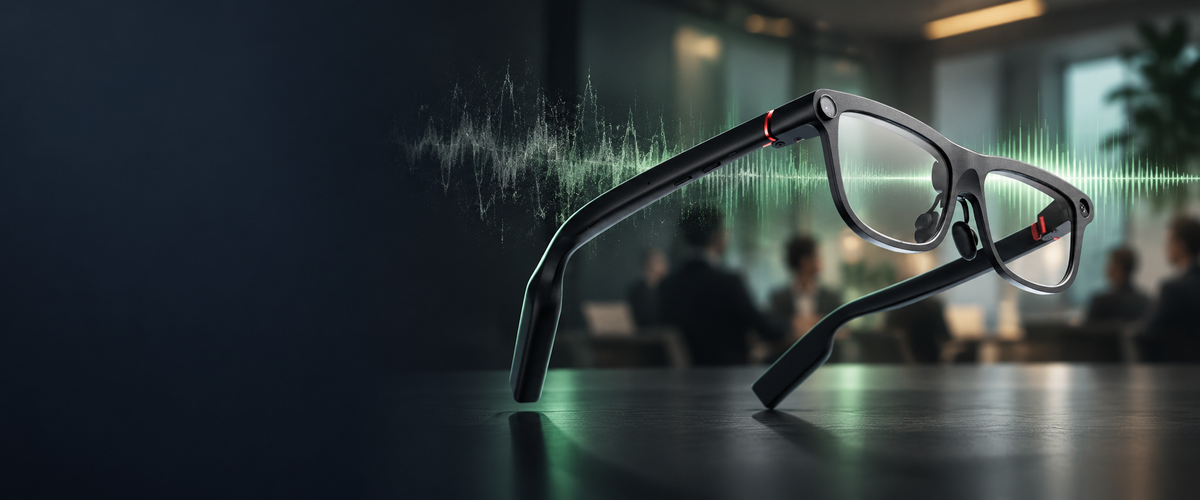
For meeting recording in noisy settings, built-in microphones and noise reduction take clear priority over camera features. A dedicated 4-microphone array paired with advanced noise cancellation allows INMO GO3 to capture speech across in-person discussions, regular phone calls, and communication apps. Recorded dialogue transcribes automatically into text alongside one-tap AI summaries and actionable to-do items, while a physical lens cover keeps the built-in camera covered throughout sensitive meetings.
Five key priorities guide the choice of smart glasses for meeting recording in loud spaces: the microphone array and noise reduction, audio source coverage, note generation, battery planning, and frame comfort.
Why Do Microphones Matter More Than a Camera for Meeting Recordings?
Written transcripts, meeting summaries, and action item lists are generated from spoken dialogue. In shared workspaces, conference rooms, or client offices, ambient sounds like HVAC hum, keyboard typing, and nearby conversations can interfere with speech. When choosing smart glasses for meeting recording, microphone configuration and noise reduction deserve far more attention than camera specs or video resolutions.
The frame incorporates a 4-microphone array paired with advanced noise cancellation to pick up speech during discussions. INMO GO3 captures conversations directly through wearable microphones alongside real-time translation and on-lens subtitles, without placing a standalone recorder or phone on the table.
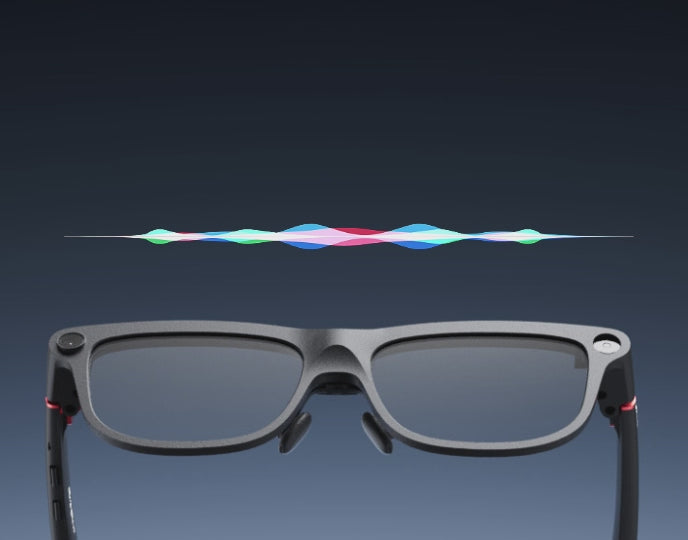
Recording In-Person Meetings, Phone Calls, and App Calls
Communication often moves between face-to-face meetings, standard mobile calls, and virtual conferences conducted on mobile devices. INMO GO3 supports recording across this range, covering live in-person conversations, regular phone calls, and calls placed through third-party apps such as WhatsApp and Zoom.
When a recording involves other people, users should follow local rules and professional standards regarding recording notice and consent.
From Recording to Transcript, Summary, and To-Dos
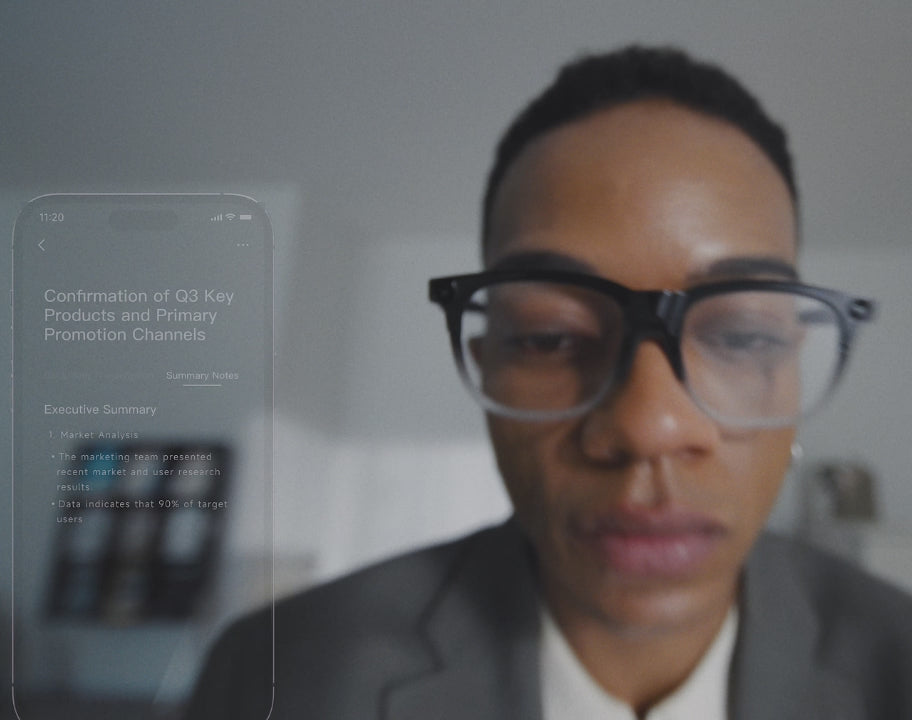
INMO GO3 automatically transcribes recorded audio into written text. From the app, a single tap generates an AI meeting summary along with actionable to-do items that outline key decisions and next steps.
Transcripts and AI summaries can be copied or shared with one tap through the app interface. Meeting notes can be forwarded directly to colleagues who were unable to attend. The generated summary highlights action items, while the full transcript preserves specific conversational details for quick verification.
Camera Features and Meeting Privacy on INMO GO3
While an integrated camera captures photos and short video clips up to 60 seconds when visual notes are needed, speech recording and on-lens subtitles handle core meeting documentation.
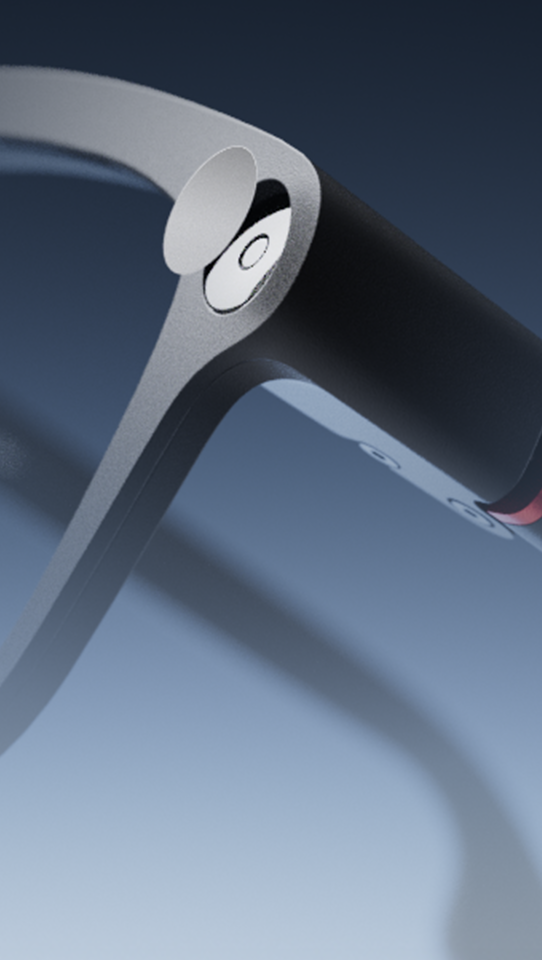
A physical lens cover mechanically blocks the camera lens, giving participants in the room a visible indication of privacy.
The table below outlines how INMO GO3 features address common meeting recording priorities.
| Meeting recording priority | INMO GO3 feature | Practical application |
|---|---|---|
| Voice pickup in noisy rooms | 4-microphone array with advanced noise cancellation | Picks up speech during discussions in open offices and meeting rooms |
| Mixed conversation formats | Recording for in-person meetings, phone calls, and app calls (WhatsApp, Zoom) | Covers face-to-face meetings and mobile app calls with a single wearable device |
| Structured post-meeting notes | Auto-transcription and one-tap AI summaries with actionable to-dos | Converts spoken dialogue into transcripts, summaries, and action item lists |
| Visible lens coverage in meetings | Integrated camera with physical lens cover | Keeps the camera lens physically covered during confidential discussions |
| Power management across long days | Two swappable 270mAh batteries and 1300mAh portable charging case | Supports full-day meeting schedules using quick 5-second battery swaps |
Battery Planning and Ergonomics for All-Day Wear
When choosing smart glasses for meeting recording, power planning and frame comfort determine whether the device stays practical to use throughout the workday.
Two swappable batteries combined with the portable charging case support full-day meeting schedules.
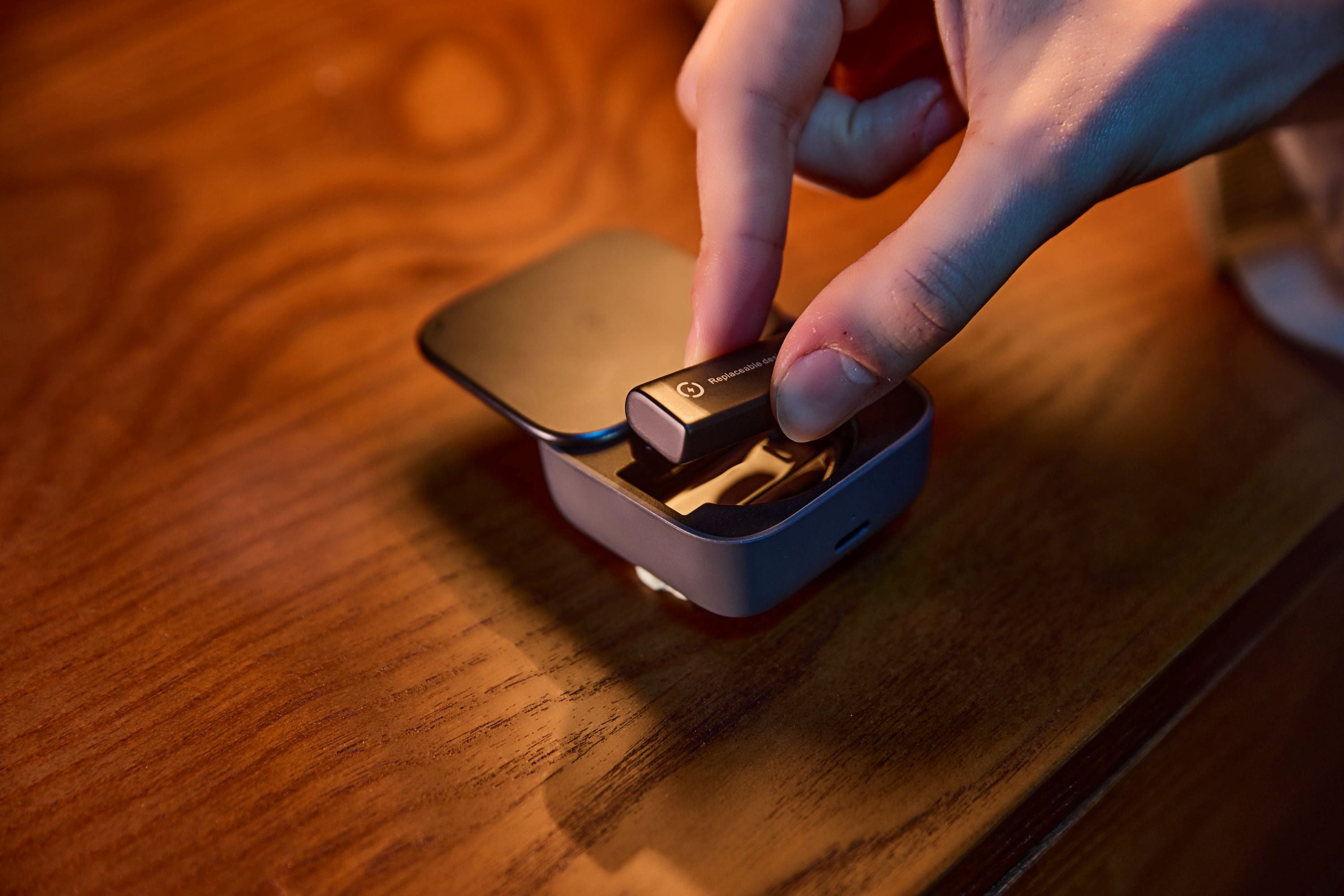
Physical comfort is also essential when wearing glasses through back-to-back meetings. Frames that feel heavy or create pinch points can become uncomfortable over several hours. At approximately 58g, INMO GO3 uses 8mm ultra-slim temples to maintain a light feel across long meetings.
FAQ
Can the lens cover stay closed throughout a meeting while audio recording and transcription continue?
Audio recording and automated transcription proceed normally while the physical lens cover remains closed throughout a meeting, because voice capture relies on the built-in microphone array rather than the camera.
Can you start recording a call that is already in progress?
Pressing the GO button on the temple starts recording manually at any point during an active call. This quick-start option works during regular phone conversations as well as calls placed through third-party apps such as WhatsApp and Zoom.
Can standard phone calls record automatically without starting them manually each time?
Standard phone calls can record automatically by enabling the auto-recording option in the INMO Global app.


Share:
Translation Glasses vs Translation App: When the Upgrade Is Worth It
Teleprompter Glasses Script Import: How INMO GO3 Brings Your Phone Scripts to the Lens